# pan
**Repository Path**: wfdaj/php-pan
## Basic Information
- **Project Name**: pan
- **Description**: No description available
- **Primary Language**: Unknown
- **License**: MIT
- **Default Branch**: main
- **Homepage**: None
- **GVP Project**: No
## Statistics
- **Stars**: 0
- **Forks**: 0
- **Created**: 2024-10-14
- **Last Updated**: 2024-10-14
## Categories & Tags
**Categories**: Uncategorized
**Tags**: None
## README
---
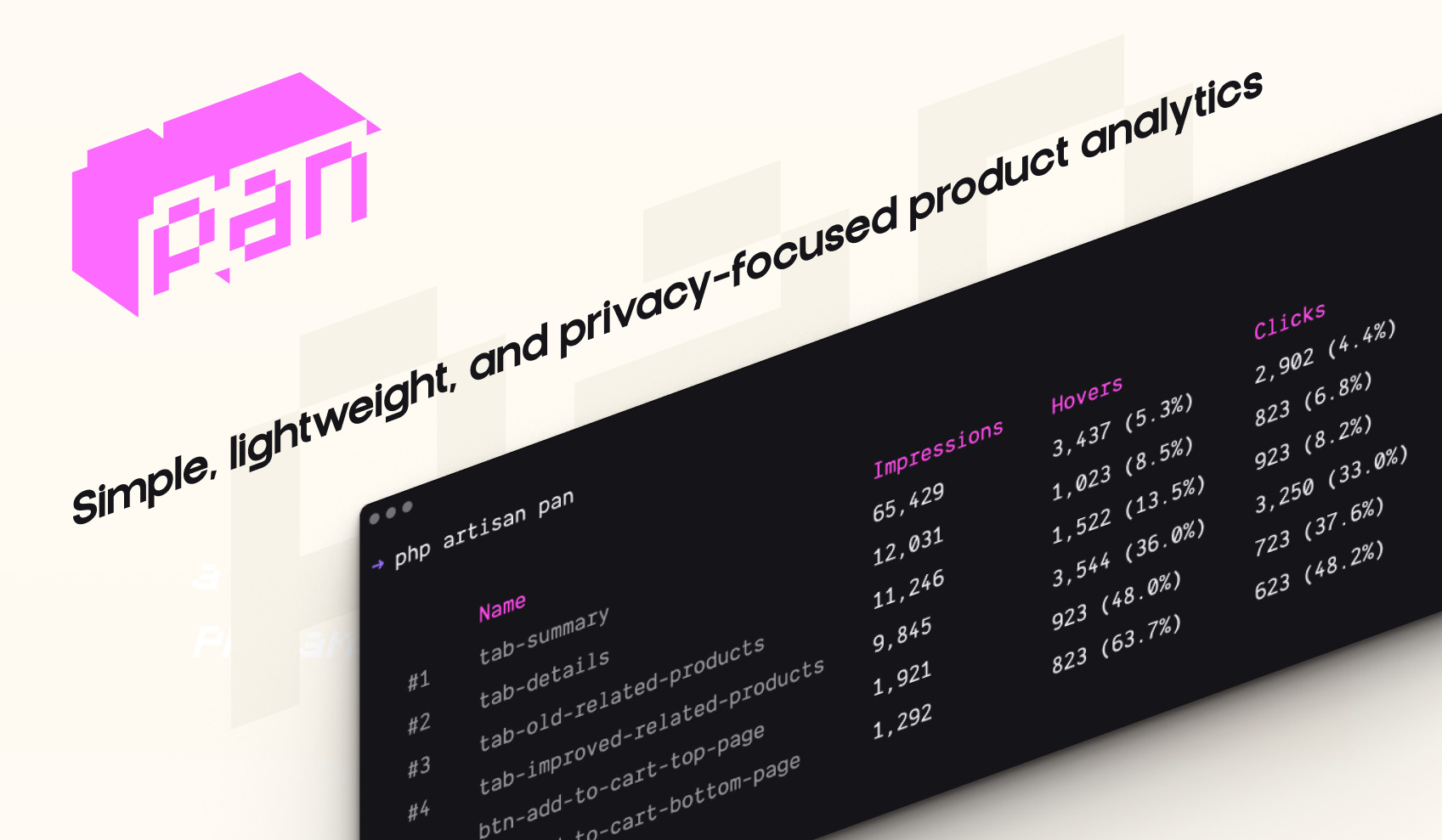
**Pan is a lightweight and privacy-focused PHP analytics library**. It’s designed as a very simple package that you can install via `composer require` and start tracking your pages or components with **a simple `data-pan` attribute**.
At the time of writing, Pan tracks only the following events: impressions, hovers, and clicks. It does not collect any personal information, such as IP addresses, user agents, or any data that could be used to identify a user.
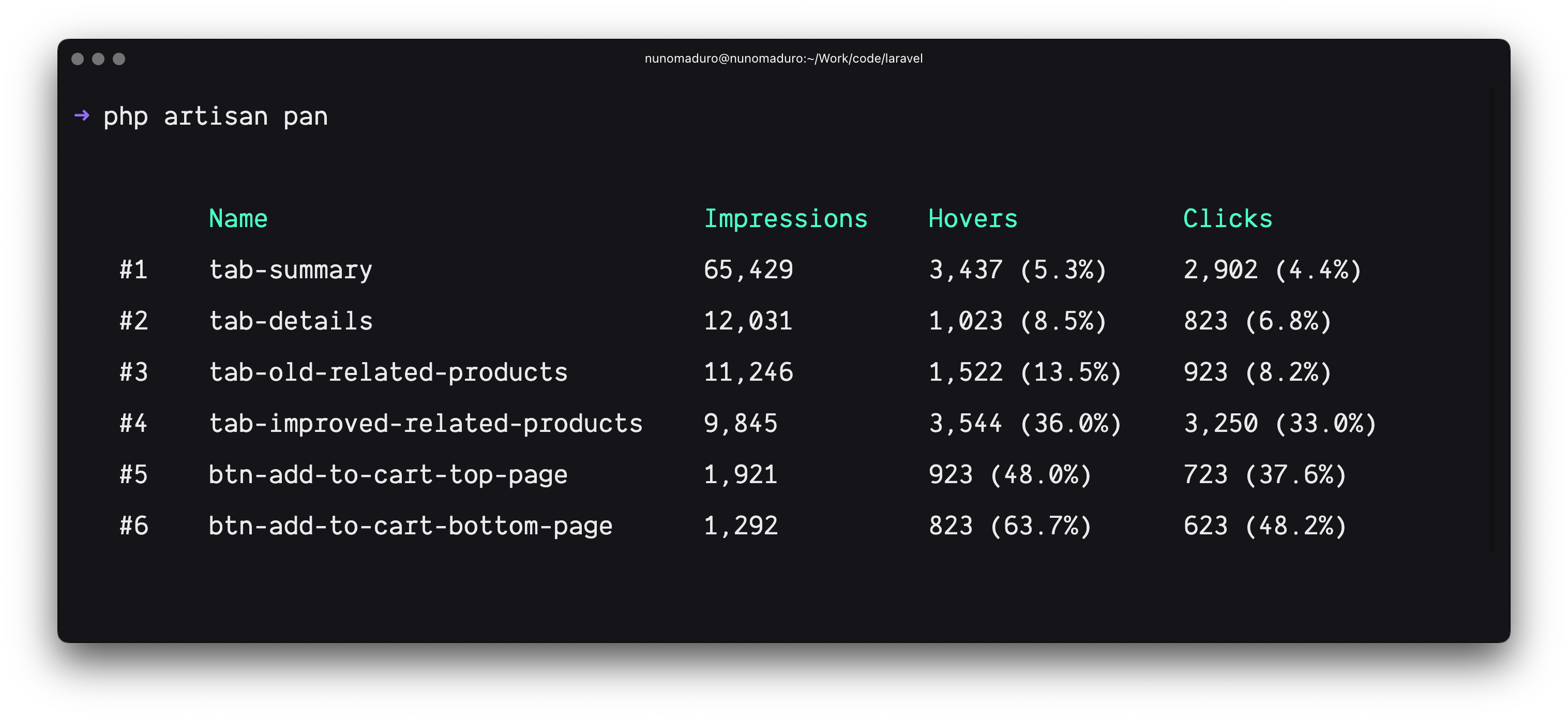
Using the `php artisan pan` command, you can visualize your analytics data and, hopefully, use this information to improve your application.
## Get Started
> **Requires [PHP 8.3+](https://php.net/releases/)**, and [Laravel 11.0+](https://laravel.com).
You may use [Composer](https://getcomposer.org) to require Pan into your PHP project:
```bash
composer require panphp/pan
```
After, you may install Pan into your Laravel project using the following command:
```bash
php artisan install:pan
```
Finally, you may start tracking your pages or components adding the `data-pan` attribute to your HTML elements:
```html
```
## Visualize your analytics
To visualize your analytics, you may use the `pan` Artisan command:
```bash
php artisan pan
```
## Flush your analytics
To flush your analytics, you may use the `pan:flush` Artisan command:
```bash
php artisan pan:flush
```
## How does it work?
Via middleware, Pan injects a simple JavaScript library into your HTML pages. This library listens to events like `viewed`, `clicked`, or `hovered` and sends the data to your Laravel application. Note that this library does not collect any personal information; such as IP addresses, user agents, or any information that could be used to identify a user.
Also on the client-side, these events are collected in a very performant way and batched together to reduce the number of requests to your server.
On the server-side, Pan only stores: the analytic name, an a counter of how many times the different events were triggered. Via the `pan` Artisan command, you may visualize this data, and hopefully use this information to improve your application.
### Considerations
- By default, Pan only allows 50 or fewer analytics to be stored. This prevents any potential abuse of the system, as the analytics "name" are controlled on the client-side. (open to suggestions on how to improve this)
## License
Pan is open-sourced software licensed under the [MIT license](LICENSE.md).