# weex-ui-demo
**Repository Path**: wurj/weex-ui-demo
## Basic Information
- **Project Name**: weex-ui-demo
- **Description**: No description available
- **Primary Language**: Unknown
- **License**: Not specified
- **Default Branch**: master
- **Homepage**: None
- **GVP Project**: No
## Statistics
- **Stars**: 0
- **Forks**: 0
- **Created**: 2018-05-31
- **Last Updated**: 2020-12-19
## Categories & Tags
**Categories**: Uncategorized
**Tags**: None
## README
# Weex Ui Demo
## Start
### Before
Before installing, It`s recommended that your Node version >= 8.0, Also recommended to use [n](https://github.com/tj/n) for version management, while suggesting NPM version >= 5.
And make sure [weex-toolkit](https://github.com/weexteam/weex-toolkit) is latest. You can see more in [【with-weex-toolkit】](https://alibaba.github.io/weex-ui/#/docs/with-weex-toolkit).
### Clone it
> git clone https://github.com/tw93/weex-ui-demo.git
> npm i
### Running
Start a Web server at 8080 port
> npm run serve
> weex src/index.vue
Add a weex platform of Android and run commands for testing
> weexpack platform add android
> weex run android
Add a weex platform of iOS and run commands for testing
> weexpack platform add ios
> weex run ios
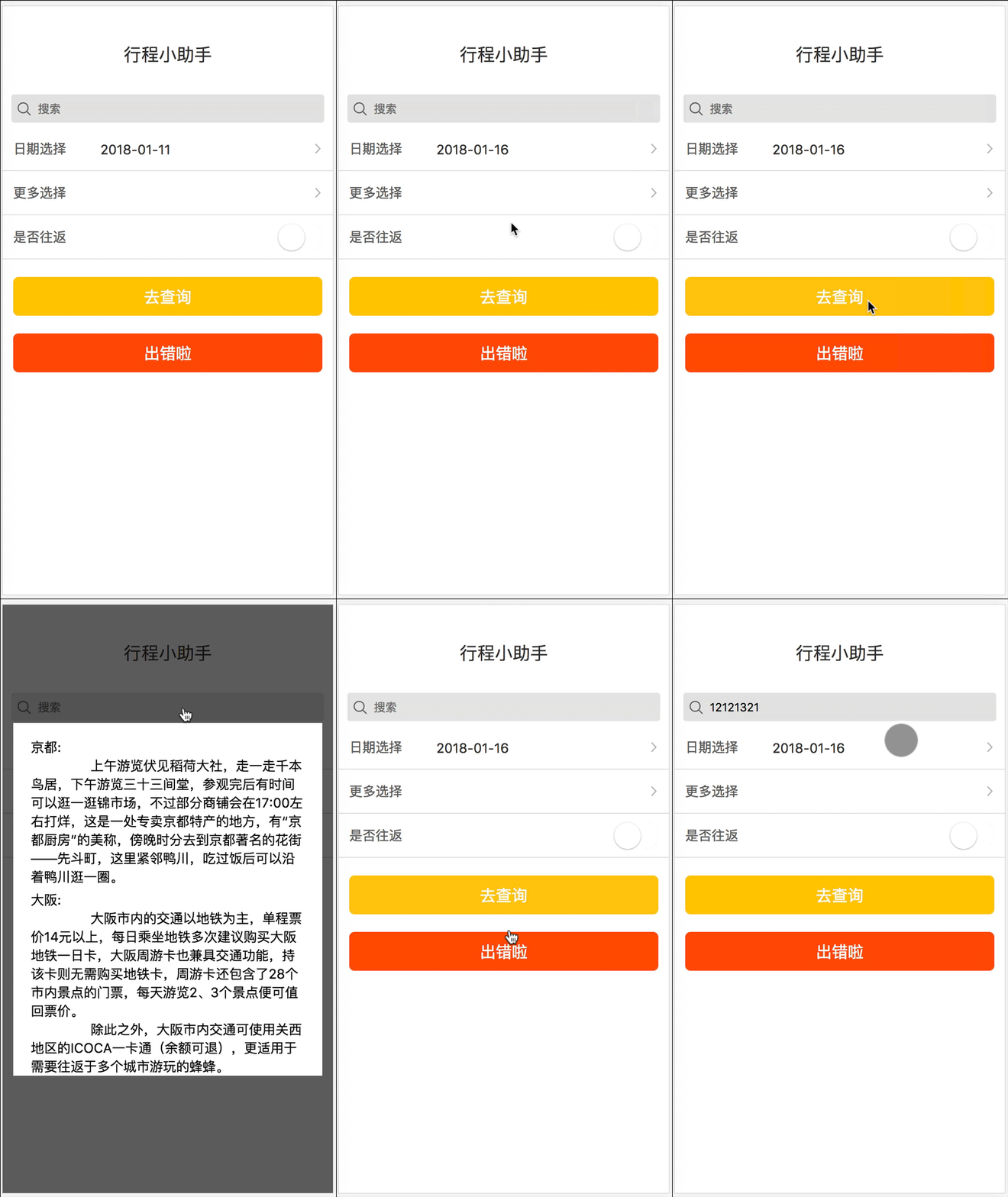
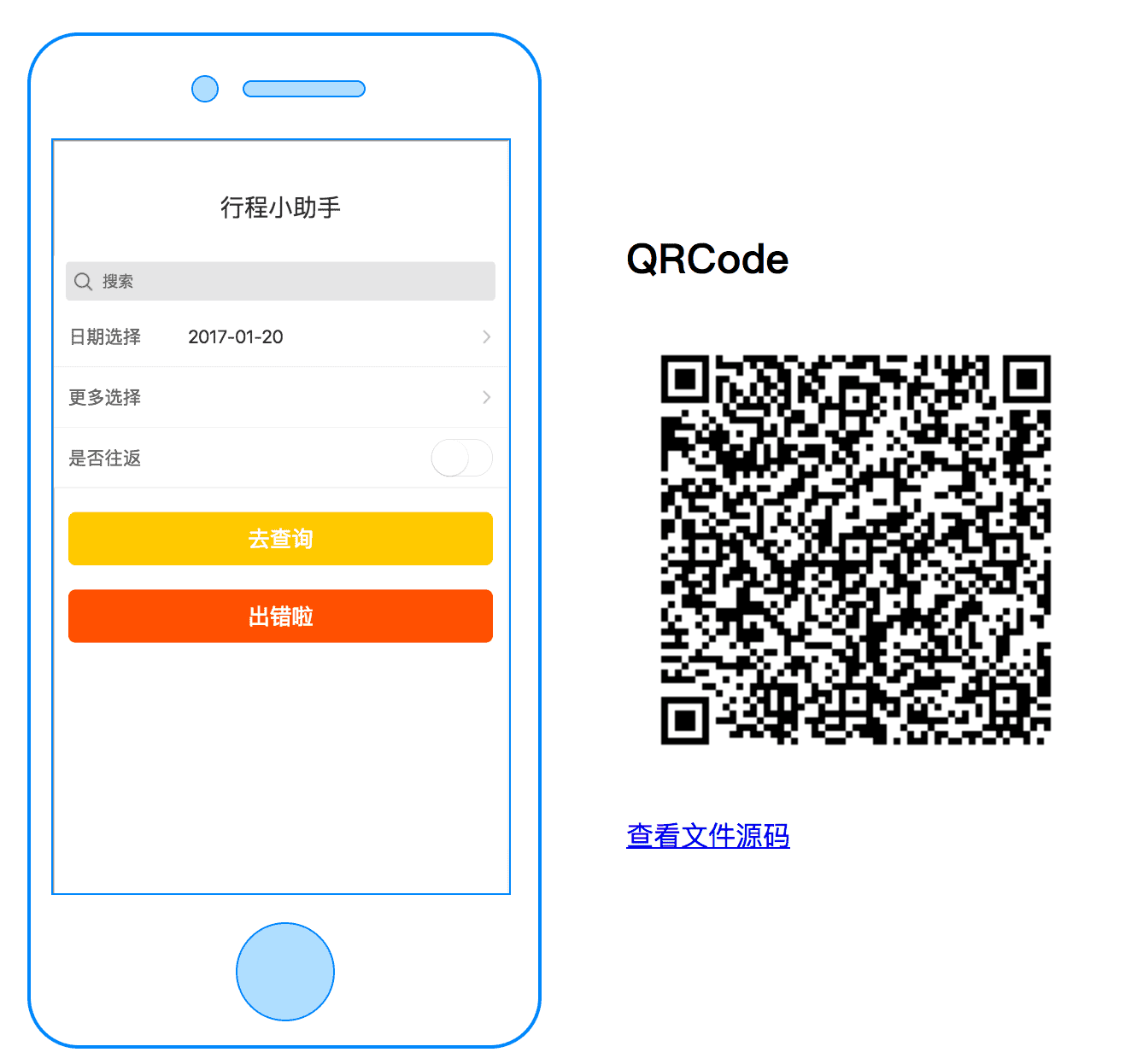
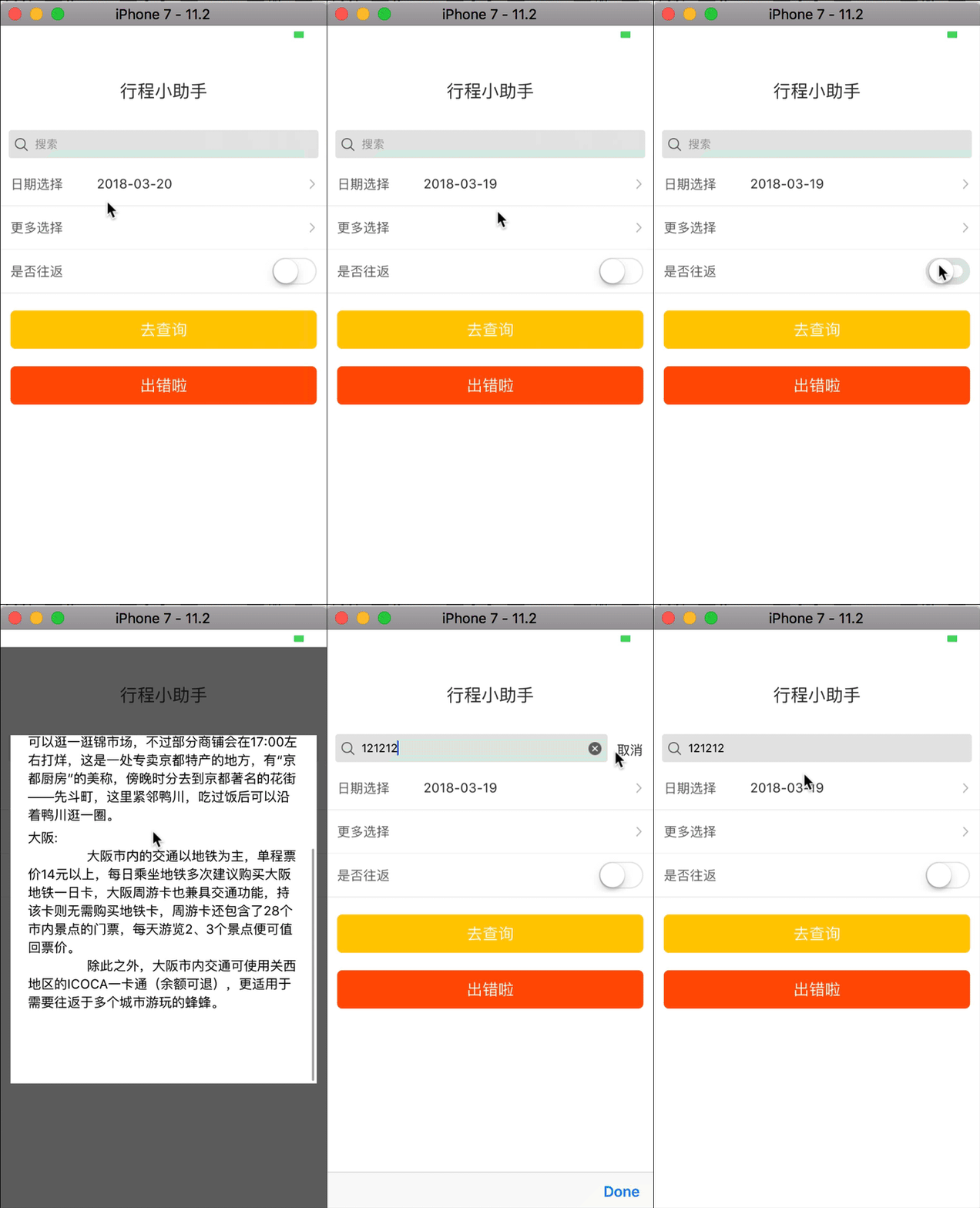
| Web |Preview|iOS|
|:--|:--|:--|
| |
| |
| |
|