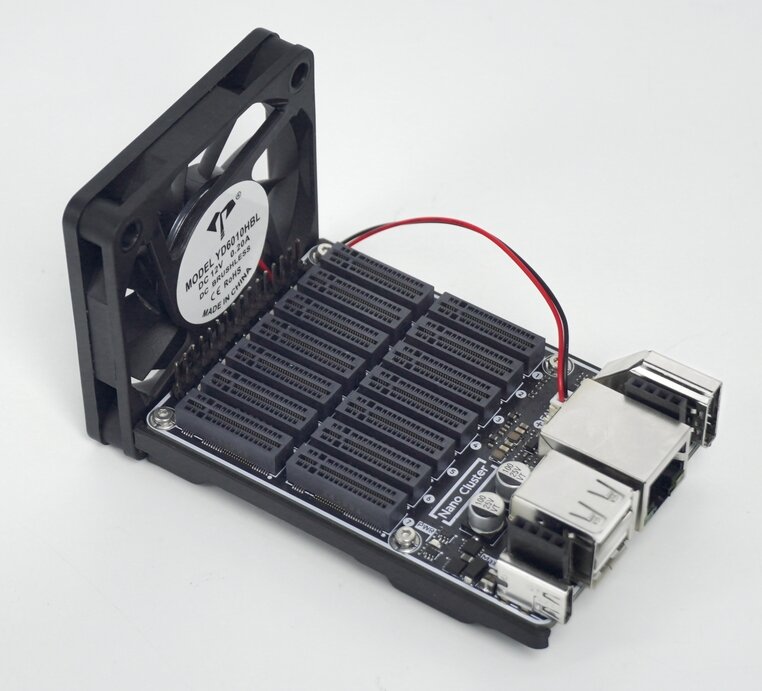
# NanoCluster **Repository Path**: wxggyy/NanoCluster ## Basic Information - **Project Name**: NanoCluster - **Description**: No description available - **Primary Language**: Unknown - **License**: Not specified - **Default Branch**: main - **Homepage**: None - **GVP Project**: No ## Statistics - **Stars**: 0 - **Forks**: 0 - **Created**: 2025-07-02 - **Last Updated**: 2025-07-02 ## Categories & Tags **Categories**: Uncategorized **Tags**: None ## README # NanoCluster ![NanoCluster Banner](https://wiki.sipeed.com/hardware/zh/cluster/NanoCluster/assets/product.png) > Compact & Affordable Cluster for Everyone This repository is mainly for user feedback. You can submit related usage issues to discuss. ## Introduction NanoCluster is an ultra-miniature cluster board developed by Sipeed, featuring 7 SOM slots interconnected via a RISC-V-based Gigabit switch. It supports USB-C PD power supply and optional PoE expansion. Additionally, NanoCluster provides independent UART and power control, making it an ideal entry-level platform for HomeLab users exploring distributed computing, Kubernetes, Docker, and edge computing. NanoCluster is compatible with Sipeed's Longan Module 3H (4 × Cortex-A53), M4N (4 × Cortex-A55 + NPU), as well as the Raspberry Pi Compute Module 4 (4 × Cortex-A72) and Compute Module 5 (4× Cortex-A76). Users can freely choose compute modules based on performance needs and budget, or mix and match different architectures to build a highly customized and heterogeneous computing cluster. The NanoCluster adopts an open SOM interface standard, supporting both official core modules and custom adapter boards for third-party SOM solutions. This design greatly enhances the platform's flexibility. ## Baseboard
Hardware Specifications
SOM Slots 7× Dual M.2 M-Key vertical slots
Power Supply USB-C 20V PD (Max 60W), Optional 60W PoE module
Ethernet Integrated RISC-V Gigabit switch chip JL6108 for high-speed interconnection, supporting web-based management and SDK-based custom feature development
USB Ports USB-A Host (Top), USB-A OTG (Bottom), connected to Slot 1
Display Interface HDMI, connected to Slot 1
Cooling System Equipped with a 60mm 2-pin fan for efficient cooling
Status Indicators 7× SYS LED indicators for node status monitoring
Serial Communication 7× independent UARTs for easy debugging and control, optional quad-serial USB module available
Power Management Slot1 centrally manages other Slots and switch power through IO expansion chip
Power Consumption 3.6 W
Dimensions PCBA: 88x57mm, approximately 100x60x60mm with SOMs installed and fan mounted

底板裸板特写图 ## SOM
SOM LM3H M4N CM4 CM5
SoC H618 AX650N BCM2711 BCM2712
Memory 2GB ~ 4GB 8GB 1GB ~ 8GB 1GB ~ 16GB
eMMC 32GB 32GB 0GB ~ 64GB 0GB ~ 64GB
CPU 4 × A53
1.5 GHz
8 × A55
1.6 GHz
4 × A72
1.5 GHz
4 × A76
2.4 GHz
GPU Mali-G31 - VideoCore VI VideoCore VII
NPU - 18TOPS INT8 - -
Network 100M 1G 1G 1G
Additional Interfaces None Download interface + M.2 SSD + USB 3.0 Download interface + M.2 SSD Download interface + M.2 SSD + USB 3.0
Power
Idle /
Full Load /
Peak
1.2W/2.6W/3.7W 3W/8.3W/9W 3W/4.5W/4.6W 4W/7.6W/8W
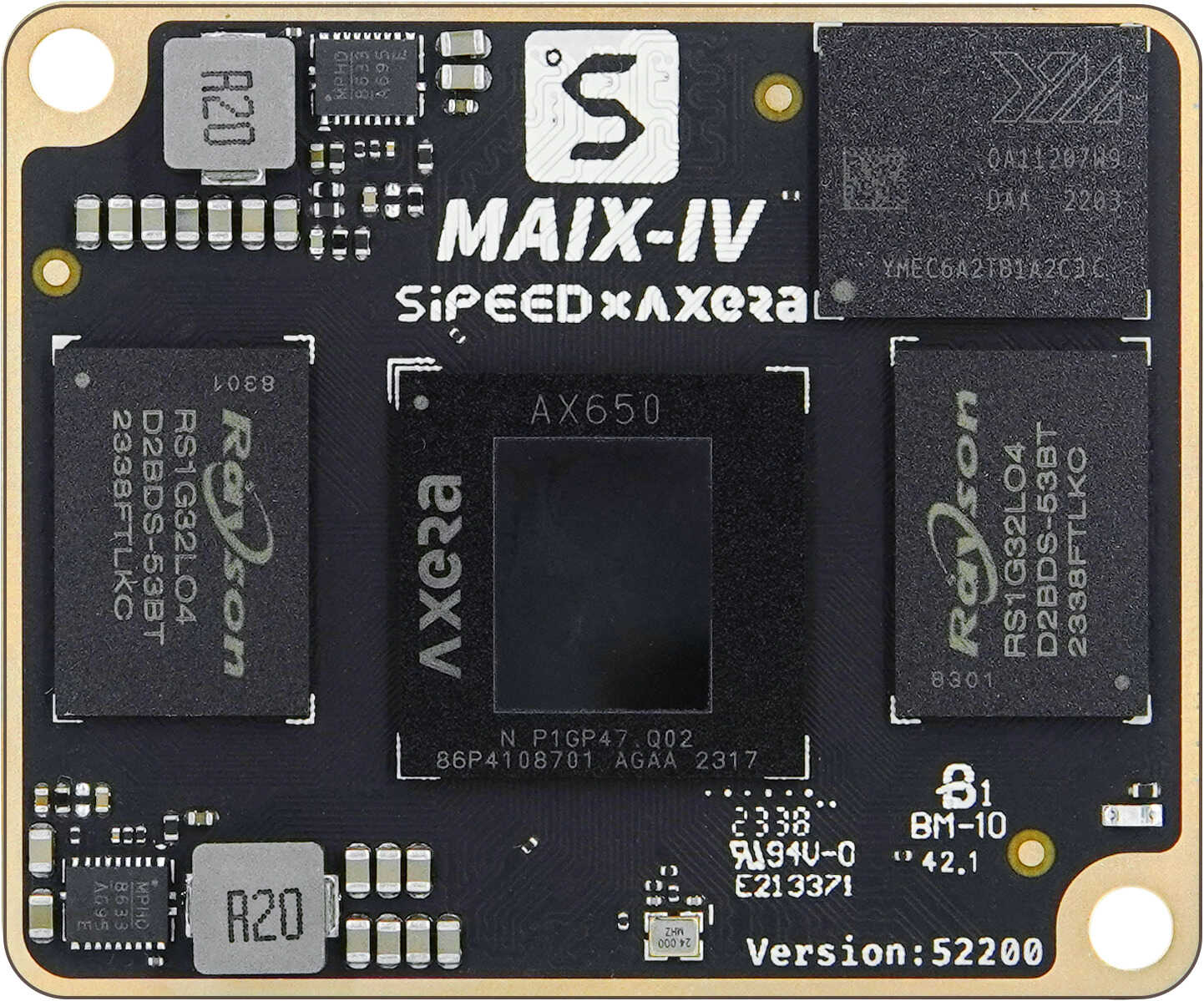
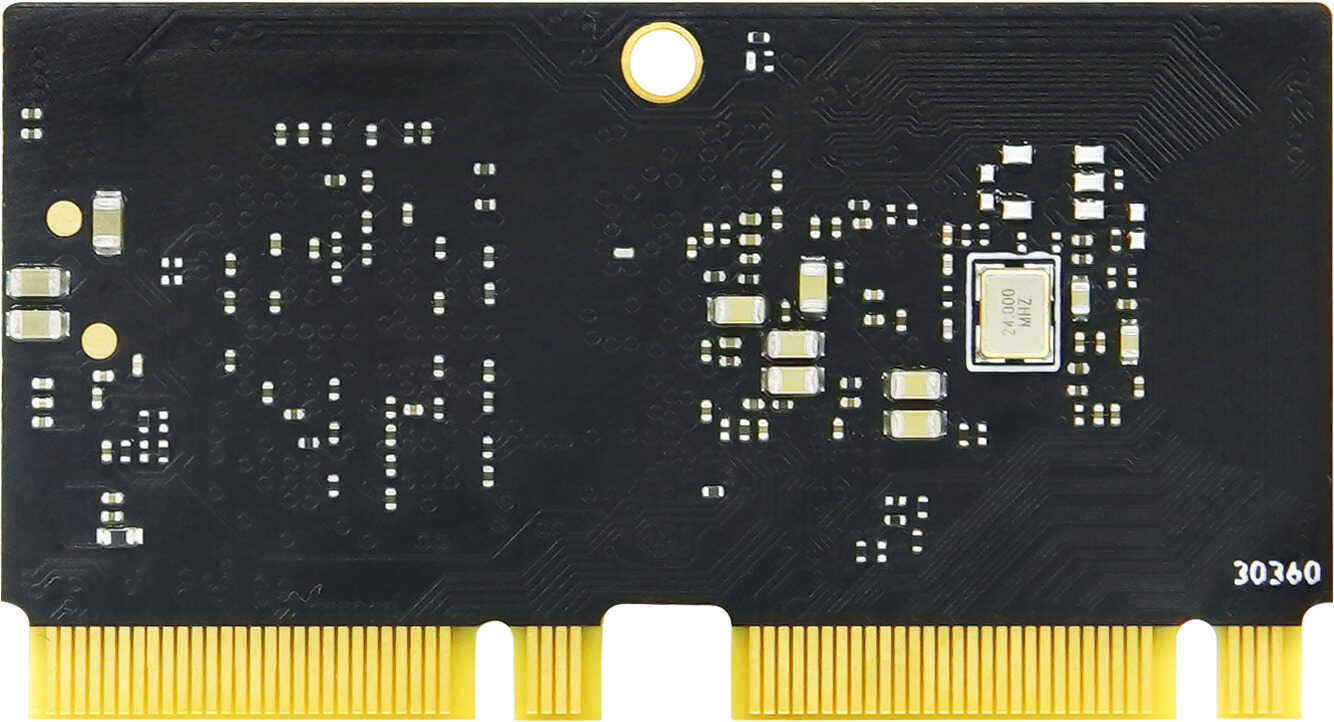
![SOM图](https://wiki.sipeed.com/hardware/zh/cluster/NanoCluster/assets/som.jpeg) ## Interface Diagram ### Baseboard Interfaces ![接口图示](https://wiki.sipeed.com/hardware/zh/cluster/NanoCluster/assets/board_io.jpeg) ### SOM - The LM3H SOM connects directly to the baseboard via 7 × dual M.2 M-Key vertical slots. - The M4N SOM connects to a dedicated adapter board through a BTB connector, which then interfaces with the baseboard.
SOM LM3H M4N
Front Side
Back Side
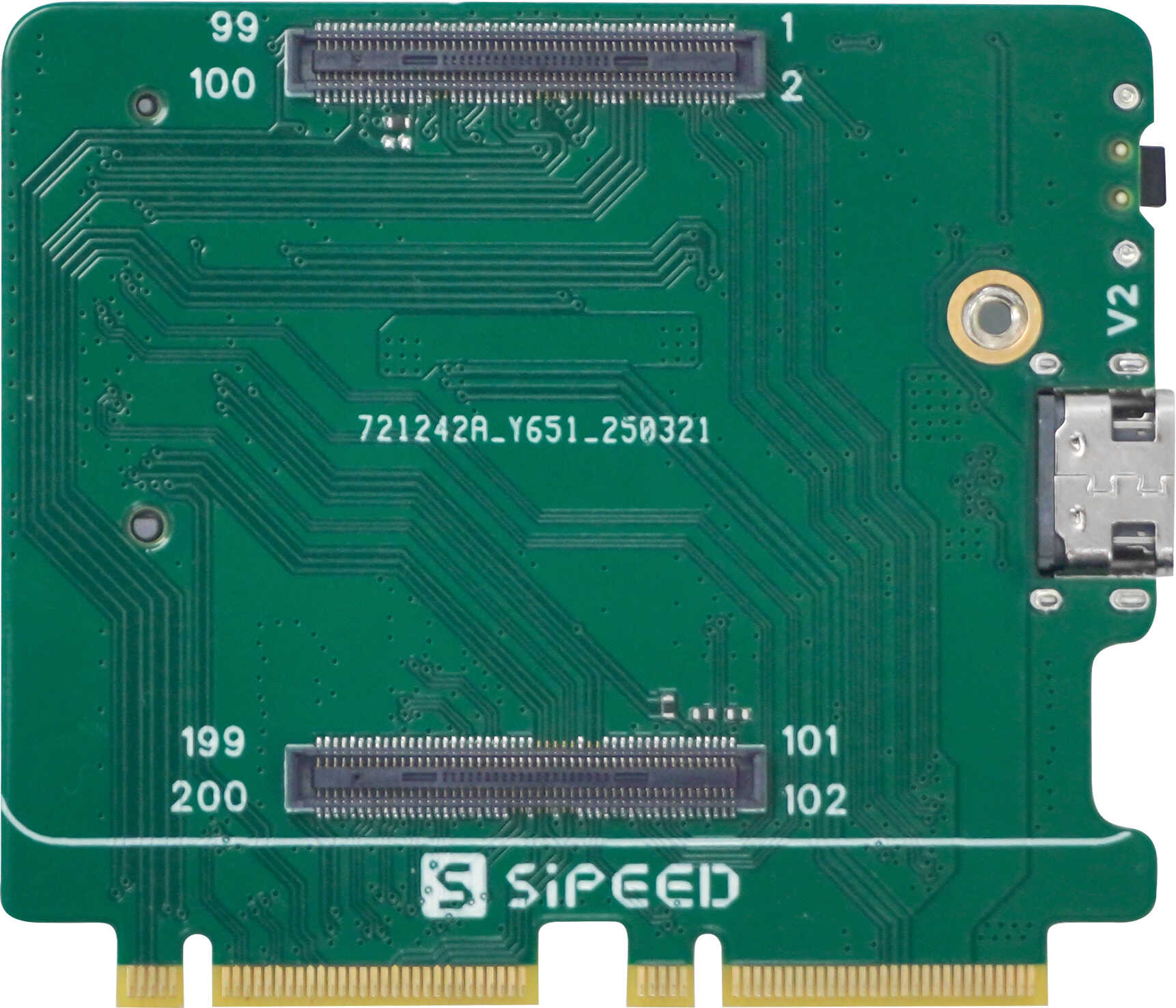
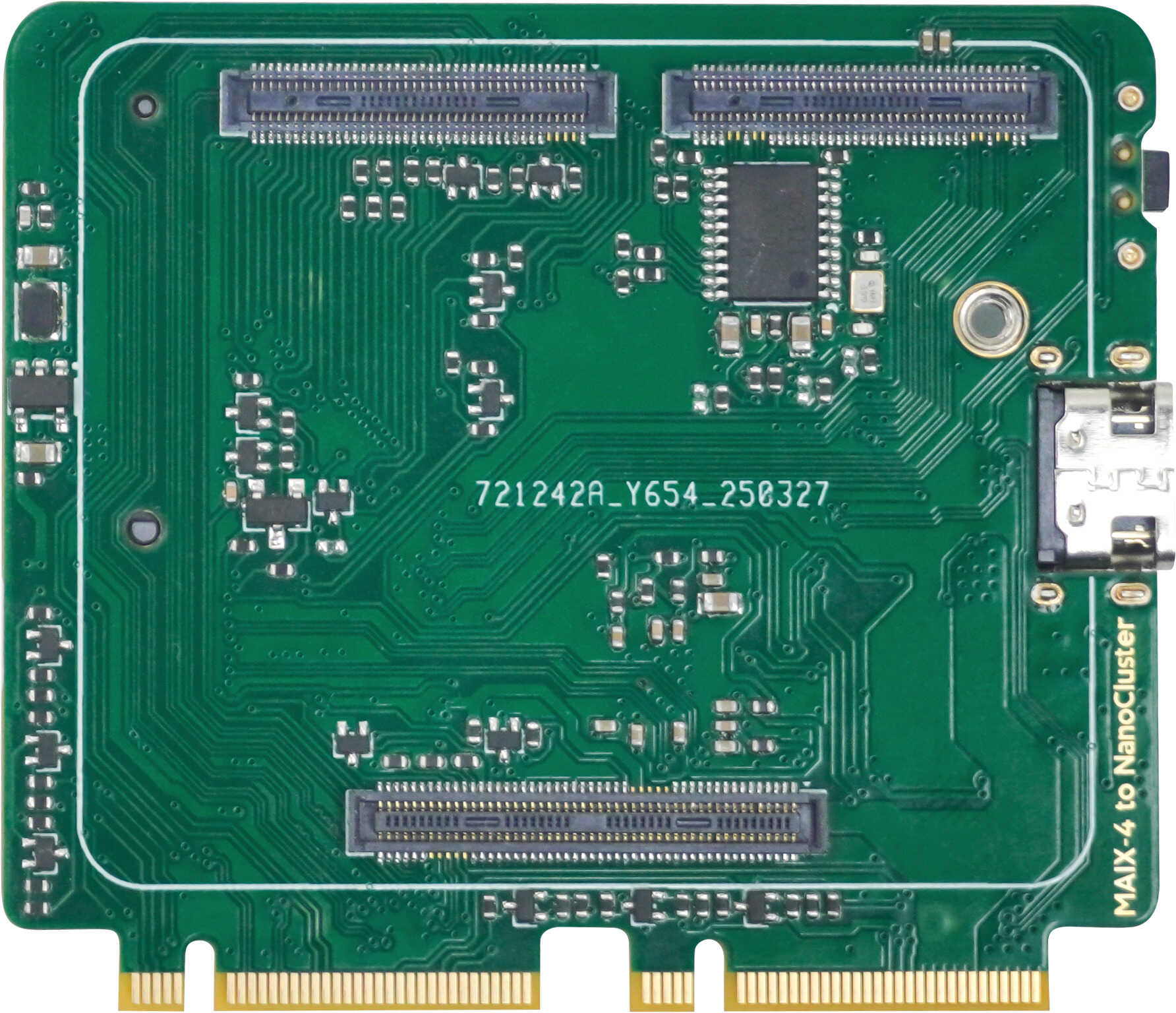
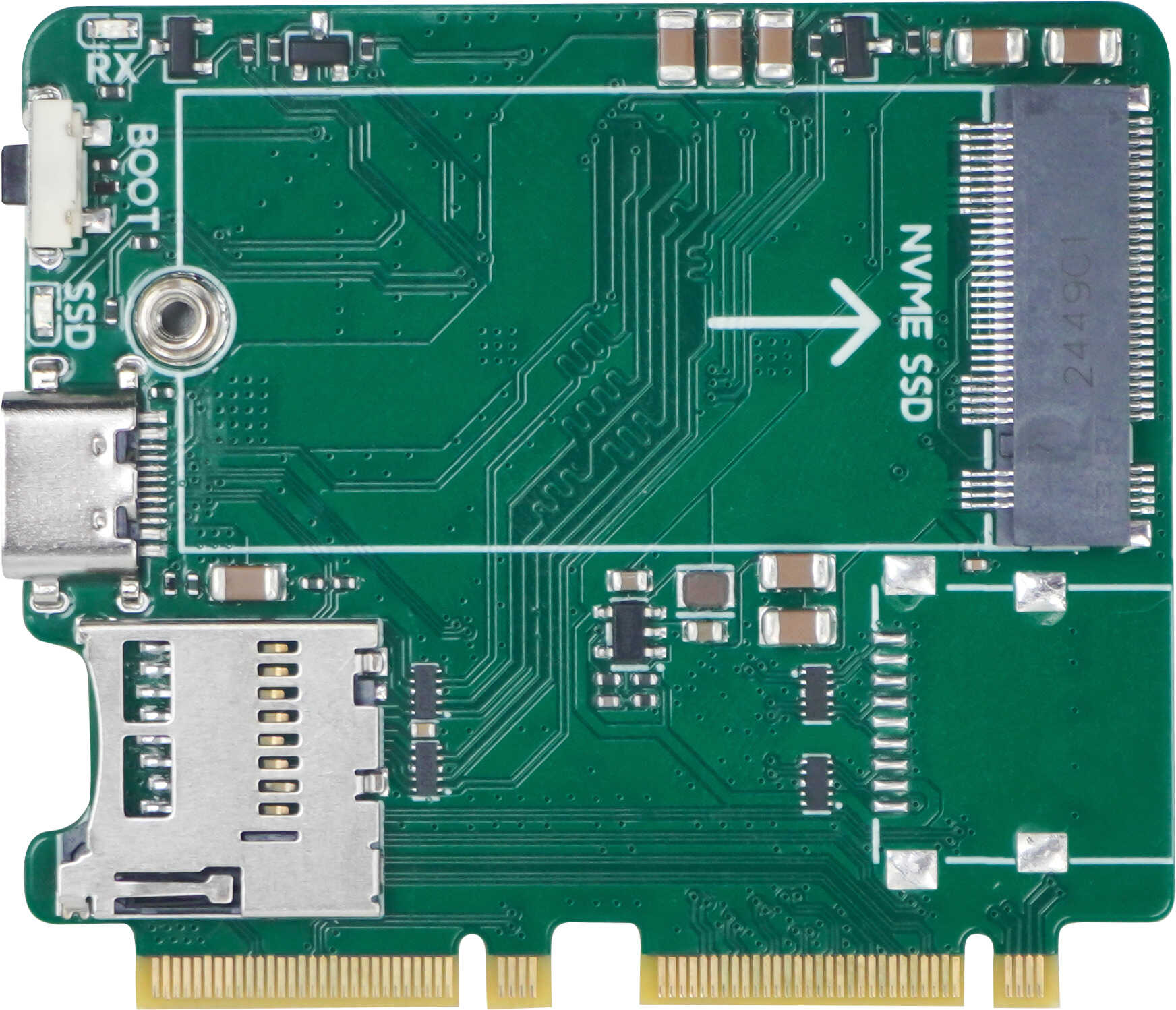
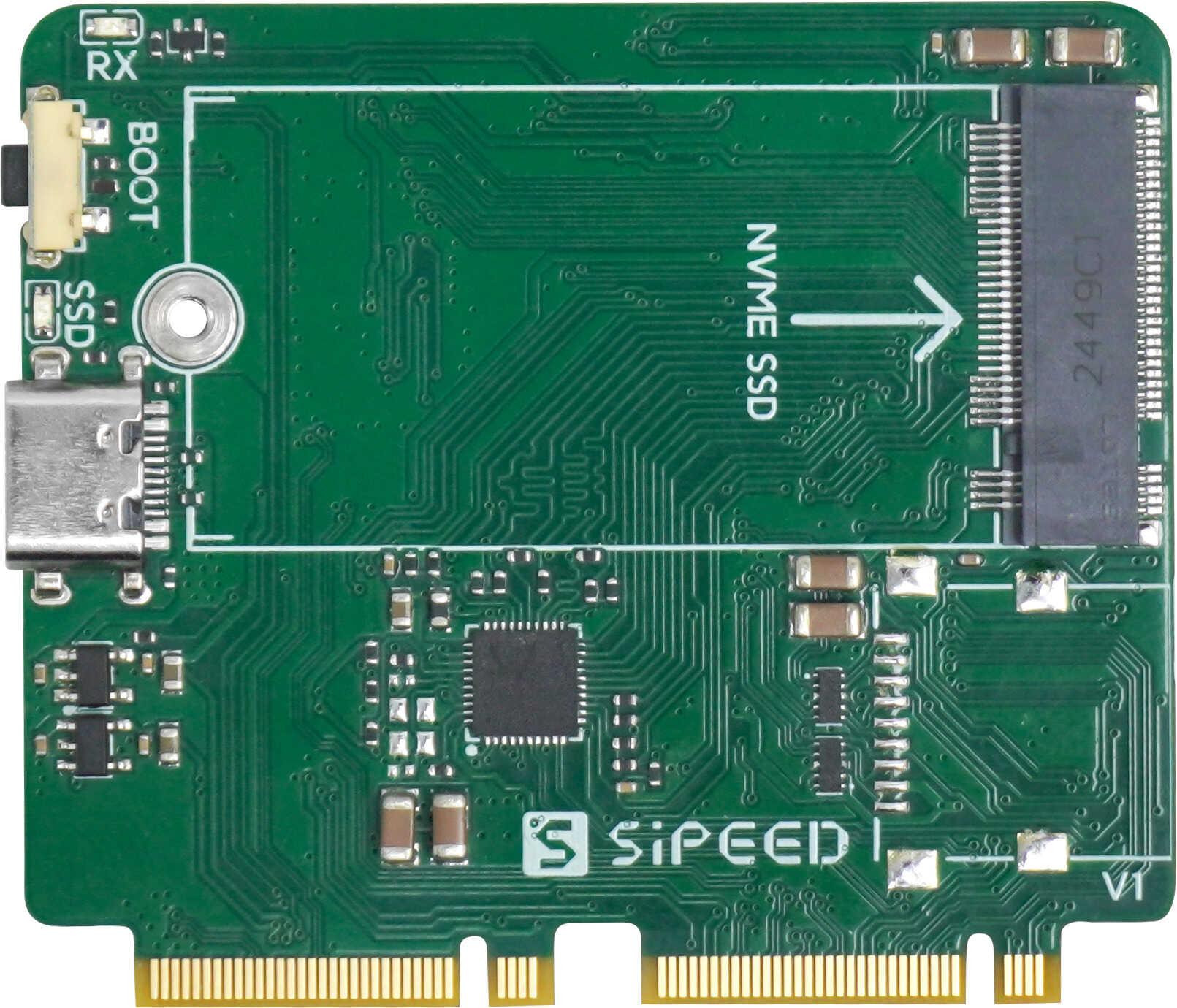
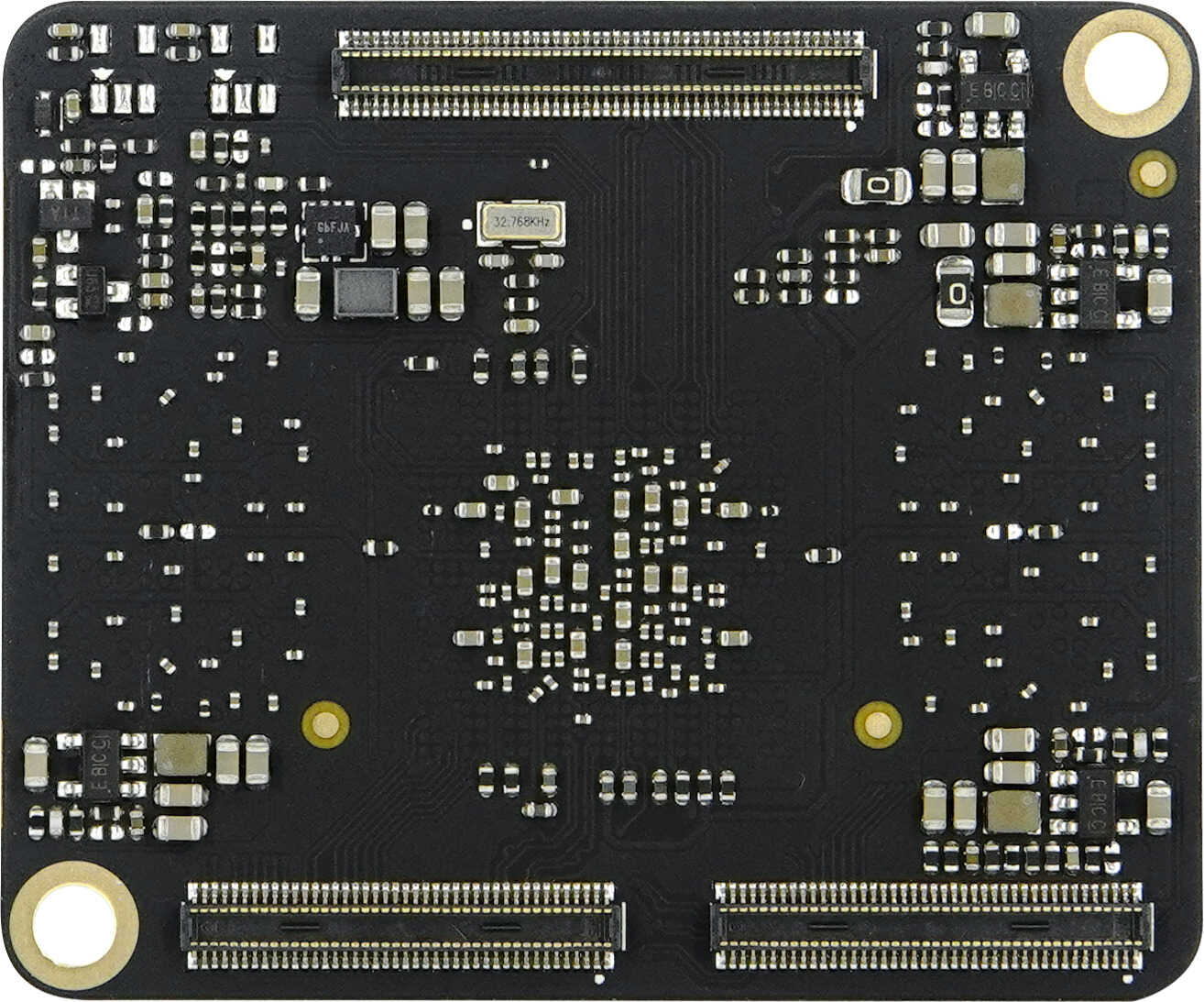
### Adapter Boards - The CM4 / CM5 adapter board features a BTB connector on the front side, supporting CM4 and CM5 SOMs. It also includes a Boot button and a Type-C port for flashing. The back side includes an SD card slot, an M.2 NVMe SSD connector (compatible with 2242 or 2230 size), and a reserved USB pad for optional CM5 USB 3.0 support. - The M4N adapter board features a BTB connector for Sipeed M4N SOMs, a Boot button, and a Type-C flashing port on the front side. The back side includes an M.2 NVMe SSD connector (2242 or 2230), and a reserved USB pad for optional USB 3.0 support.
Adapter Board CM4 / CM5 M4N
Front Side
Back Side
## Where to Buy - [Pre-sale Page](https://sipeed.com/nanocluster) ## Resources & Community - [Wiki](https://wiki.sipeed.com/nanocluster) - [HDK](https://dl.sipeed.com/Cluster/NanoCluster) - [GitHub](https://github.com/sipeed/NanoCluster)