# chat_flutter
**Repository Path**: xiaorui-23/chat_flutter
## Basic Information
- **Project Name**: chat_flutter
- **Description**: 这是一个纯 `dart` 开发的开发的 聊天记录 列表展示的组件包,支持图片、文件、语音、文字的基础内容展示。
- **Primary Language**: Unknown
- **License**: MIT
- **Default Branch**: master
- **Homepage**: None
- **GVP Project**: No
## Statistics
- **Stars**: 9
- **Forks**: 3
- **Created**: 2023-04-17
- **Last Updated**: 2025-11-15
## Categories & Tags
**Categories**: im
**Tags**: chat, Flutter, 聊天
## README
# chat_flutter
[](https://pub.dev/packages/chat_flutter)
[](https://github.com/xiaorui-23/chat_flutter)
[](https://github.com/xiaorui-23/chat_flutter)
[](https://github.com/xiaorui-23/chat_flutter)
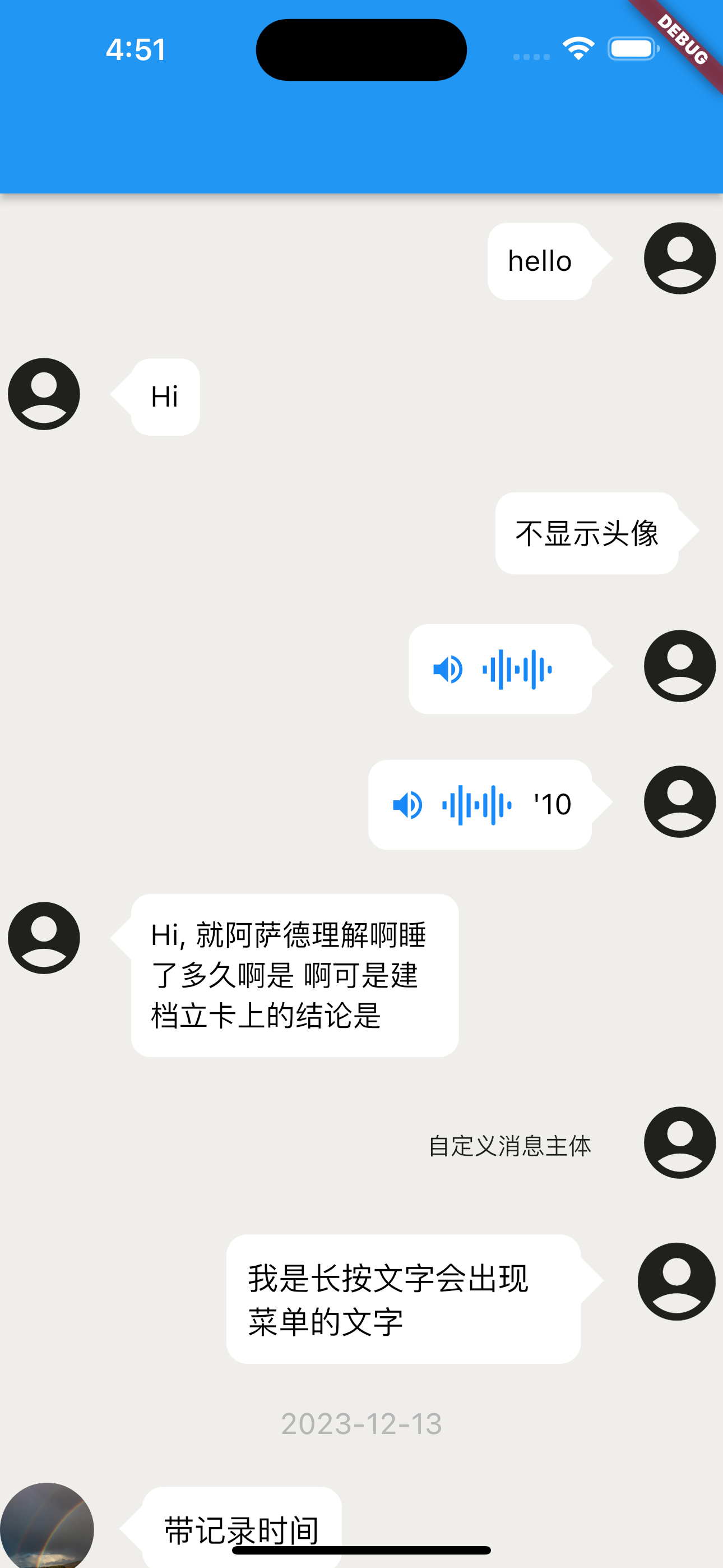
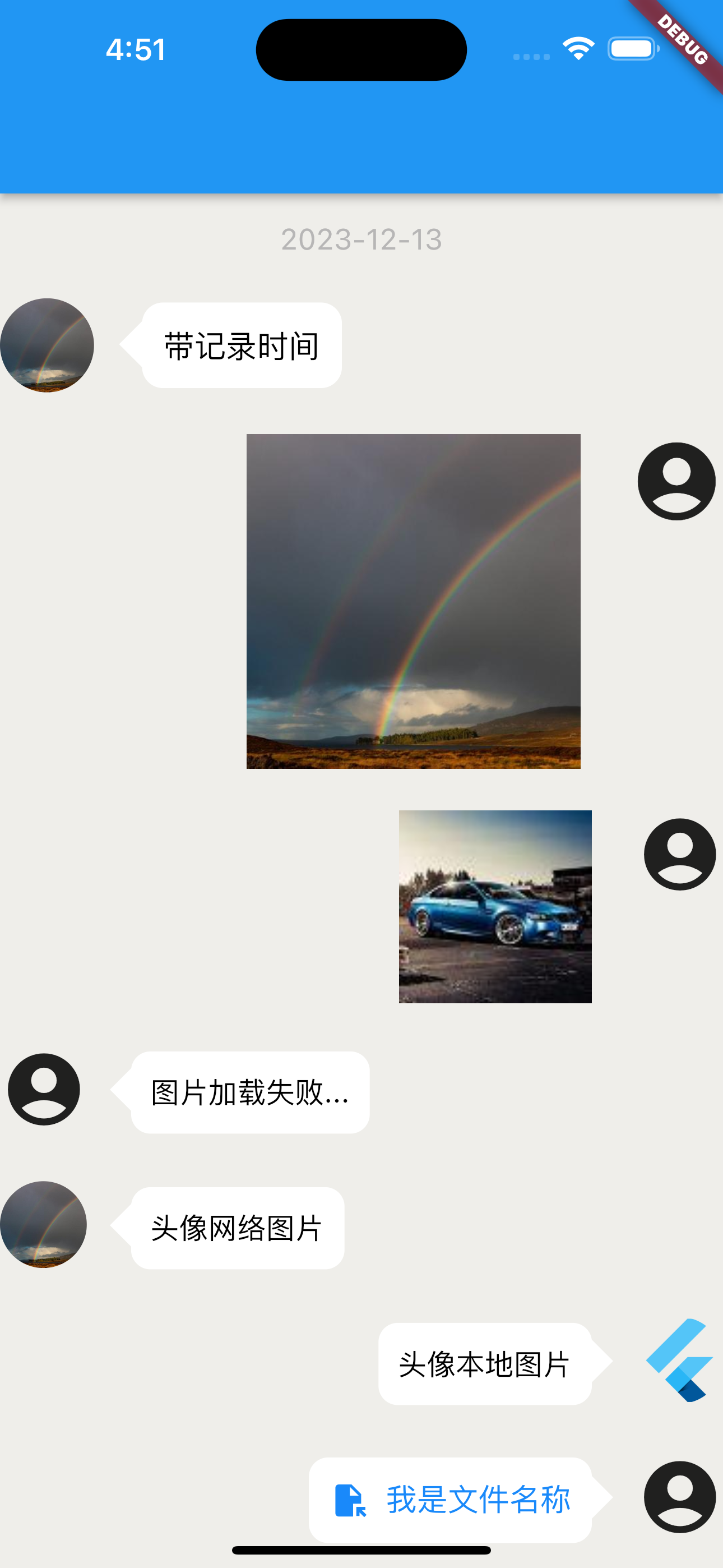
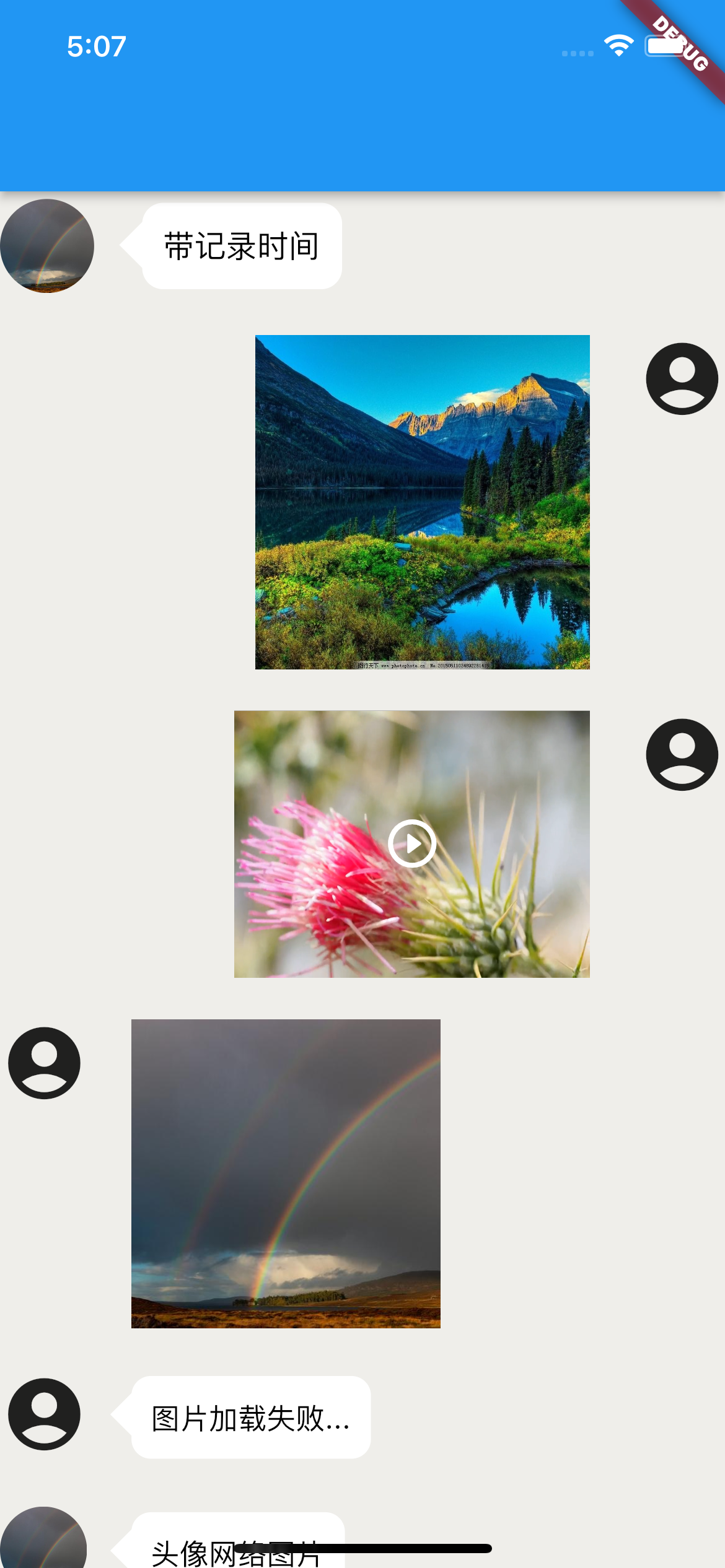
This is a component package developed purely for `dart` to display chat record lists, supporting the basic content display of images, files, voice, video, and text.
Language: [中文简体](https://github.com/xiaorui-23/chat_flutter/blob/master/README_CN.md)
> We recommend that you use the `chatViewWidgetController` controller in the `onCreated` callback to perform operations such as `add`、 `remove` on the record list.
The plugin toolkit supports the following platforms, note ⚠️ Some functions are not fully platform supported:
- Android
- IOS
- WEB
- Windows
- Macos
- Linux
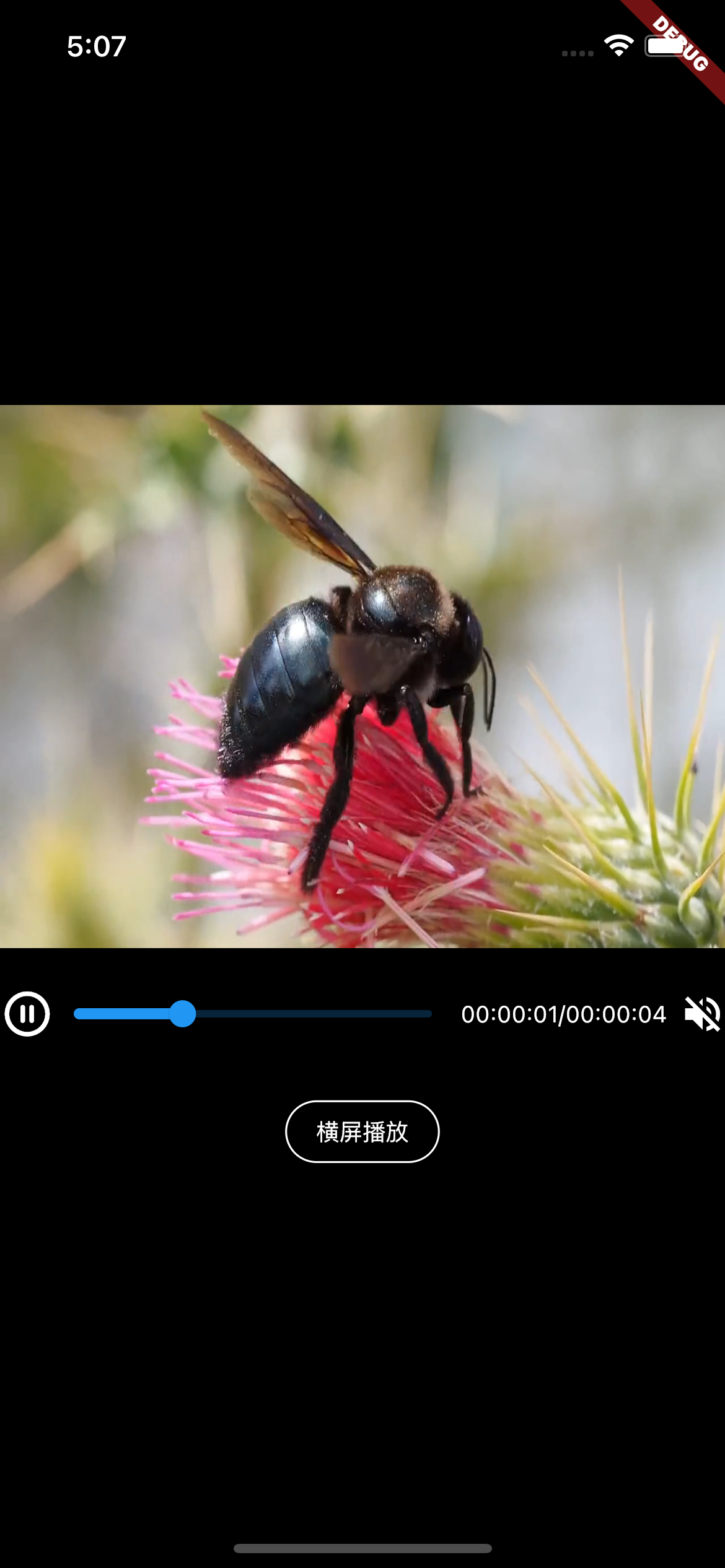
# Rendering
# 1、Characteristic
This tool component can display chat records, commonly used for displaying chat record content.
The display content supports the following basic content:
- 图片 -> image
- 文件 -> file
- 文字 -> text
- 音频 -> audio
- 视频 -> video
# 2、Install
pub.dev Address Navigation:
- pub.dev: [https://pub.dev/packages/chat_flutter](https://pub.dev/packages/chat_flutter)
- pub.flutter-io.cn: [https://pub.flutter-io.cn/packages/chat_flutter](https://pub.flutter-io.cn/packages/chat_flutter) -> (China Mirror Address)
## 1.
You can directly `pubspec.yaml` in the file `dependencies` add below for installation.
```dart
chat_flutter: ^3.0.0
```
As follows:
```dart
dependencies:
chat_flutter: ^3.0.0
```
## 2.
You can also execute the following command to install from the terminal located in the project root directory:
```dart
flutter pub add chat_flutter
```
# 3、Use
Introduce on the required page:
```dart
import 'package:chat_flutter/chat_flutter.dart';
```
Complete Use Case:
```dart
import 'package:flutter/material.dart';
import 'package:chat_flutter/chat_flutter.dart';
void main() {
runApp(const MyApp());
}
class MyApp extends StatefulWidget {
const MyApp({super.key});
@override
State createState() => _MyAppState();
}
class _MyAppState extends State {
@override
Widget build(BuildContext context) {
return Scaffold(
body: Column(
children: [
Expanded(
child: ChatViewWidget()
)
],
),
);
}
}
```
More use cases can be found at [Here](https://github.com/xiaorui-23/chat_flutter.git) hit the target `/example/lib/main.dart` review.
# 4、Precautions for use
#### 1、This plugin only provides display and does not provide implementation of functions. If the following functions are not implemented:
- When displaying recorded content as audio, this plugin does not implement audio playback, and users need to implement the audio playback function themselves.
#### 2、Precautions for use
- This plugin does not impose width or height restrictions on the content of the plugin, so you need to package the plugin with `widget` set the width and height of the box.
- If you encounter rendering issues in the `release` mode during use, please make modifications as described below:
Add the following code to the `release` mode of `buildTypes` in the `project/android/app/build. gradle` file of your project:
```gradle
buildTypes {
release {
signingConfig signingConfigs.debug
// Add the following code
shrinkResources false // Turn off code obfuscation
minifyEnabled false // Turn off resource reduction
}
}
```
# 5、About the Adaptation of Plugin Models
This plugin itself uses `flutter_screenutil` based on plugins, multiple models have been adapted, so you don't have to worry about encountering problems during use `UI` disorder and other issues, if the model you are using is not properly adapted, resulting in `UI` for issues such as disordered styles, you can contact me through the contact information below to provide assistance.
# 6、About plugin dependency issues
After the author discovers that the dependencies used in the plugin have been updated, they will be updated as soon as possible. For a smoother experience during use, it is recommended that you update the plugin as soon as possible, or `pubspec.yaml` add before version number in the file `^` symbol for using the latest version of the plugin.
Currently, some functional implementations rely on the following plugins:
- flutter_screenutil
- photo_view
- video_player
# 7、About Customization
This plugin provides a high degree of customization to facilitate the functionality provided by the plugin when you are not satisfied `UI` customize to meet your needs.
# 8、Case study and detailed usage reference guide
If you feel that the cases and usage assistance provided on this page cannot help you successfully start using this plugin, you can click [Here](https://github.com/xiaorui-23/chat_flutter.git) and enter `example/lib/main.dart` file View Detailed Use Cases. Alternatively, you can contact me through the contact information below.
# 9、API Parameter Description
## `ChatViewWidget` Illustrate
| Name | Type | Describe | Default value |
| :------------------: | :---------------------------------------------------: | :---------------------------------------------------------------------------: | :-----------: |
| `children` | `List` | record list | `[]` |
| `isNeedScrollBottom` | `bool` | Whether to slide to the bottom during initial rendering | `false` |
| `onCreated` | `Function(ScrollController chatViewWidgetController)` | When creation is complete, return a`ScrollController` list controller of type | -- |
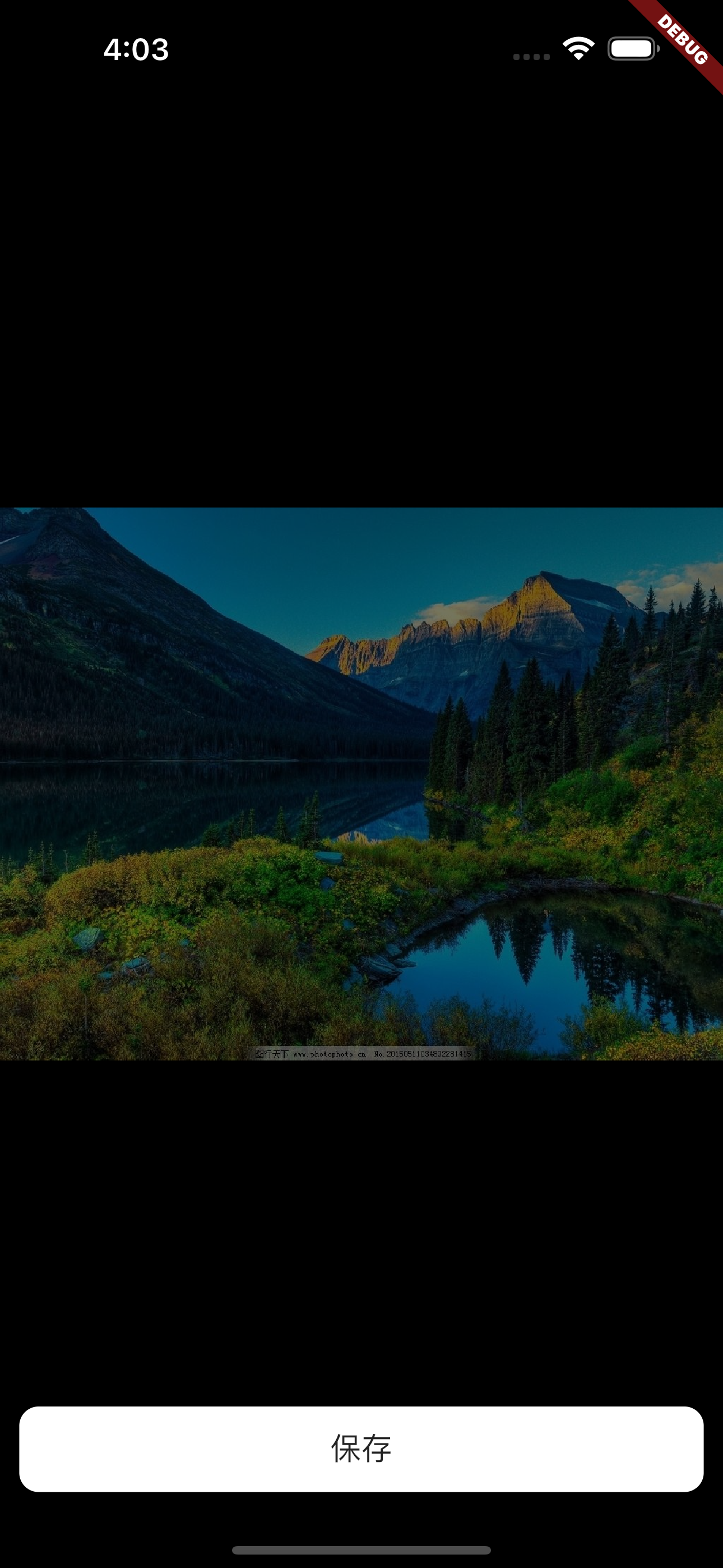
| `isOpenPreviewImage` | `bool` | Do you want to enable image preview | `false` |
## `ChatViewItem` Illustrate
### Common Parameter API
| Name | Type | Describe | Default value |
| :------------------------------------: | :-----------------------------------------: | :---------------------------------------------------------------------------------------------------------------------------------------------------------------------------------------------------------------------: | :------------: |
| `itemBody` | `dynamic` | Content. according to `itemBodyType` the content conveyed varies depending on the type. When `itemBodyType = ChatViewItemRecordBodyType.audio` time may not be transmitted, and detailed use can refer to case studies. | -- |
| `senderRight` | `bool` | Is it on the right side | `true` |
| `customRecordTimeWidget` | `Widget` | Custom Time Record `widget` | -- |
| `customRecordTimeStyle` | `TextStyle` | Custom Time Record Style | -- |
| `chatViewItemRecordBodyBoxConstraints` | `BoxConstraints` | Content subject constraints | -- |
| `itemBodyType` | `ChatViewItemRecordBodyType` | Current record content type | `text` |
| `itemBodyRecordTime` | `String` | Recording time | -- |
| `backgroundColor` | `Color` | Record the background color of the main body | `Colors.white` |
| `customItem` | `Widget` | Custom Record Body | -- |
| `itemBodyTap` | `Function` | Content subject click event | -- |
| `itemBodyMediaTap` | `Function(ChatViewItemRecordBodyType type)` | File, image, audio, video click events | -- |
| `textTypeModel` | `ChatViewItemTextTypeModel` | Text type configuration content | -- |
| `imageTypeModel` | `ChatViewItemImageTypeModel` | Image Type Configuration Content | -- |
| `videoTypeModel` | `ChatViewItemVideoTypeModel` | Video Type Configuration Content | -- |
| `fileTypeModel` | `ChatViewItemFileTypeModel` | File Type Configuration Content | -- |
| `audioTypeModel` | `ChatViewItemAudioTypeModel` | Audio type configuration content | -- |
| `avatarModel` | `ChatViewItemAvatarModel` | Configuration content of avatar | -- |
| `commonParamModel` | `CommonParamModel` | transition progressIndicator | -- |
#### Avatar-`avatarModel` -> `ChatViewItemAvatarModel`
| Name | Type | Describe | Default value |
| :------------------: | :--------: | :-----------------------------------------------------------------------------------------------------------------------------------------: | :-----------: |
| `avatarPath` | `String` | The avatar address will be the default one when it is not delivered. If it is not delivered, the built-in `icon` avatar scheme will be used | -- |
| `defaultAvatarPath` | `String` | Default avatar address | -- |
| `isAvatarShow` | `bool` | Is the avatar displayed | `true` |
| `avatarSize` | `double` | Avatar size | Adapted `45` |
| `avatarColor` | `Color` | Head color | -- |
| `customAvatar` | `Widget` | Custom avatar | -- |
| `customAvatarWidget` | `Widget` | Custom avatar | -- |
| `avatarTap` | `Function` | Head image click callback | -- |
#### Load Transition-`commonParamModel` -> `CommonParamModel`
| Name | Type | Describe | Default value |
| :--------------------: | :-----------------: | :---------------------------: | :-----------: |
| `progressIndicator` | `ProgressIndicator` | Custom overload Progress | -- |
| `isOpenTransitionLoad` | `bool` | Is transition loading enabled | `true` |
### Below are different types of parameters API
#### 1. Text-`textTypeModel` -> `ChatViewItemTextTypeModel`
| Name | Type | Describe | Default value |
| :----------------------------: | :--------------------------------------------------------------------------: | :-------------------------------------------------------------------------: | :------------------------------------------------------: |
| `selectionControls` | `TextSelectionControls` | Text selection controller. When `isOpenTextSelect` the activation is valid. | -- |
| `itemBodyTextStyle` | `TextStyle` | Record the text style of the main body | `TextStyle (color: const Color(0xff1989fa),fontSize: 16` |
| `isOpenTextSelect` | `bool` | Do you want to open the long press text menu | `true` |
| `contextMenuBuilder` | `Widget Function(BuildContext context, EditableTextState editableTextState)` | Displayed Tools Menu | -- |
| `onSelectionChanged` | `void Function(TextSelection selection, SelectionChangedCause? cause)` | Long press the text menu to select a callback | -- |
| `createSelectableTextCallback` | `Function(FocusNode focusNode)` | Optional Text Content `widget` callback during creation | -- |
#### 2. Audio-`audioTypeModel` -> `ChatViewItemAudioTypeModel`
| Name | Type | Describe | Default value |
| :---------------: | :----: | :------------: | :-----------: |
| `audioTimelength` | `int` | Audio duration | `0` |
| `audioPlayStatus` | `bool` | Playing | `false` |
#### 3. Image-`imageTypeModel` -> `ChatViewItemImageTypeModel`
| Name | Type | Describe | Default value |
| :--------------------------: | :-------------------------------------------------------: | :----------------------------------------------------------------------------------------------------------------------------------: | :-----------: |
| `previewImageLongPressMenu` | `List` | Preview Image Long Press to Display Menu | -- |
| `onPreviewImageTapMenu` | `Function(String data, int index, List menuList)` | Preview Image Menu Click Callback | -- |
| `customPreviewImageCallback` | `Function(String imagePath)` | Custom preview image callback. Note: When passing this parameter, the preview scheme provided by the library will no longer be used. | -- |
| `customLongPress` | `Function(BuildContext context)` | Custom long press image display callback | -- |
#### 4. File-`fileTypeModel` -> `ChatViewItemFileTypeModel`
No additional information available at the moment.
#### 5. Video-`videoTypeModel` -> `ChatViewItemVideoTypeModel`
| Name | Type | Describe | Default value |
| :---------------------: | :---------------------------: | :----------------------------------------------------: | :-----------: |
| `notPlayingWidget` | `Widget` | Custom widget not played | -- |
| `playingFailWidget` | `Widget` | Play Error Custom Widget | -- |
| `autoPlaying` | `bool` | Whether to automatically play during interface display | `true` |
| `videoLoadFailCallback` | `void Function(Object error)` | Video loading error callback | -- |
##### **IOS Additional Configuration**
Be directed against `IOS`, You need to `/ios/Runner/Info.plist` under the path `Info.plist` add the following configuration to the file.
```plist
NSAppTransportSecurity
NSAllowsArbitraryLoads
```
| | Android | iOS | Web | windows | macos | linux |
| ----------- | ------- | ----- | ----- | ----------- | ----------- | ----------- |
| **Support** | SDK 16+ | 11.0+ | Any\* | not Support | not Support | not Support |
# 10、About Internationalization
Tips: The fixed text content involved in the plugin itself, such as reminders and displays, has been adapted to the language environment. Currently, only the following language environments are supported:
- CH -> Chinese (default)
- US -> English
If you need to switch and modify, please refer to the following code format for modification:
```dart
import 'package:flutter_localizations/flutter_localizations.dart';
```
```dart
@override
Widget build(BuildContext context) {
return MaterialApp(
locale: const Locale('zh'),
localizationsDelegates: const [
GlobalMaterialLocalizations.delegate,
GlobalWidgetsLocalizations.delegate,
GlobalCupertinoLocalizations.delegate
],
supportedLocales: const [Locale('zh', 'CH')],
);
}
```
> Tips: In the above code `flutter_localizations` The toolkit requires you to manually install it yourself.
# 11、Contact Author
When you encounter problems during use, you can click [Here](https://github.com/xiaorui-23/chat_flutter.git) have `issue` ask a question or contact me through the contact information below. When you see your contact or raise a question `issue` I will reply and contact you as soon as possible.
- [github](https://github.com/xiaorui-23/chat_flutter)
- [gitee](https://gitee.com/xiaorui-23/chat_flutter)