# yuchang
**Repository Path**: yi-dao-he/yuchang
## Basic Information
- **Project Name**: yuchang
- **Description**: No description available
- **Primary Language**: JavaScript
- **License**: Not specified
- **Default Branch**: master
- **Homepage**: None
- **GVP Project**: No
## Statistics
- **Stars**: 0
- **Forks**: 0
- **Created**: 2025-07-08
- **Last Updated**: 2025-07-08
## Categories & Tags
**Categories**: Uncategorized
**Tags**: None
## README
# yuchang
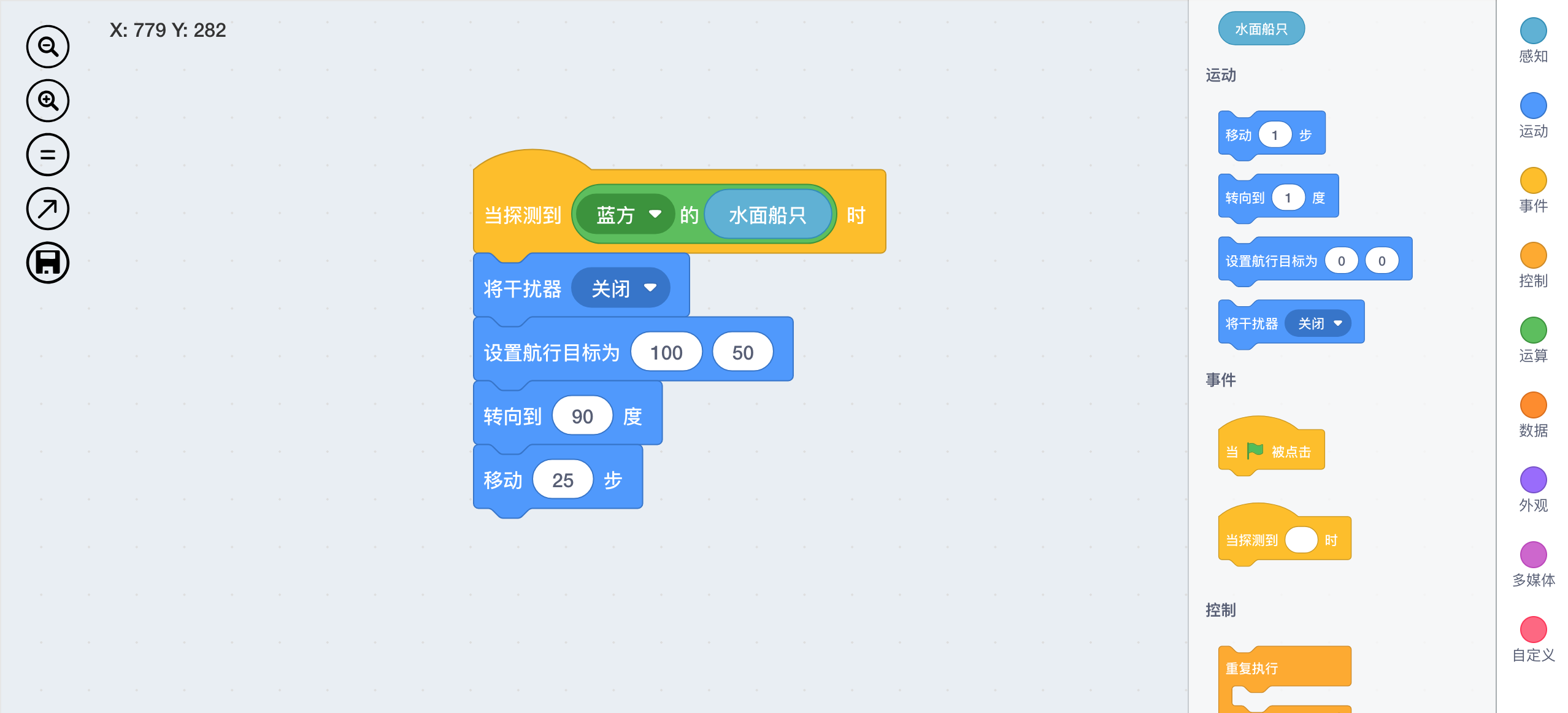
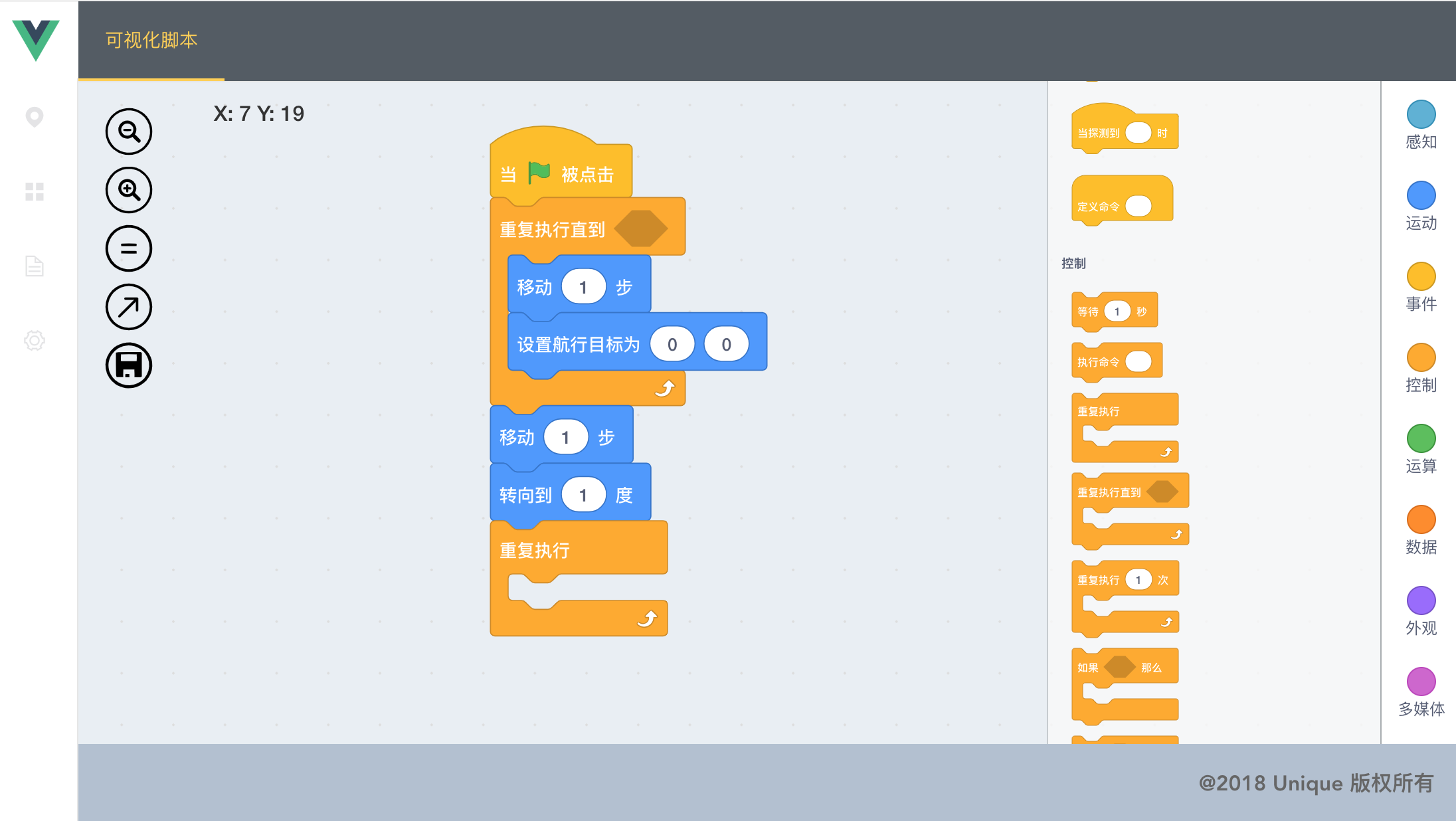
模仿Scratch的基于Vue的可视化脚本编辑工具,支持自定义语法,导出为JSON格式、JS代码,主要特点:
+ (1)完全通过JSON定义脚本Block,可自由扩展,甚至创建一套全新Block,可以实现各种可视化脚本应用,不仅仅用于编程
+ (2)支持导出插件,可自行实现将可视化模型导出为想要的文件,例如JSON、JS代码、Word、HTML等
CSDN博文: https://blog.csdn.net/wangnan8015/article/details/83276471
## 安装
将原有Block进行重构,分离为一个个独立的包定义,也可以自行进行扩展
```
npm install yuchg
```
按需引入Block包
```
npm install yuchg-base
npm install yuchg-chinese
...
```
## Vue框架中使用
将node_modules/yuchg/assets目录资源拷贝到Vue工程的assets目录中(blockDefs中定义的模块需要使用)
main.js
```
import 'yuchg/css/style.css'
```
App.Vue
```
```
# 自定义扩展
## Block定义格式
Block按包(package)进行管理, 包定义格式可参考yuchg-base。
每个包中包含类目定义和Block定义
```
{
categories: {}
blocks: []
}
```
### 类目定义
每个Block指定一个类目,类目目前主要用来定义颜色属性,类目定义文件位于项目目录/client/src/scratch/blockDefs/categorires.js
,可以自行进行扩展。
类目定义格式为:
```
{
'internal': { // 类目ID
name: '内部', // 名称
display: 'none', // 是否可见
state: {
background: { // 背景颜色定义
stroke: '#000000',
fill: '#000000',
opacity: '0.2'
}
}
}
}
```
### Block类型
Block具有一个Type属性,用来表示Block具备什么样的行为。目前Type 主要分为:
- Action(动作)
- Express(表达式)
- Control (控制)
- Variant (变量)
- Event (事件)
- Command (命令)
- Markter (标记)主要供内部使用
### Block外观类型
Block具有一个可见的外观图形,目前主要有7种:
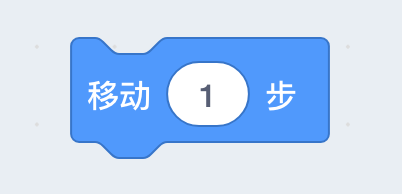
- cap 能用于Event
- hat 能用于Command
- slot 能用于Action
- round 能用于Variant,Express
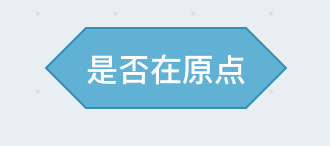
- diamond 能用于Variant,Express
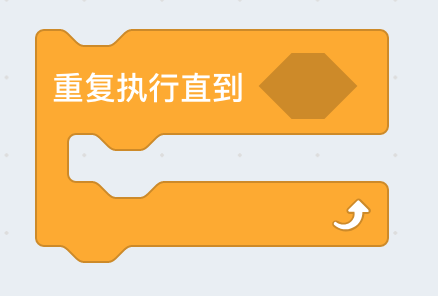
- cup 能用于Control
- cuptwo 能用于Control
### Block定义
每个包目录导出一个Block数组,数组的每个元素为一个Block定义。
Block 定义格式为:
```
{
id: 'move', // ID
shape: 'slot', // 图形形状
category: 'motion', // 类目
draggable: true, // 是否可拖动
state: { // 状态定义
data: { // 数据项定义
sections: [ // 每个数据单元为一个section
{
type: 'text', // Text section类型
text: '移动' // 显示的文字
},
{
type: 'argument', // 可输入的参数 section
datatype: 'number', // 数据类型,分为string, number, boolean, enum
data: {
value: 1 // 参数值
}
},
{
type: 'text',
text: '步'
}
]
}
}
```
## 自行扩展Block
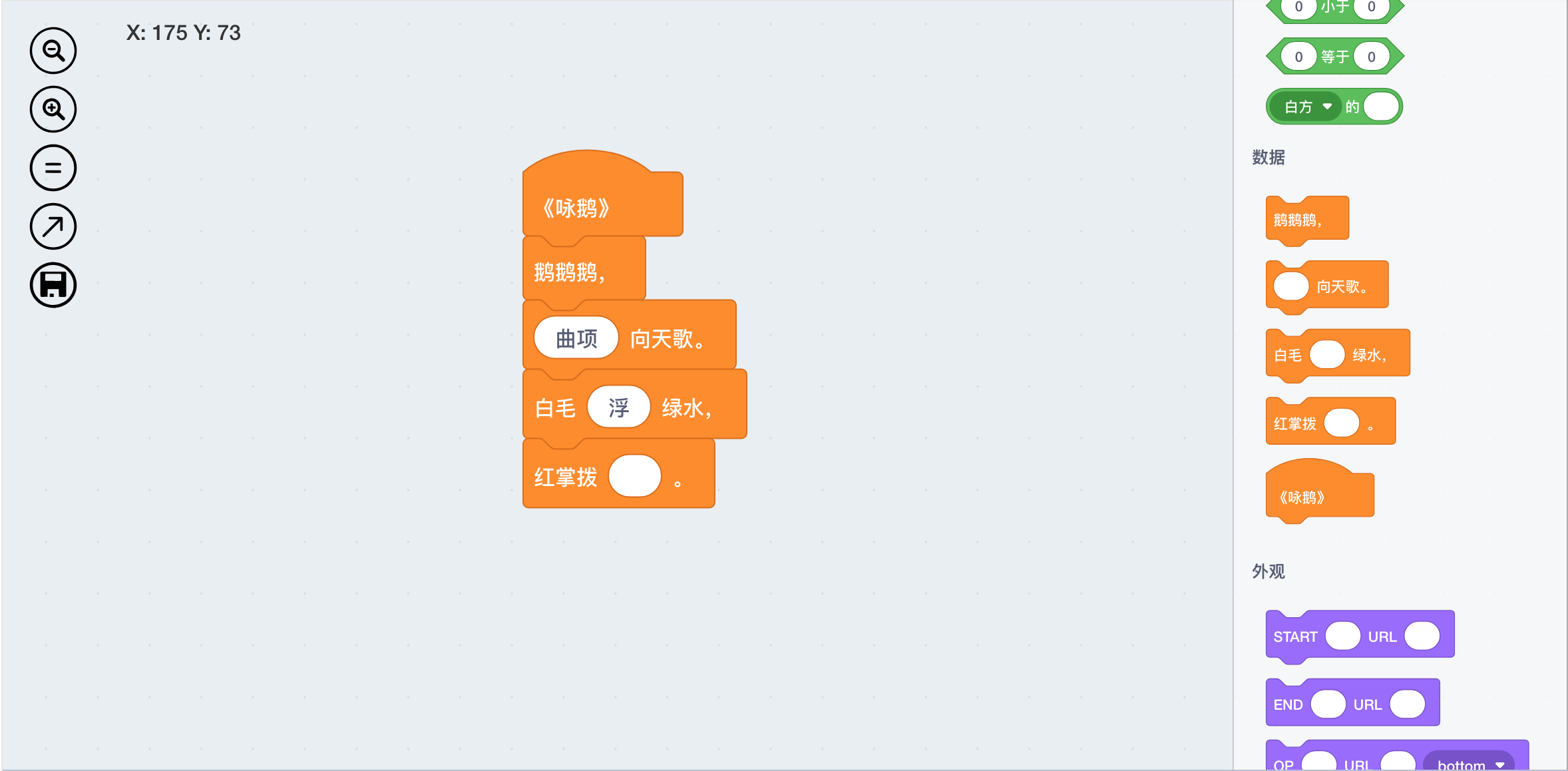
中文诗歌
机器学习Keras
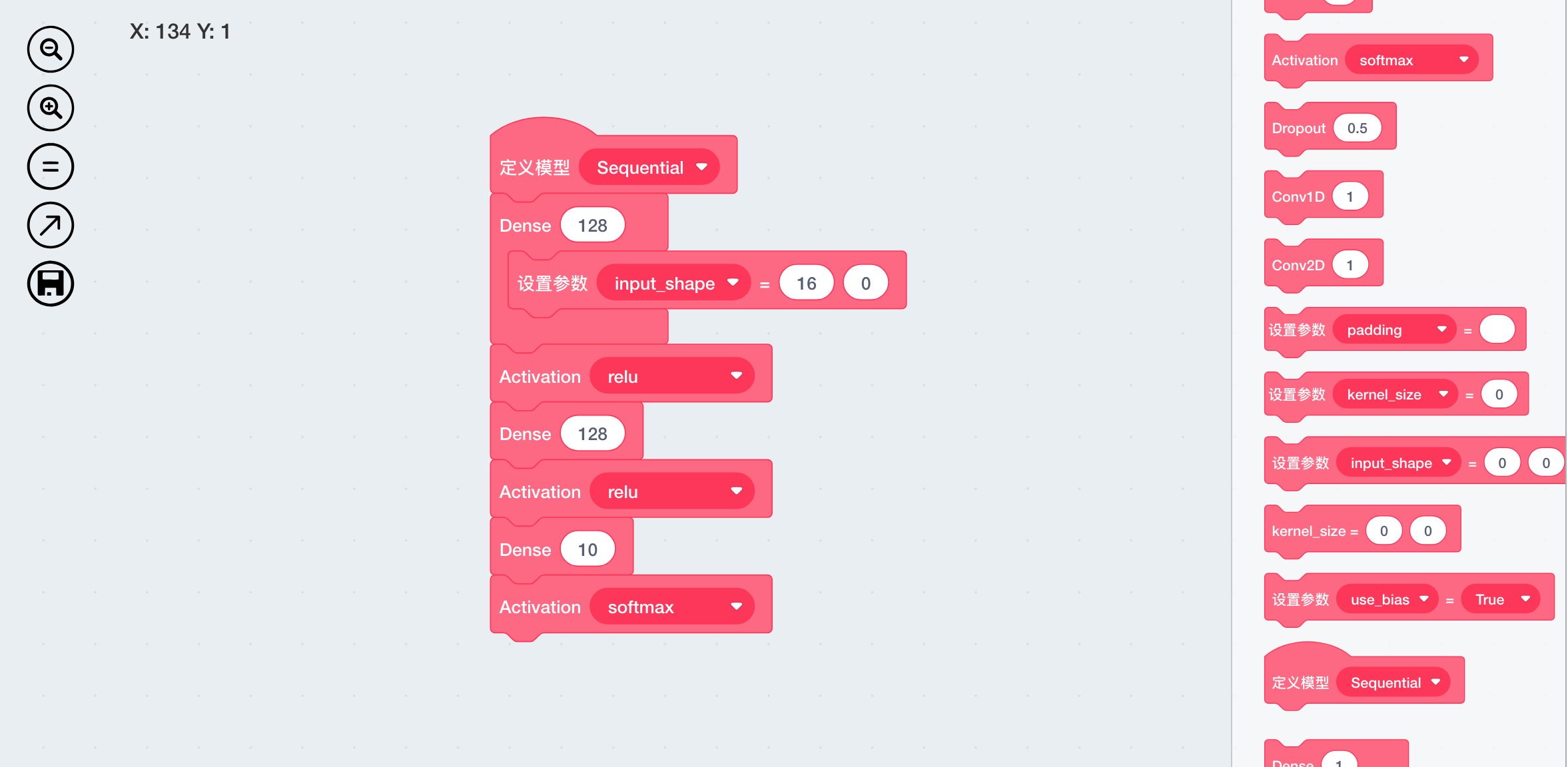
```
from keras.models import Sequential
from keras.layers.core import Dense, Activation
model = Sequential()
model.add(Dense(128, input_shape=(16,)))
model.add(Activation('relu'))
model.add(Dense(128))
model.add(Activation('relu'))
model.add(Dense(10))
model.add(Activation('softmax'))
model.summary()
```
MarkDown流程图
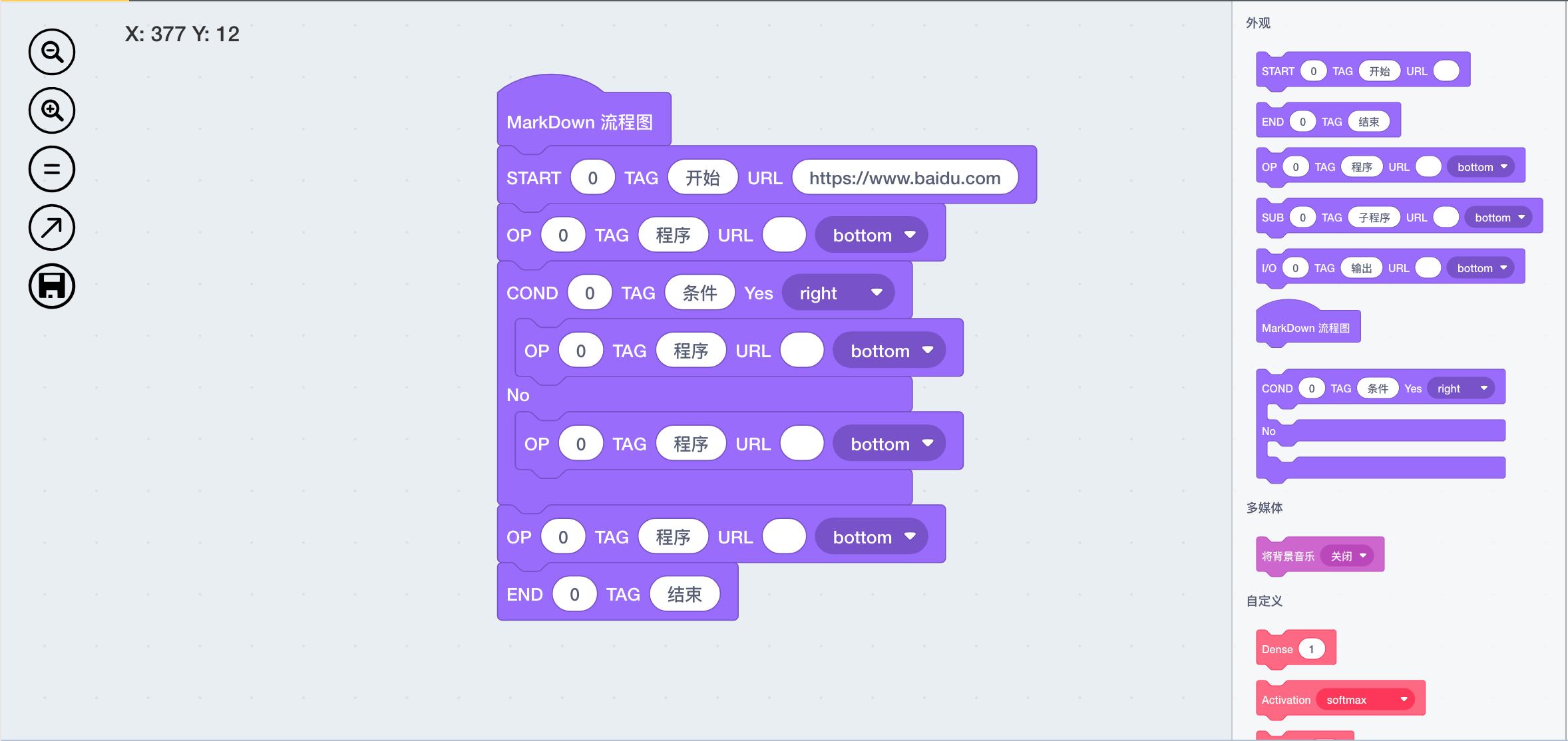
```
st8=>start: 开始:> https://www.baidu.com
op9=>operation: 程序
c10=>condition: 条件
op11=>operation: 程序
e12=>end: 结束
op13=>operation: 程序
op14=>operation: 程序
st8->op9(bottom)->c10
c10(no)->op14(bottom)->op11
c10(yes, right)->op13(bottom)->op11
op11(bottom)->e12
```
## Demo运行步骤
+ (1)安装Node环境,全局安装Vue-CLI
+ (2)从Github Clone本项目源码
+ (3)在项目根目录运行 npm install, 在client/目录下运行npm install
+ (4) 在控制台运行Vue ui,选择项目目录为client/目录,通过UI控制台运行服务即可
## Release Notes
1.2.0 重构Block注册管理方法,将Block定义分离出来,形成一个个独立包,可按需安装