
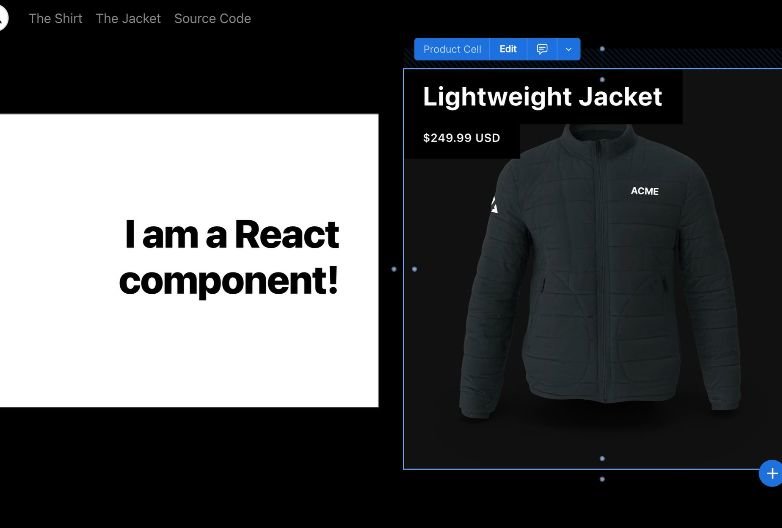
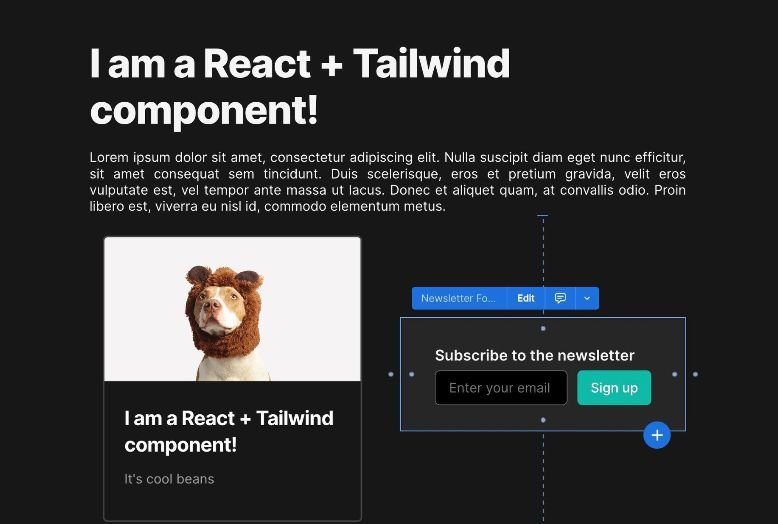
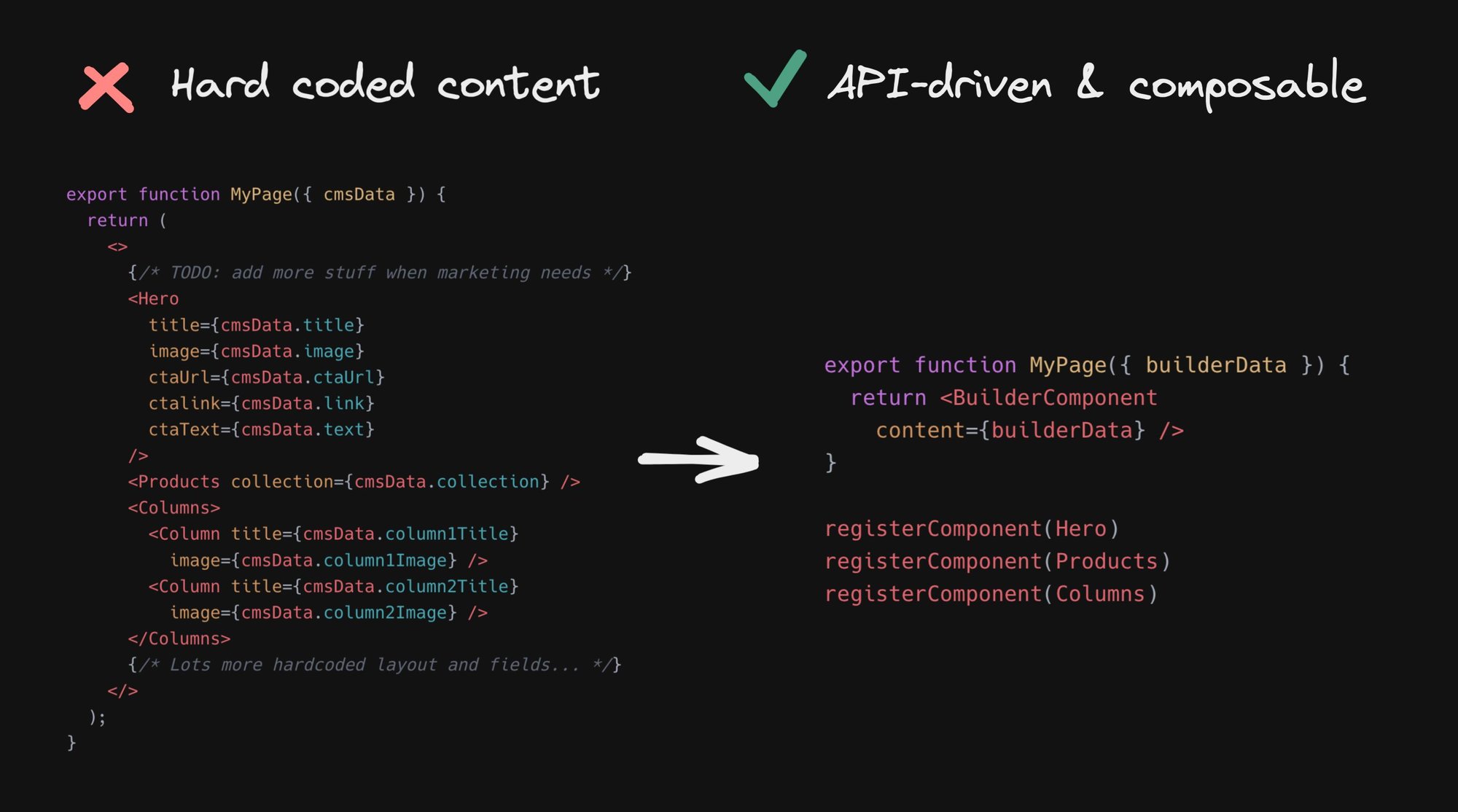
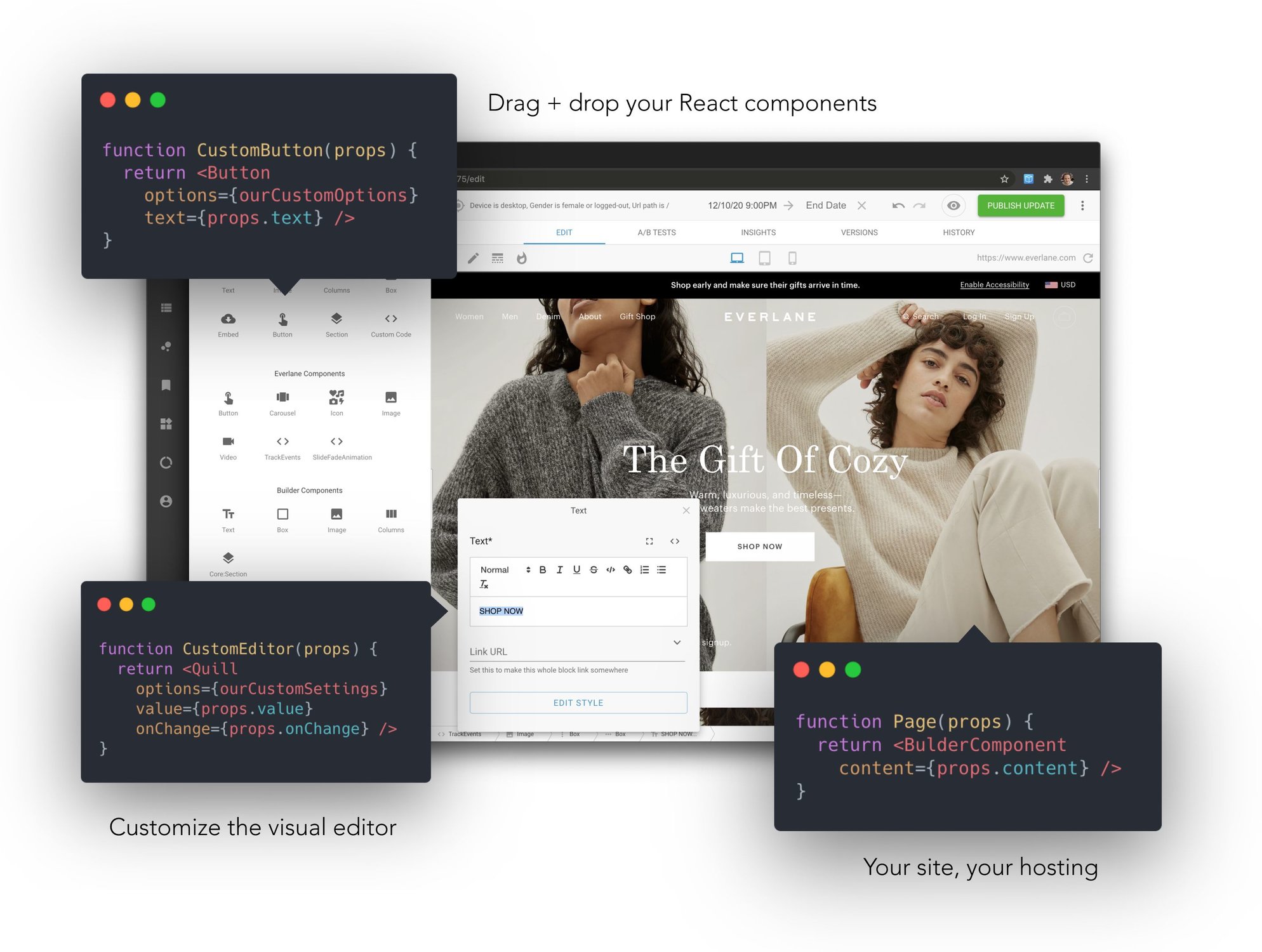
Integrate with any site or app. Drag and drop with the components already in your codebase.





| Register components | Rendered your visually created content |
import { Builder } from '@builder.io/react'

// Register our heading component for use in
// the visual editor
const Heading = props => (
  <h1 className="my-heading">{props.title}</h1>
)

Builder.registerComponent(Heading, {
  name: 'Heading',
  inputs: [{ name: 'title', type: 'text' }]
})
|
import { BuilderComponent, builder } from '@builder.io/react'

builder.init('YOUR_KEY')

export const getStaticProps = async () => ({
  props: {
    builderJson: await builder.get('page', { url: '/' }).promise()
  }
})

export function BuilderPage({ builderJson }) => {
  return <>
    <YourHeader />
    <BuilderComponent model="page" content={builderJson} />
    <YourFooter />
  </>
}
|
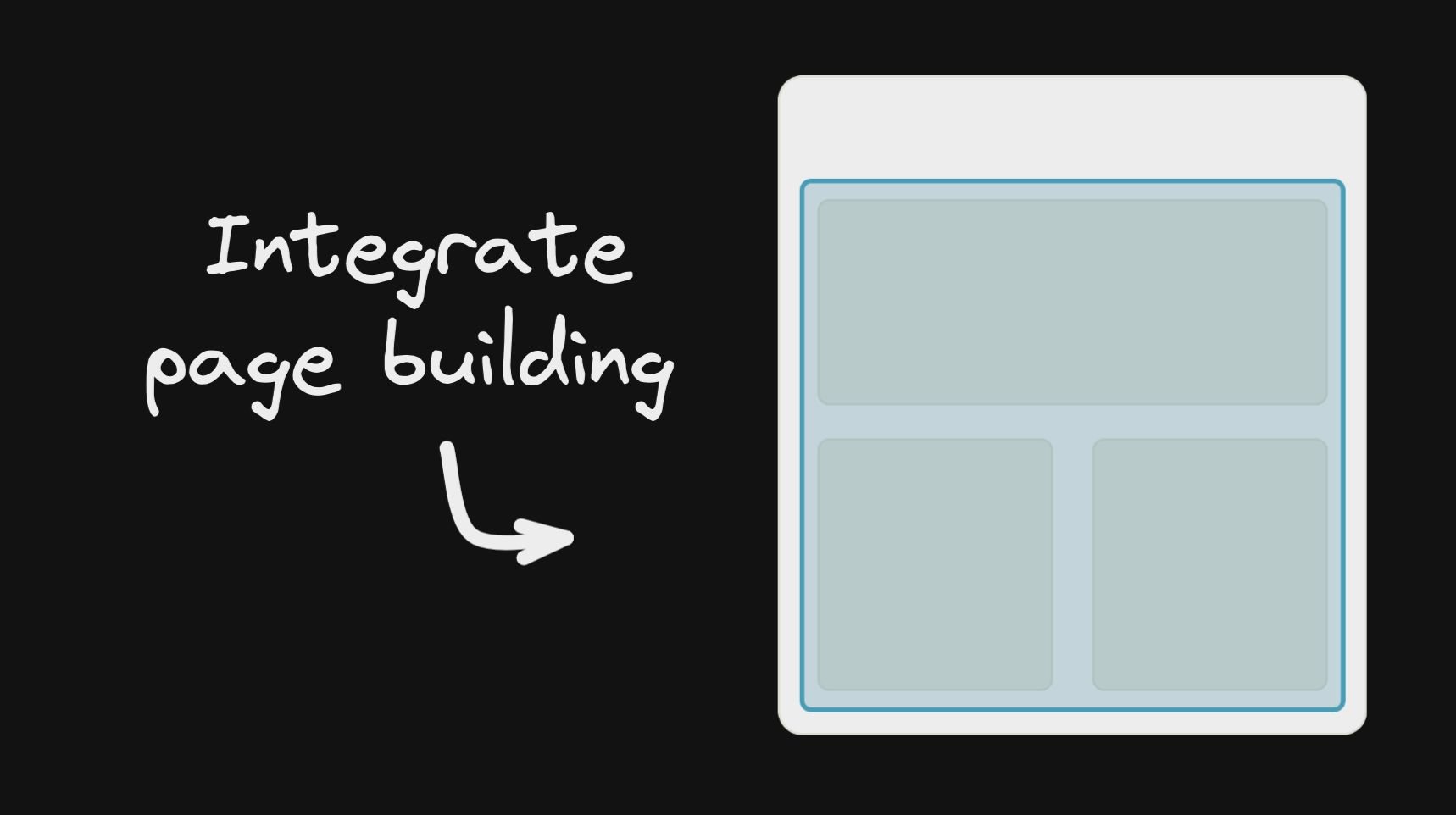
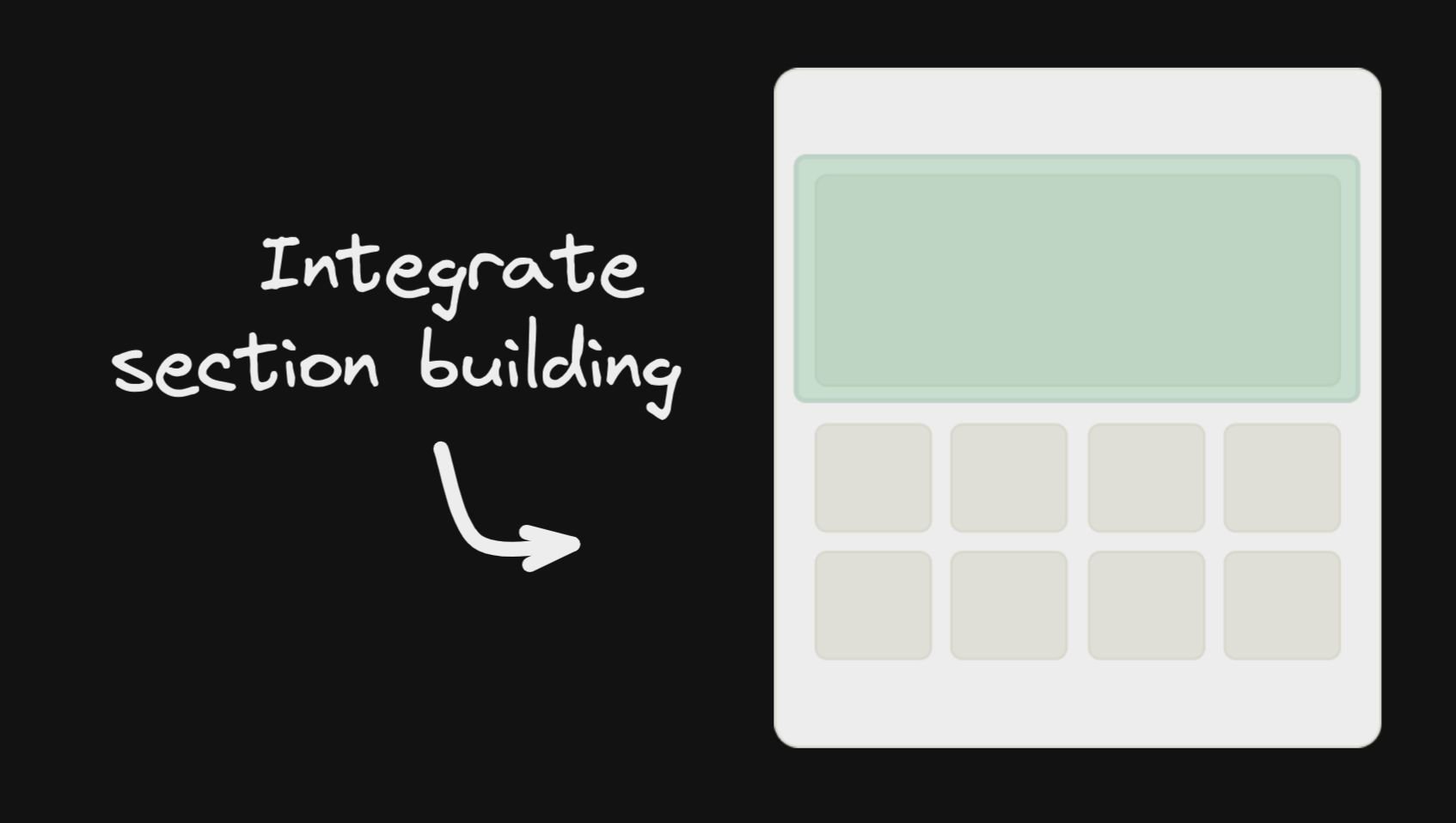
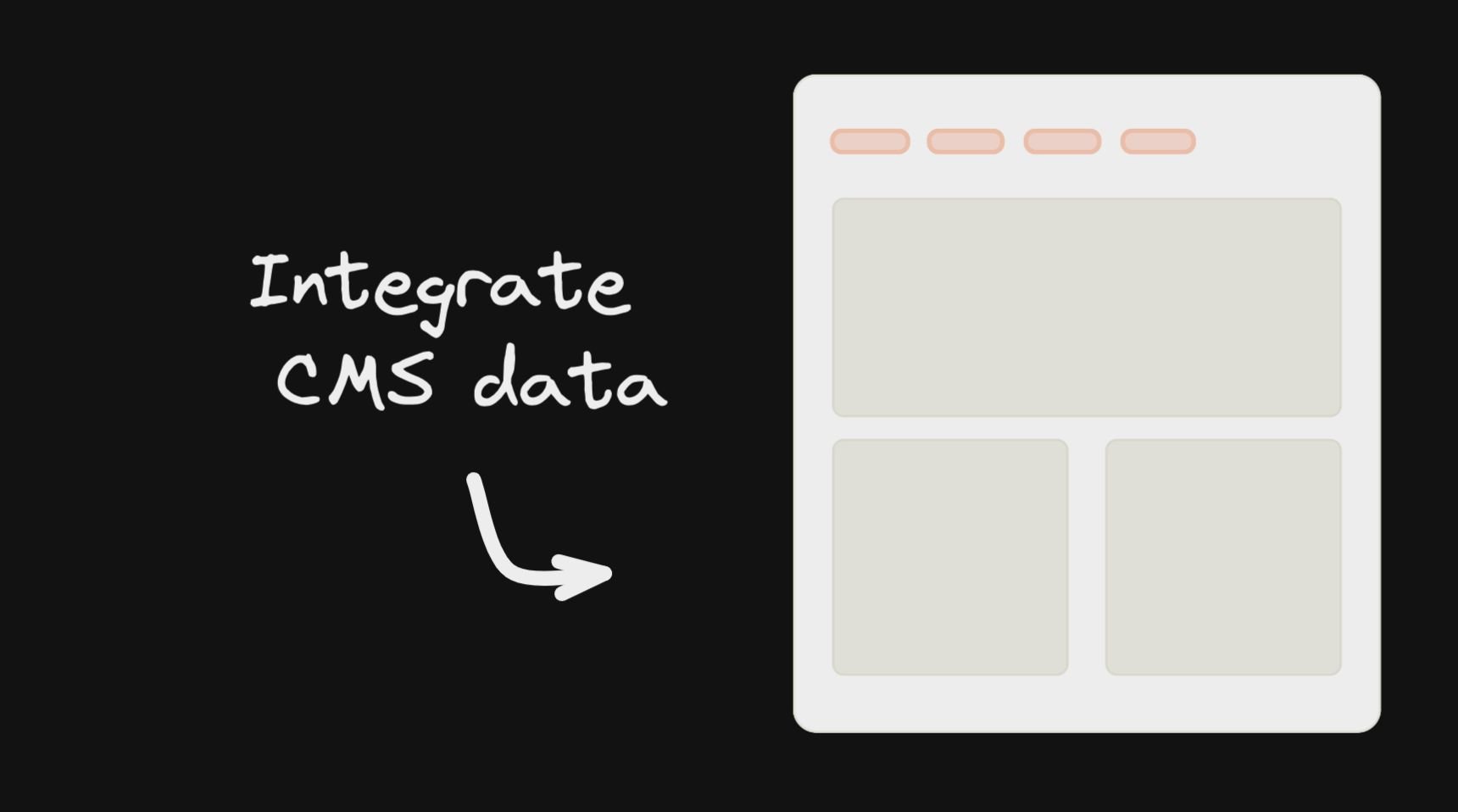
| Integrate Page Building | Integrate Section Building | Integrate Structured Data |
|
|
|
| Editor Demo | Commerce Example | Blog Example |

|
|
|
 ## How does it work?
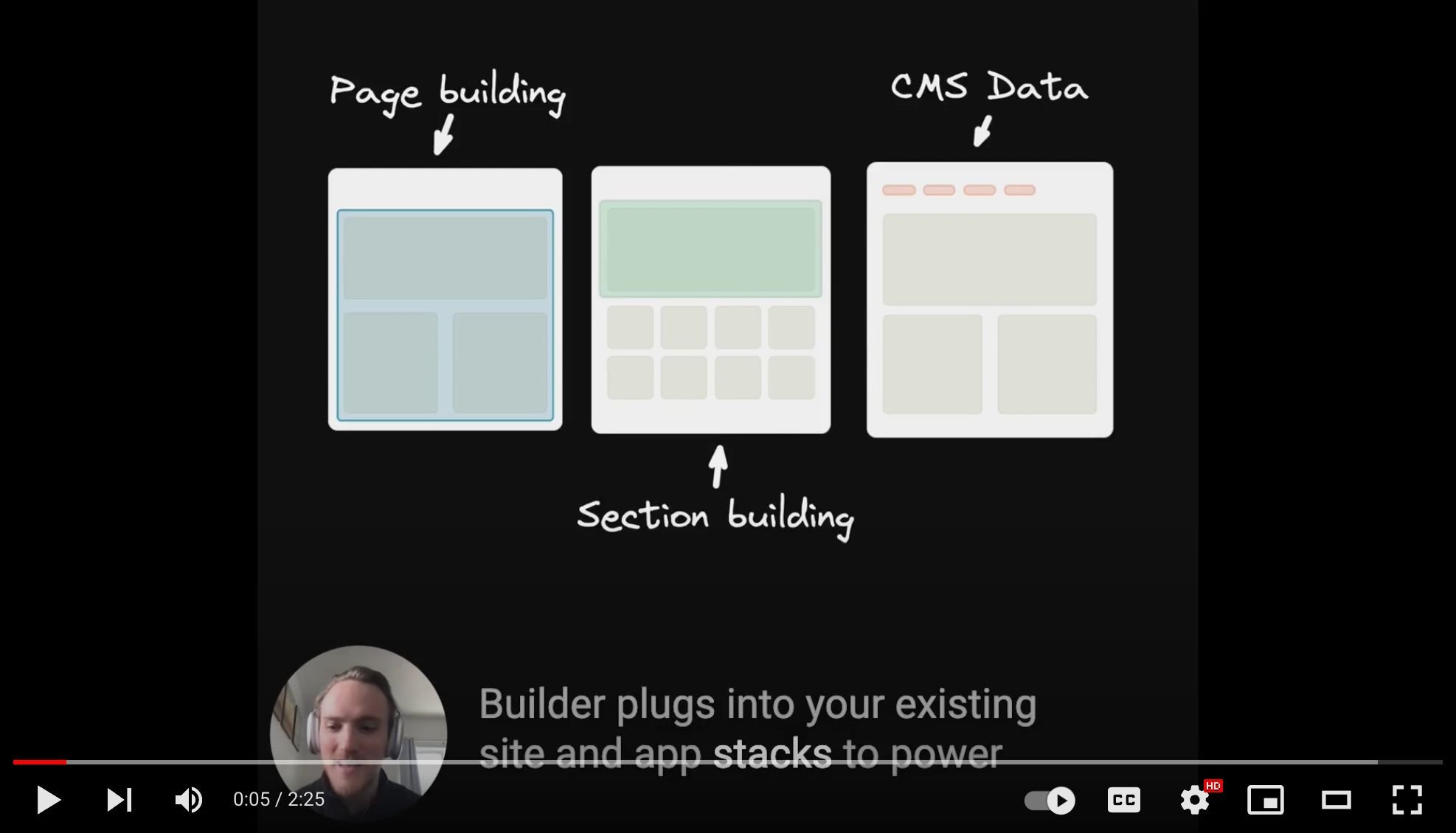
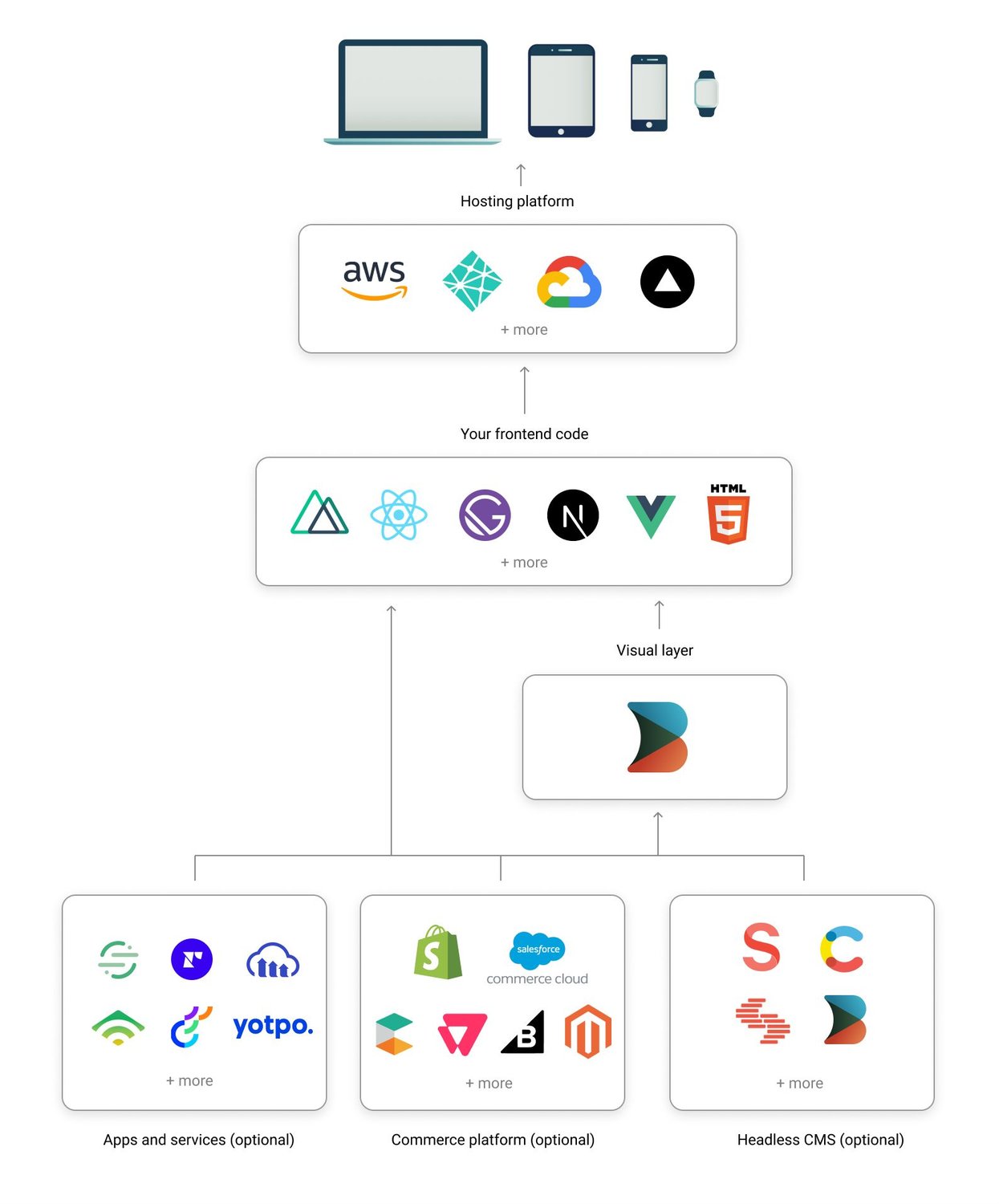
- Integrate the [Builder API or SDK](https://www.builder.io/c/docs/developers) to your site or app
- Create a free account on [builder.io](https://builder.io) and drag and drop to create and publish pages and content
## How does it work?
- Integrate the [Builder API or SDK](https://www.builder.io/c/docs/developers) to your site or app
- Create a free account on [builder.io](https://builder.io) and drag and drop to create and publish pages and content
 Learn more about how builder works here
## How is the performance?
Performance is our top priority. All content is delivered from the edge, renderable server side or statically, we [optimize the heck out of it](https://www.builder.io/blog/high-performance-no-code) and our SDKs are small and mighty.
Importantly, there are no hacks here - no iframes, no unneeded client side code or rendering, our rule of thumb is we produce content just like if you wrote it by hand. Assets are optimized, DOM is minimized, and it's all native to your framework (so all React components if you use React, Svelte for Svelte, etc)
See more about [how Builder works](https://www.builder.io/c/docs/how-builder-works-technical), or take a look at the [perf of our own site](https://pagespeed.web.dev/report?url=https%3A%2F%2Fwww.builder.io%2F) (built completely in Builder):
Learn more about how builder works here
## How is the performance?
Performance is our top priority. All content is delivered from the edge, renderable server side or statically, we [optimize the heck out of it](https://www.builder.io/blog/high-performance-no-code) and our SDKs are small and mighty.
Importantly, there are no hacks here - no iframes, no unneeded client side code or rendering, our rule of thumb is we produce content just like if you wrote it by hand. Assets are optimized, DOM is minimized, and it's all native to your framework (so all React components if you use React, Svelte for Svelte, etc)
See more about [how Builder works](https://www.builder.io/c/docs/how-builder-works-technical), or take a look at the [perf of our own site](https://pagespeed.web.dev/report?url=https%3A%2F%2Fwww.builder.io%2F) (built completely in Builder):
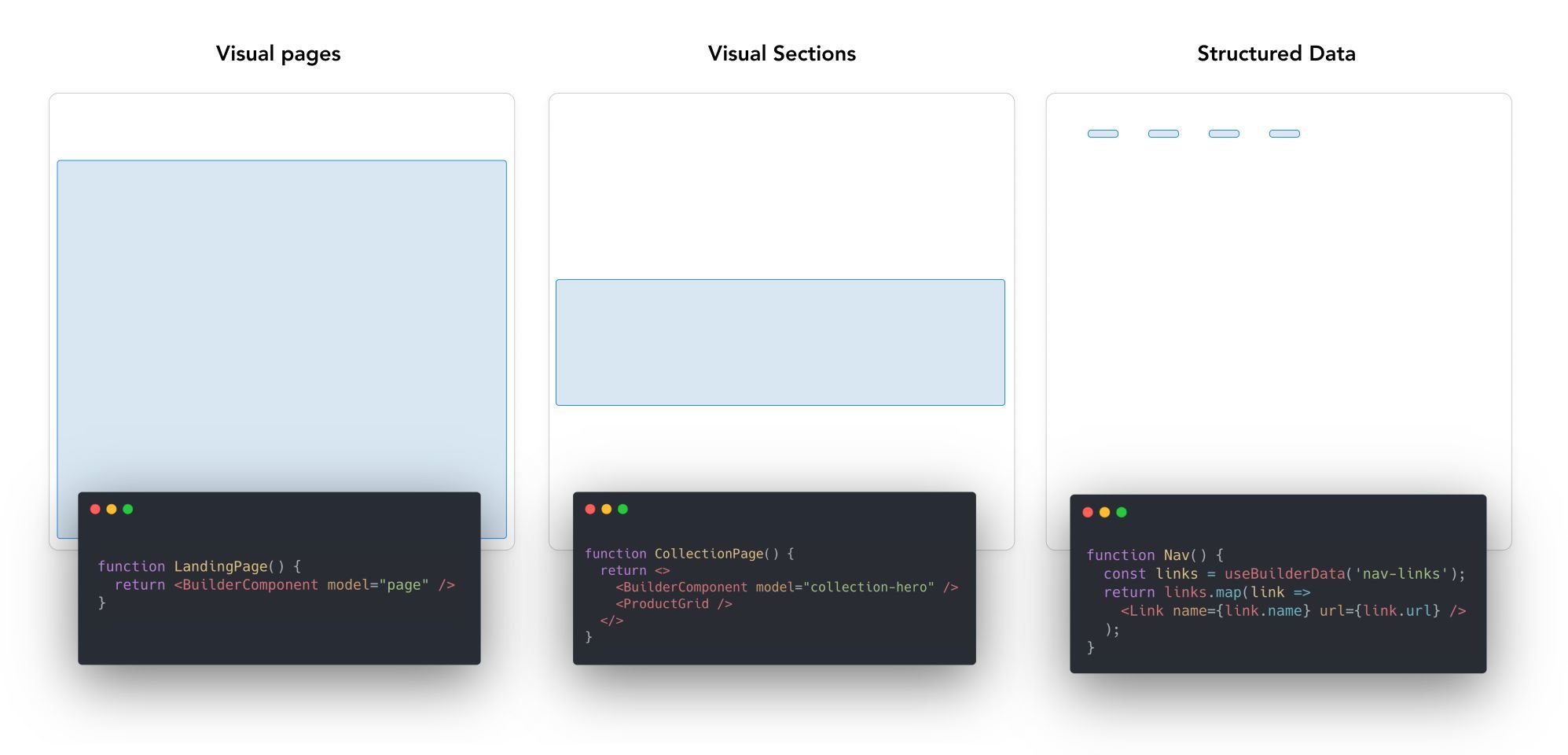
 ## How is the content structured?
In Builder, content is structured in [models](https://www.builder.io/c/docs/guides/developers-with-models), and customized with [custom fields](https://www.builder.io/c/docs/custom-fields) and [targeting](https://www.builder.io/c/docs/guides/targeting-and-scheduling)
- **Builder pages** - full drag and drop control between your site's header and footer. [Try it out](https://builder.io/fiddle/fb98adf93ad5467180329fdaa9711f27)
- **Builder sections** - make a part of a page visually editable in Builder and use our [targeting and scheduling](https://www.builder.io/c/docs/guides/targeting-and-scheduling) to decide who sees what. [Try it out](https://builder.io/fiddle/81b6a689f6c74c82bbd982497cf08e34)
- **Builder data** - fetch structured data from Builder and use it anywhere in your application (e.g. menu items, structured pages). [Try it out](https://builder.io/fiddle/193e3e3128b84c80b1a9c4ba19612244)
## How is the content structured?
In Builder, content is structured in [models](https://www.builder.io/c/docs/guides/developers-with-models), and customized with [custom fields](https://www.builder.io/c/docs/custom-fields) and [targeting](https://www.builder.io/c/docs/guides/targeting-and-scheduling)
- **Builder pages** - full drag and drop control between your site's header and footer. [Try it out](https://builder.io/fiddle/fb98adf93ad5467180329fdaa9711f27)
- **Builder sections** - make a part of a page visually editable in Builder and use our [targeting and scheduling](https://www.builder.io/c/docs/guides/targeting-and-scheduling) to decide who sees what. [Try it out](https://builder.io/fiddle/81b6a689f6c74c82bbd982497cf08e34)
- **Builder data** - fetch structured data from Builder and use it anywhere in your application (e.g. menu items, structured pages). [Try it out](https://builder.io/fiddle/193e3e3128b84c80b1a9c4ba19612244)
 Read more about how builder works [here](https://www.builder.io/c/docs/how-builder-works-technical)
See [here](#structuring-your-site) for examples on how to structure a site with Builder
## Featured Integrations
Read more about how builder works [here](https://www.builder.io/c/docs/how-builder-works-technical)
See [here](#structuring-your-site) for examples on how to structure a site with Builder
## Featured Integrations
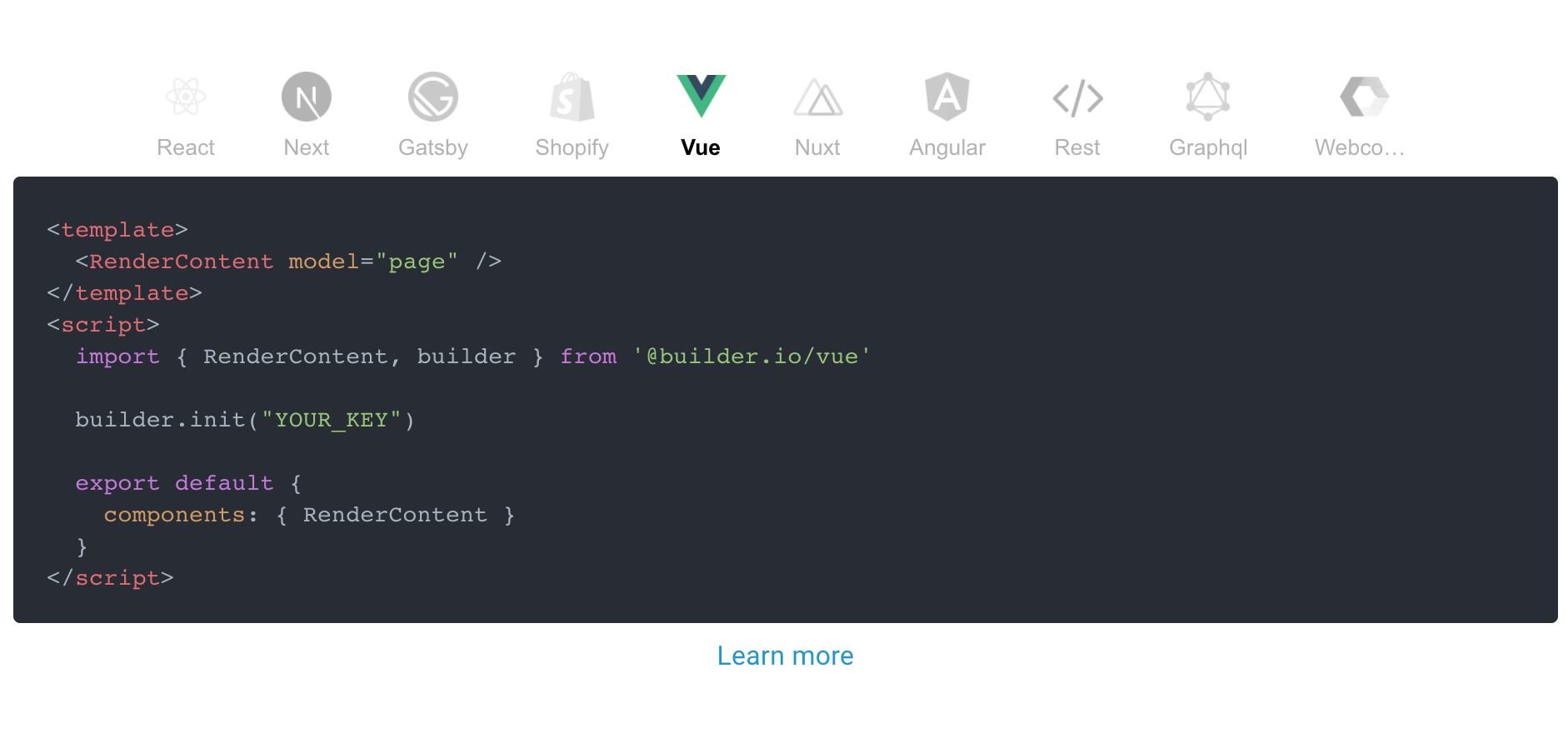


REST API
|

Shopify |

Figma |

React |

Next.js |

Gatsby |

Vue |

Nuxt |

Angular |

Web Components |
 Builder.io gives you a ton more power and control than just page building. Check our guides on
- [Custom models](https://builder.io/c/docs/guides/developers-with-models)
- [Custom design systems in Builder.io](https://github.com/BuilderIO/builder/tree/main/examples/react-design-system)
- [SEO optimizing Builder.io content](https://builder.io/c/docs/seo)
- [Custom React components in the visual editor](https://www.builder.io/c/docs/custom-react-components)
- [Components only mode](https://www.builder.io/c/docs/guides/components-only-mode)
Additional framework support:
- [Gatsby](https://github.com/BuilderIO/builder/tree/main/examples/gatsby)
- [Next.js](https://github.com/BuilderIO/builder/tree/main/examples/next-js)
- [Angular](https://github.com/BuilderIO/builder/tree/main/packages/angular)
- [HTML API (for any framework)](https://builder.io/c/docs/html-api)
As well as some handy power features like:
- [Symbols](https://builder.io/c/docs/guides/symbols)
- [Dynamic data fetching and binding](https://builder.io/c/docs/guides/advanced-data)
- [State handling](https://builder.io/c/docs/guides/state-and-actions)
- [Content API](https://builder.io/c/docs/query-api)
- [GraphQL API](https://builder.io/c/docs/graphql-api)
- [Webhooks](https://builder.io/c/docs/webhooks)
- [Targeting and scheduling content](https://builder.io/c/docs/guides/targeting-and-scheduling)
- [Extending Builder.io with plugins](https://github.com/BuilderIO/builder/tree/main/plugins)
## Join the community!
Questions? Requests? Feedback? Chat with us in our [official forum](https://forum.builder.io)!
## Troubleshooting and feedback
Problems? Requests? Open an [issue](https://github.com/BuilderIO/builder/issues). We always want to hear feedback and interesting new use cases and are happy to help.
## We're hiring!
Help us enable anyone to build digital experiences and bring more ideas to life --> https://www.builder.io/m/careers
Builder.io gives you a ton more power and control than just page building. Check our guides on
- [Custom models](https://builder.io/c/docs/guides/developers-with-models)
- [Custom design systems in Builder.io](https://github.com/BuilderIO/builder/tree/main/examples/react-design-system)
- [SEO optimizing Builder.io content](https://builder.io/c/docs/seo)
- [Custom React components in the visual editor](https://www.builder.io/c/docs/custom-react-components)
- [Components only mode](https://www.builder.io/c/docs/guides/components-only-mode)
Additional framework support:
- [Gatsby](https://github.com/BuilderIO/builder/tree/main/examples/gatsby)
- [Next.js](https://github.com/BuilderIO/builder/tree/main/examples/next-js)
- [Angular](https://github.com/BuilderIO/builder/tree/main/packages/angular)
- [HTML API (for any framework)](https://builder.io/c/docs/html-api)
As well as some handy power features like:
- [Symbols](https://builder.io/c/docs/guides/symbols)
- [Dynamic data fetching and binding](https://builder.io/c/docs/guides/advanced-data)
- [State handling](https://builder.io/c/docs/guides/state-and-actions)
- [Content API](https://builder.io/c/docs/query-api)
- [GraphQL API](https://builder.io/c/docs/graphql-api)
- [Webhooks](https://builder.io/c/docs/webhooks)
- [Targeting and scheduling content](https://builder.io/c/docs/guides/targeting-and-scheduling)
- [Extending Builder.io with plugins](https://github.com/BuilderIO/builder/tree/main/plugins)
## Join the community!
Questions? Requests? Feedback? Chat with us in our [official forum](https://forum.builder.io)!
## Troubleshooting and feedback
Problems? Requests? Open an [issue](https://github.com/BuilderIO/builder/issues). We always want to hear feedback and interesting new use cases and are happy to help.
## We're hiring!
Help us enable anyone to build digital experiences and bring more ideas to life --> https://www.builder.io/m/careers