# pyecharts
**Repository Path**: youfuyun/pyecharts
## Basic Information
- **Project Name**: pyecharts
- **Description**: Python Echarts Plotting Library
- **Primary Language**: Unknown
- **License**: MIT
- **Default Branch**: master
- **Homepage**: None
- **GVP Project**: No
## Statistics
- **Stars**: 0
- **Forks**: 0
- **Created**: 2020-02-26
- **Last Updated**: 2020-12-19
## Categories & Tags
**Categories**: Uncategorized
**Tags**: None
## README

pyecharts
Python ❤️ Echarts = pyecharts








## 📣 Introduction
[Echarts](https://github.com/ecomfe/echarts) is easy-to-use, highly interactive and highly performant javascript visualization library under Apache license. Since its first public release in 2013, it now dominates over 74% of Chinese web front-end market. Yet Python is an expressive language and is loved by data science community. Combining the strength of both technologies, [pyecharts](https://github.com/pyecharts/pyecharts) is born.
## ✨ Feature hightlights
* Simple API, Sleek and method chaining
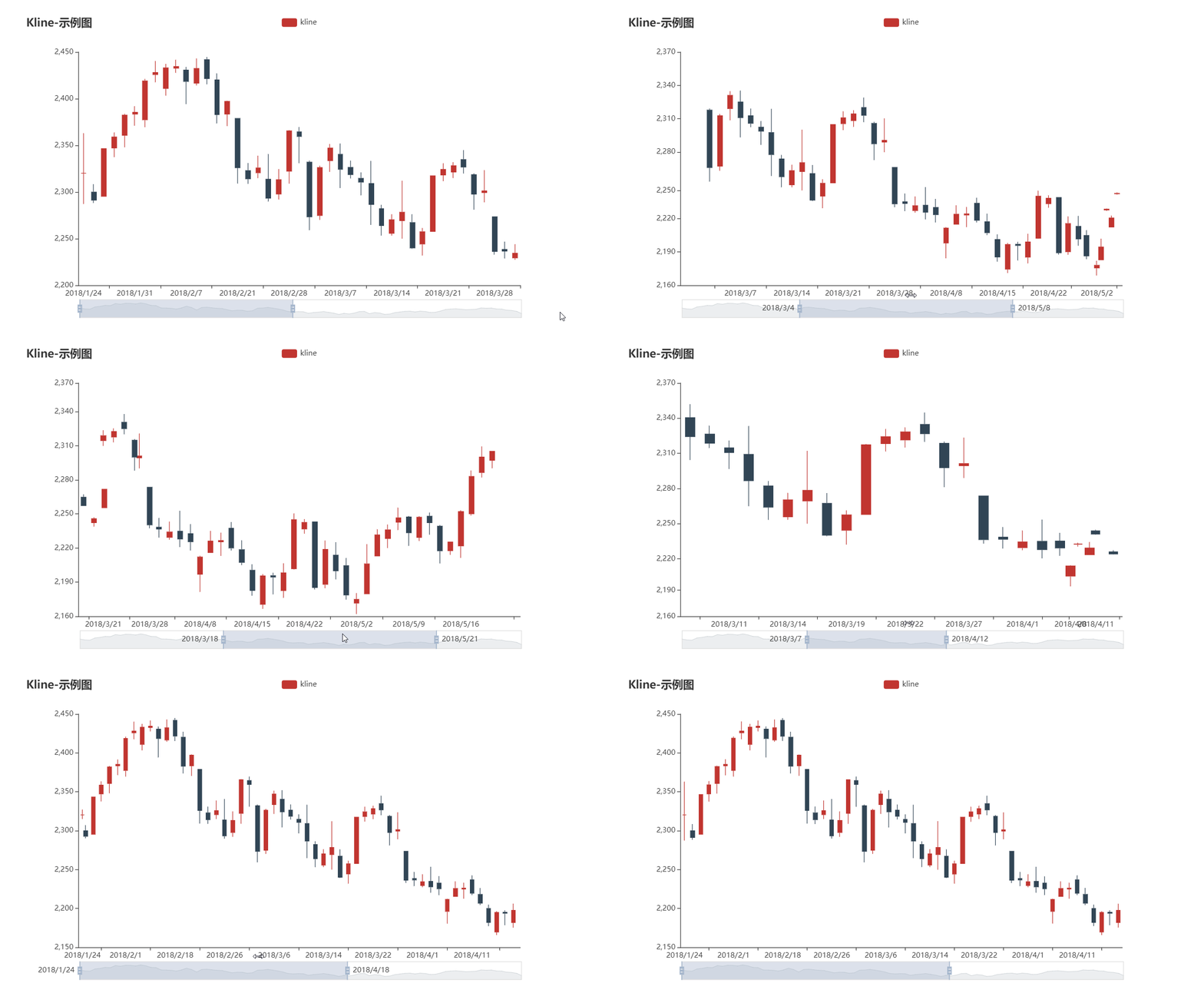
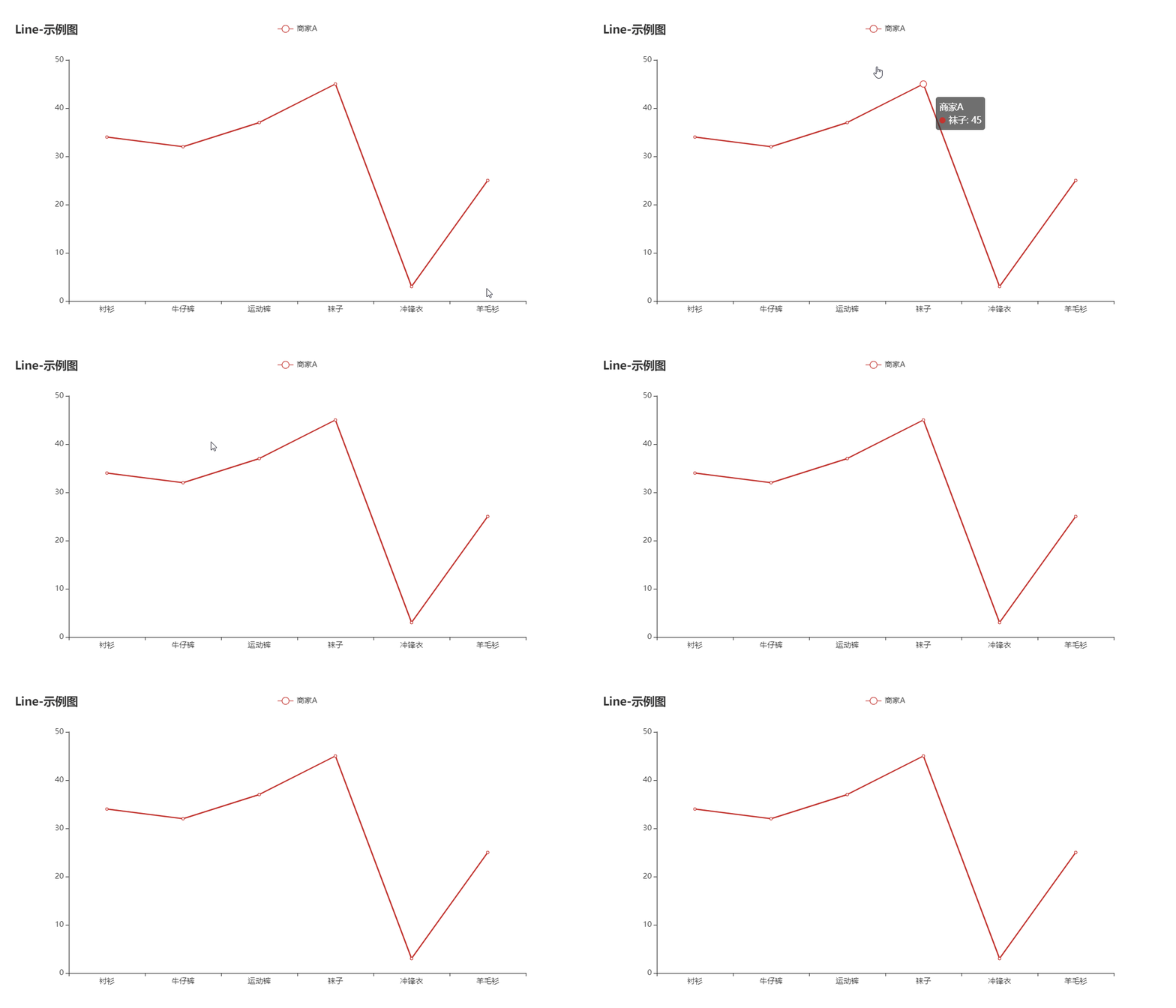
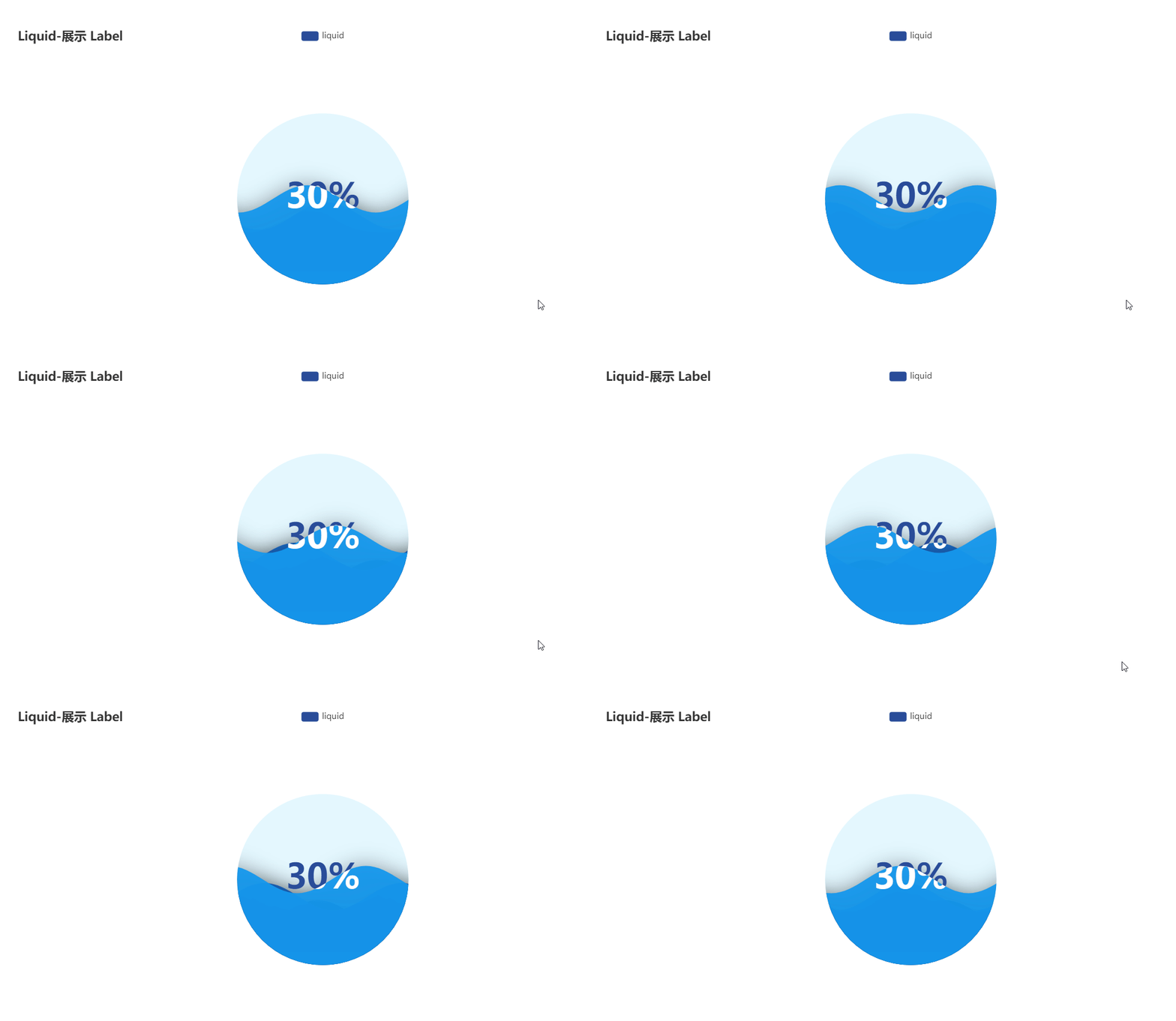
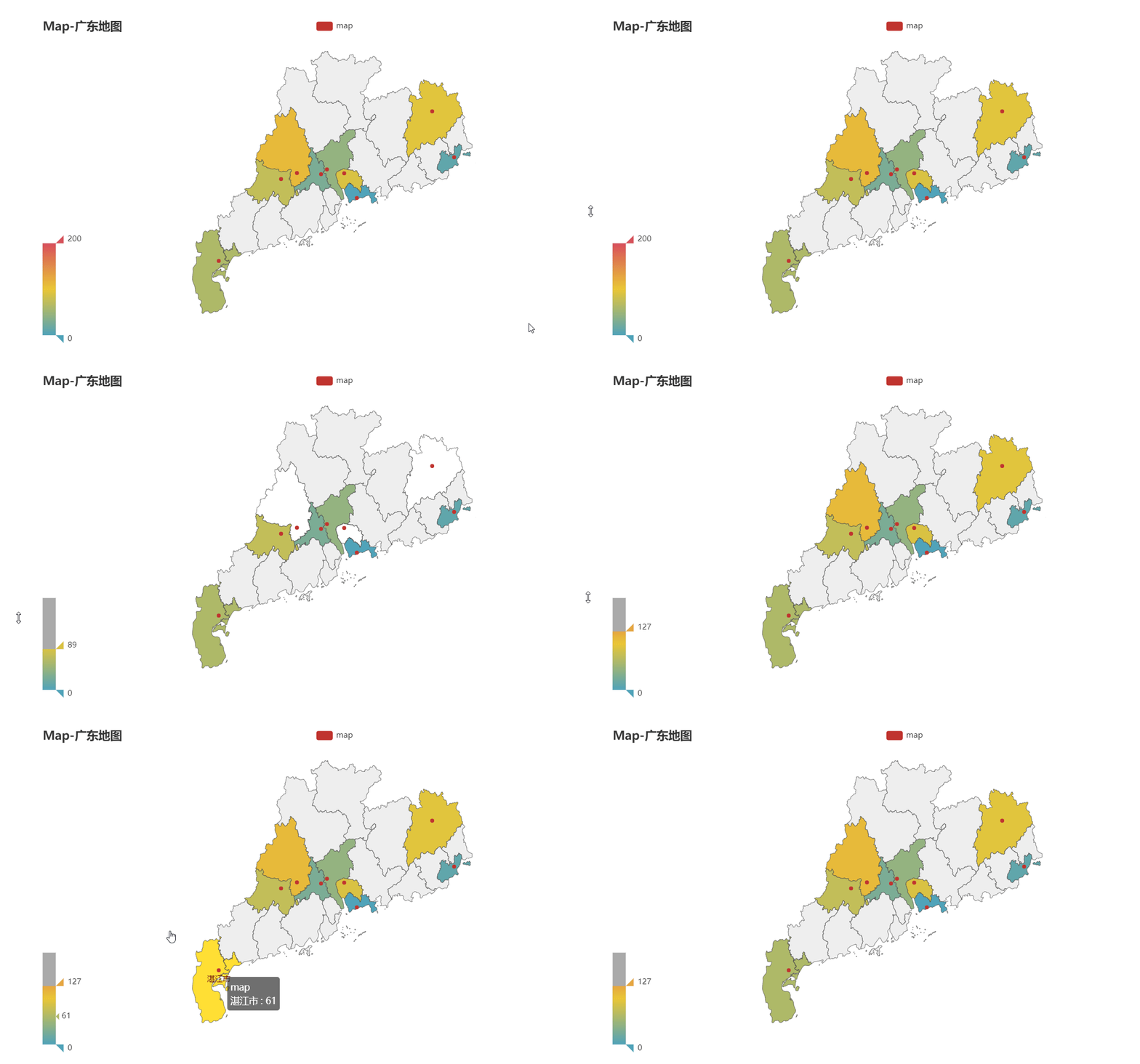
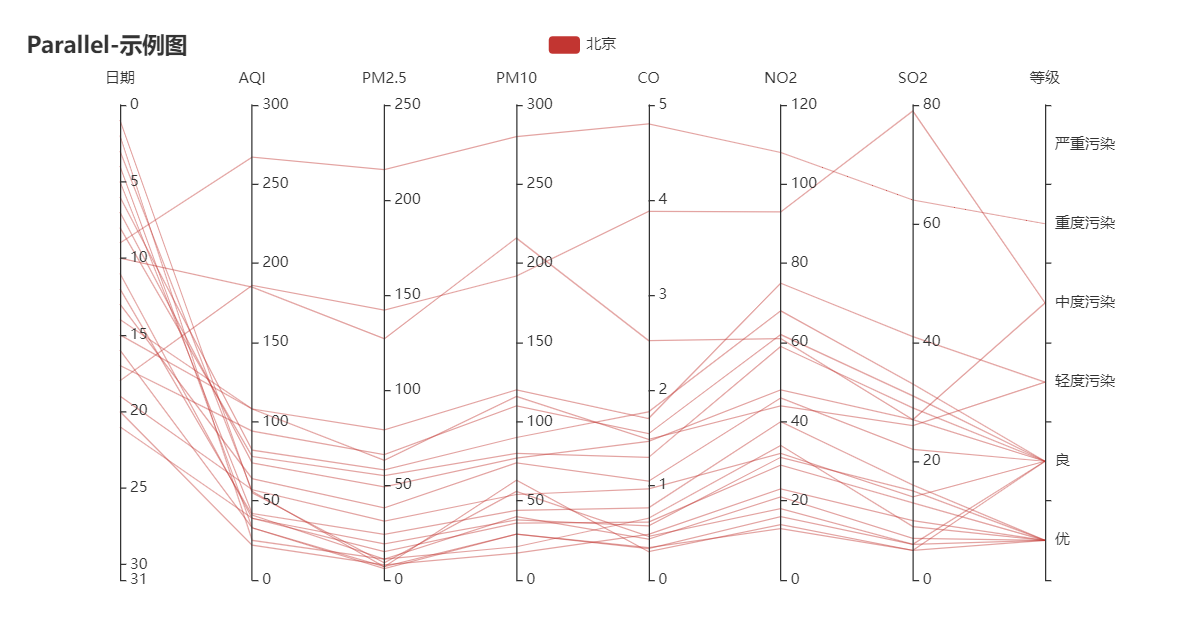
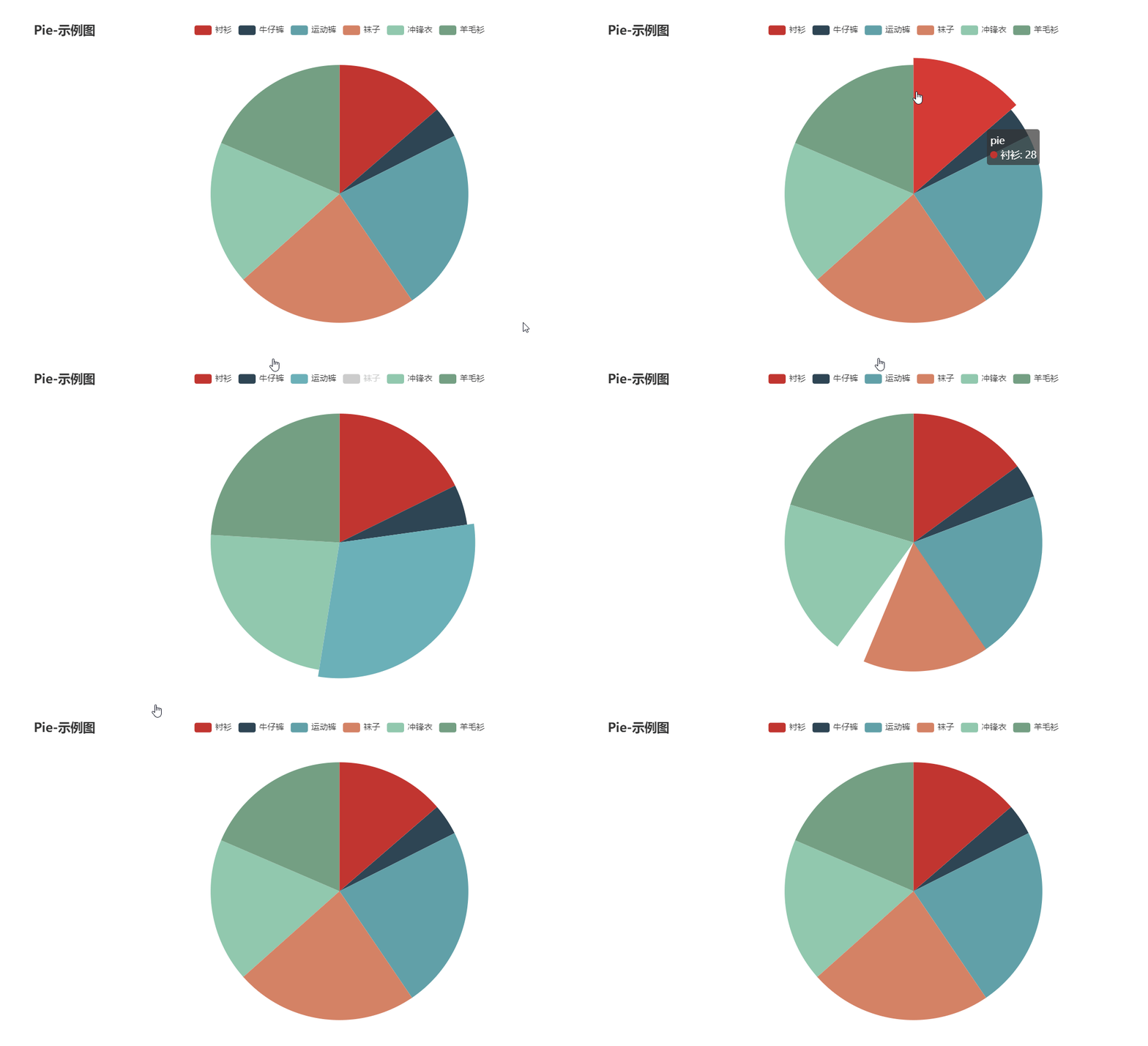
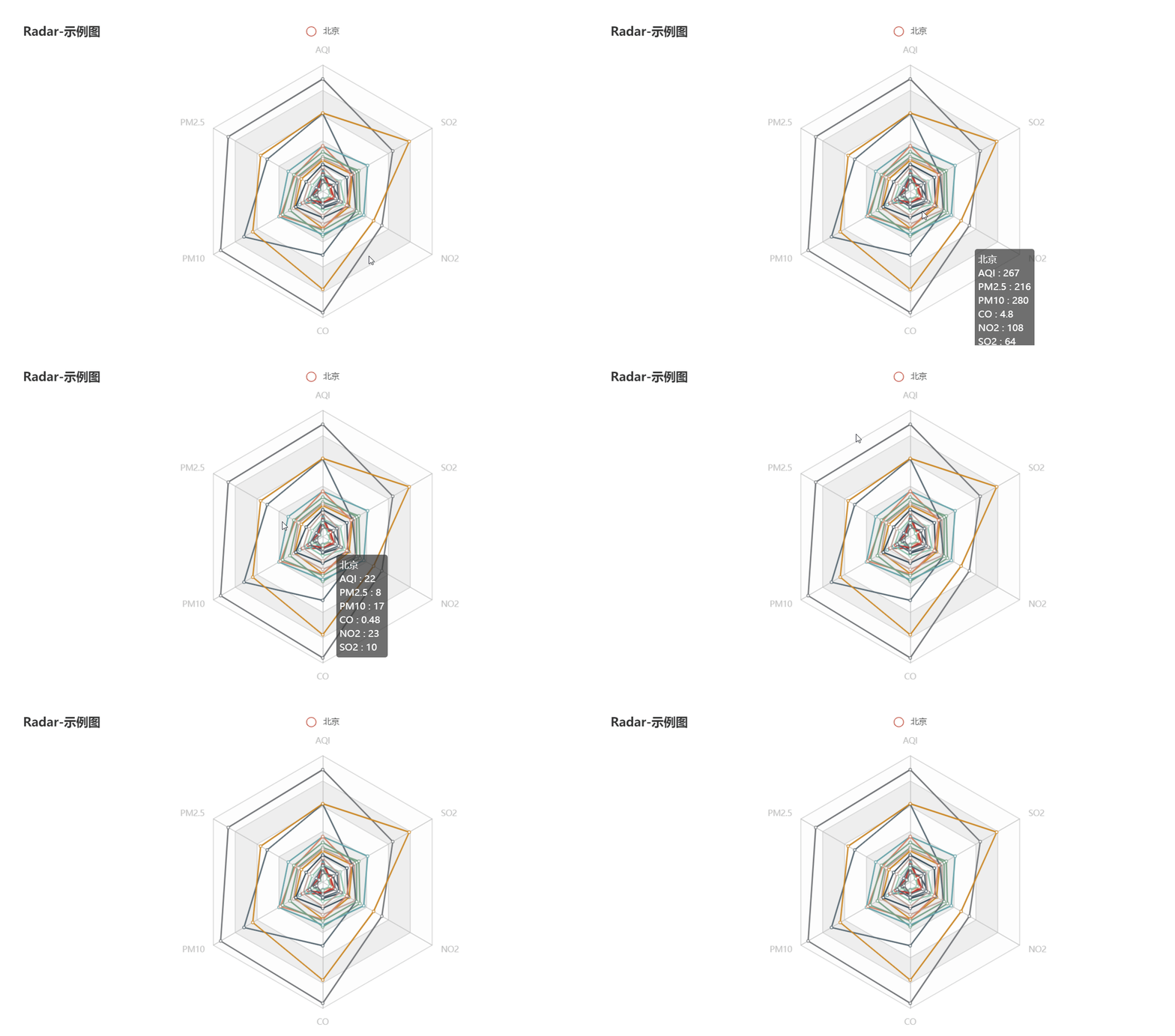
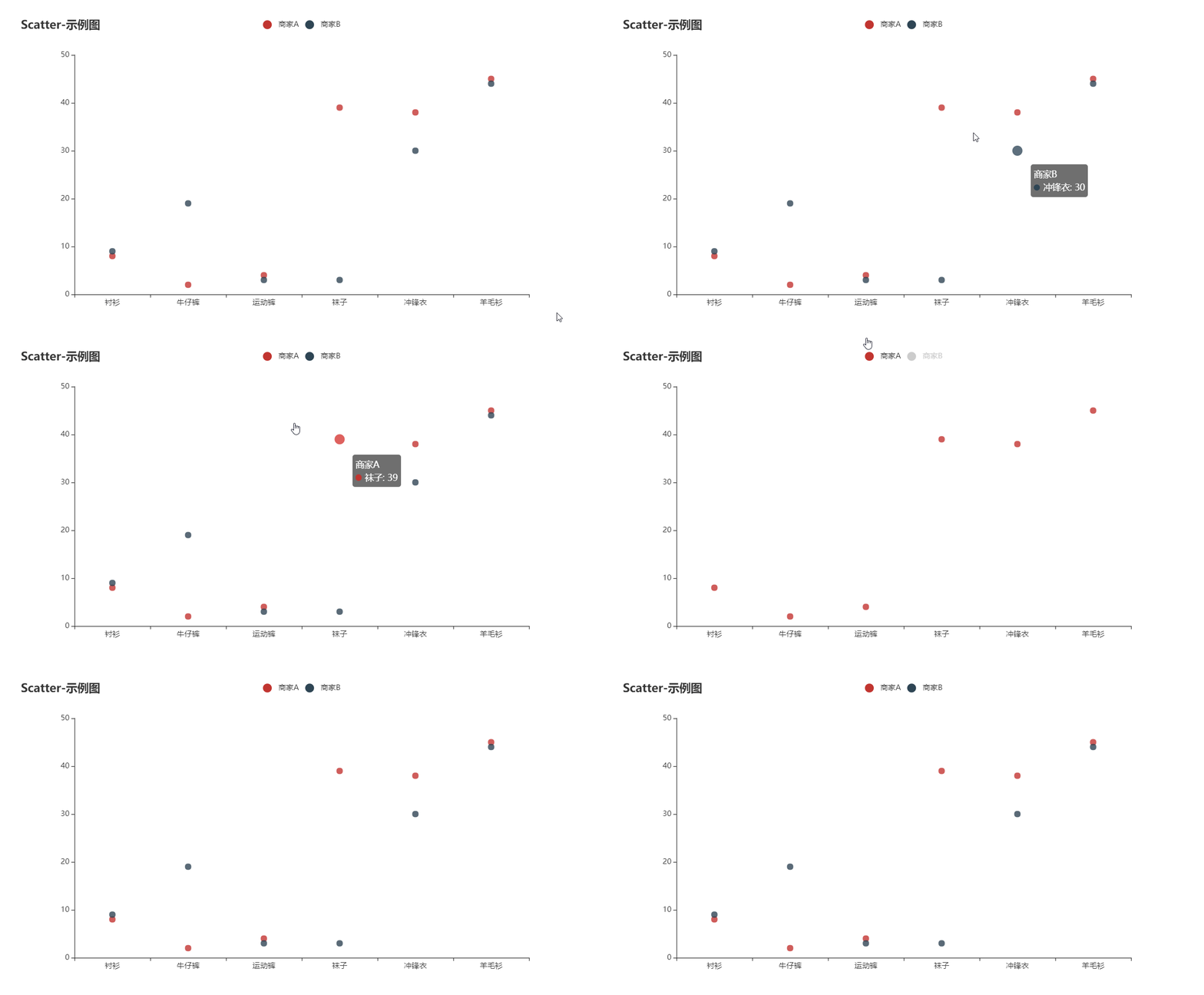
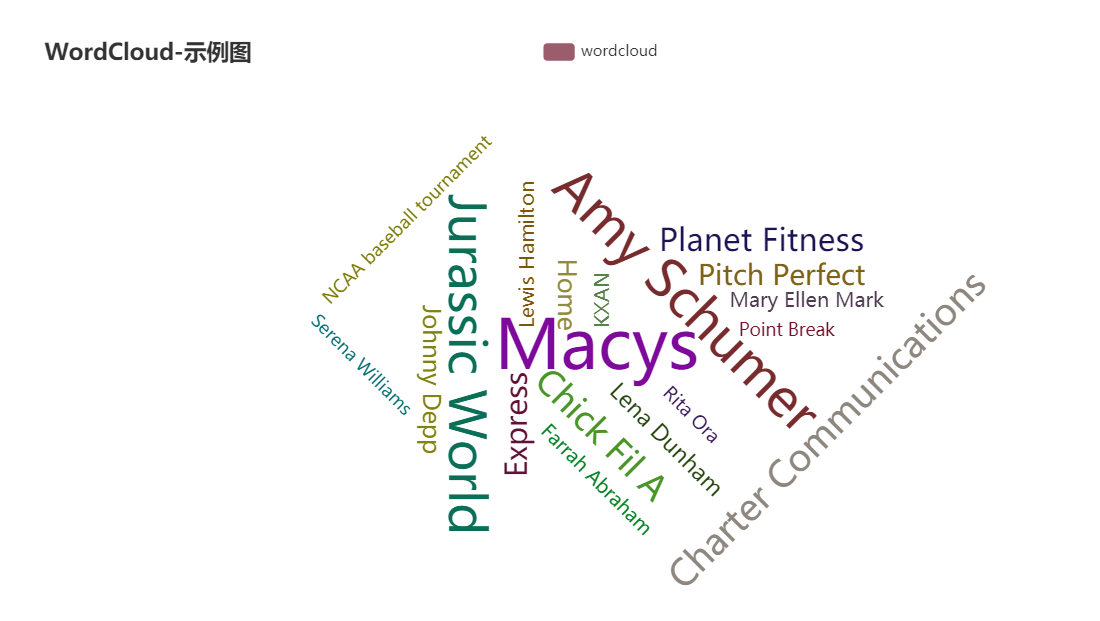
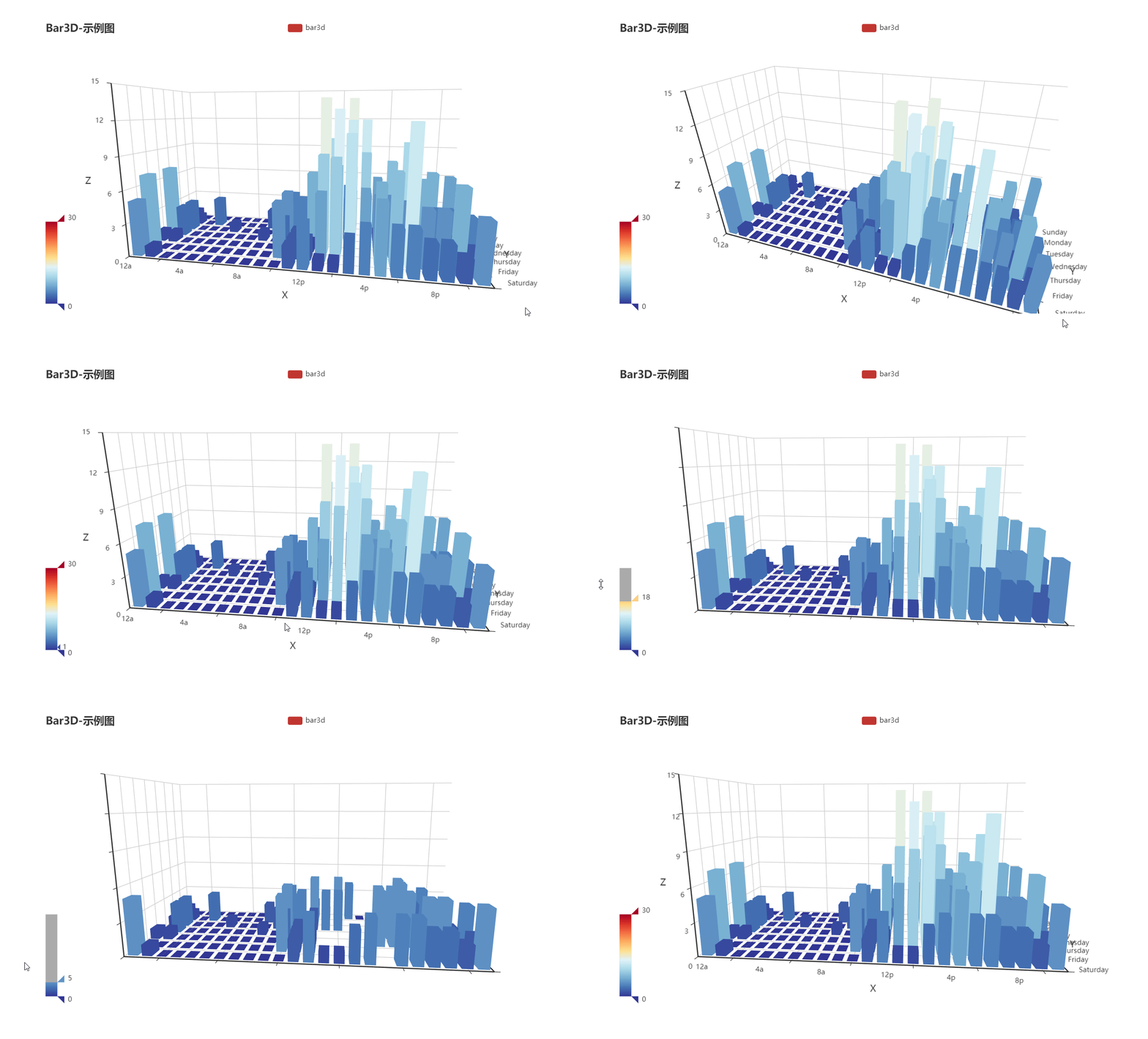
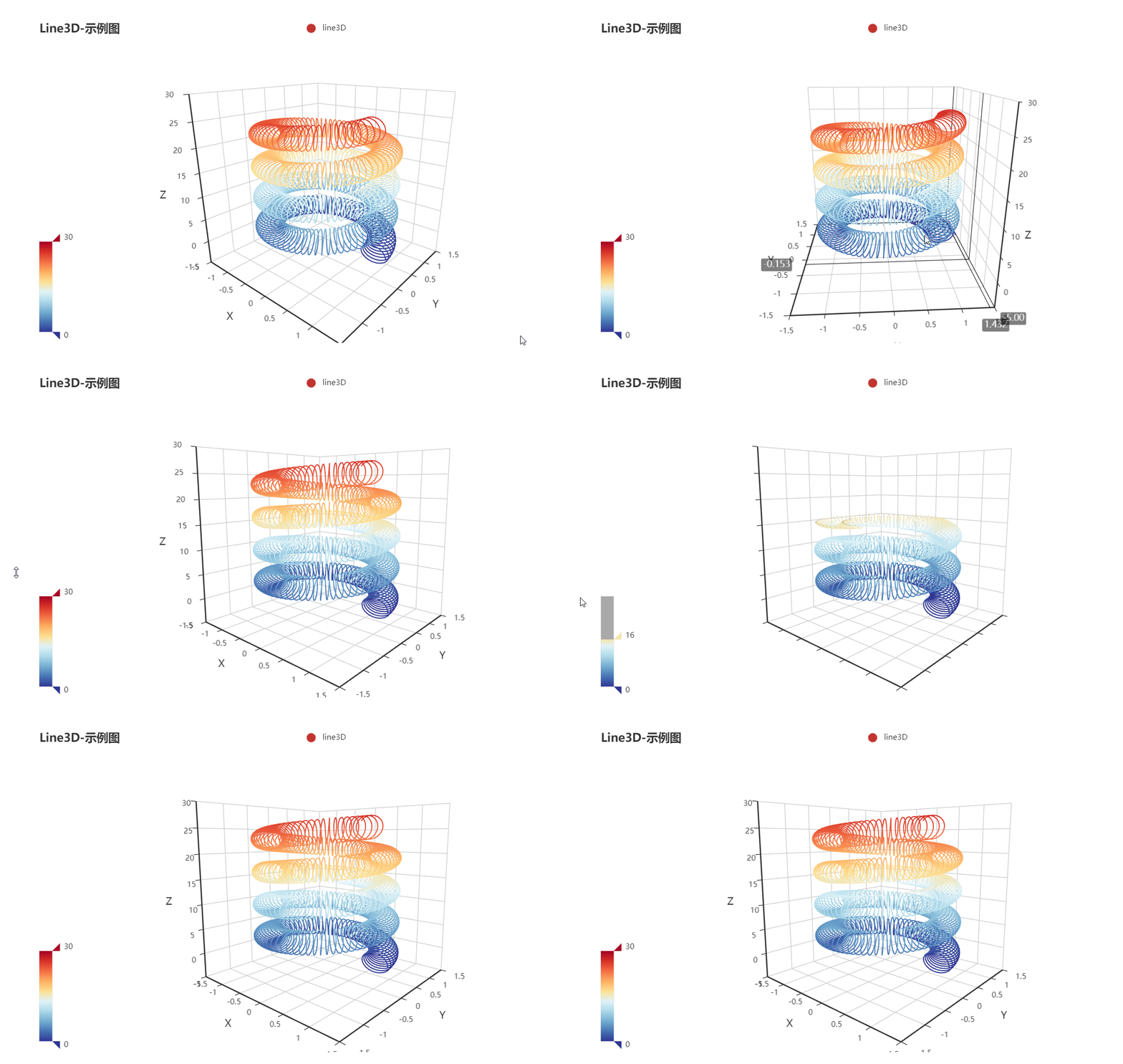
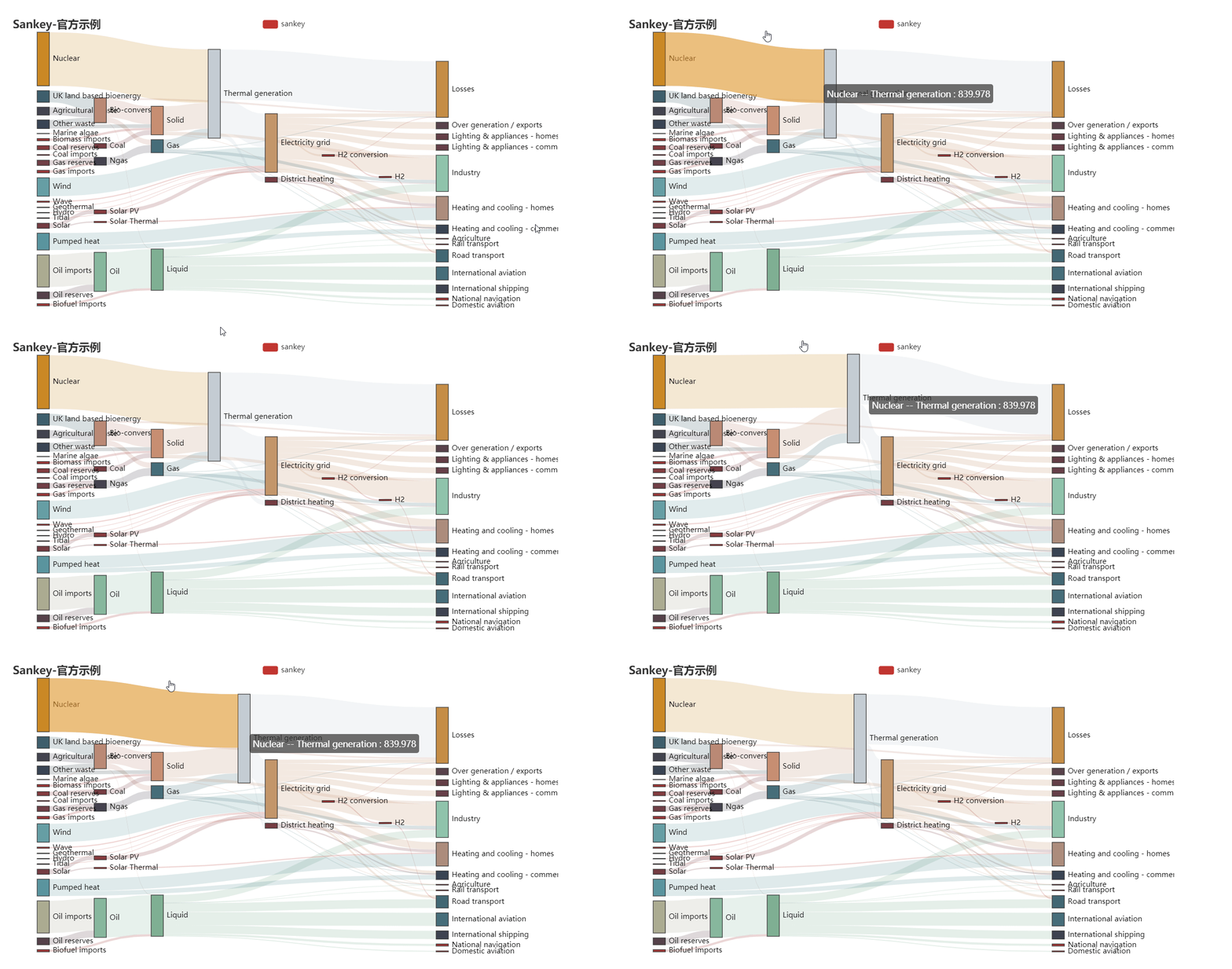
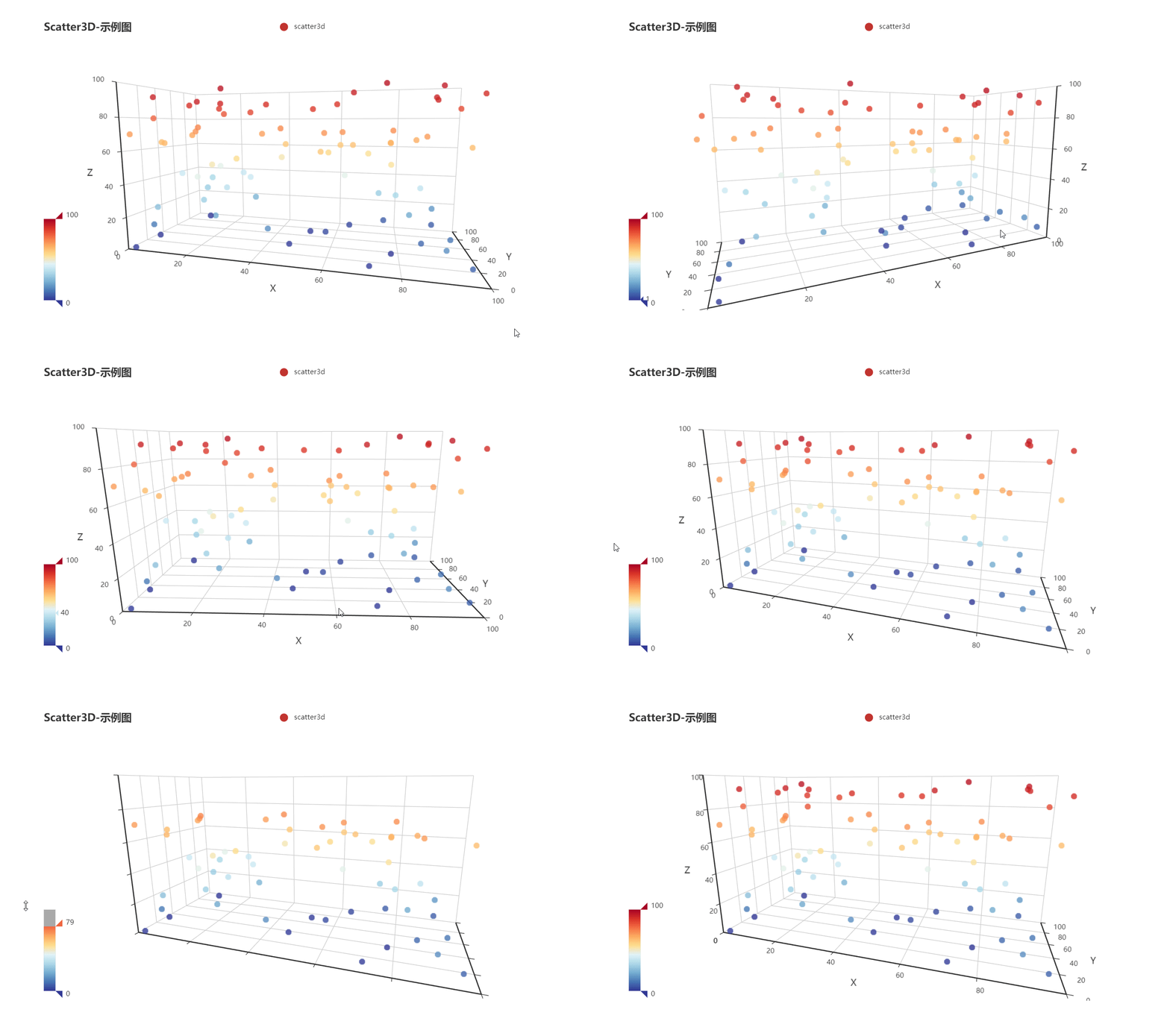
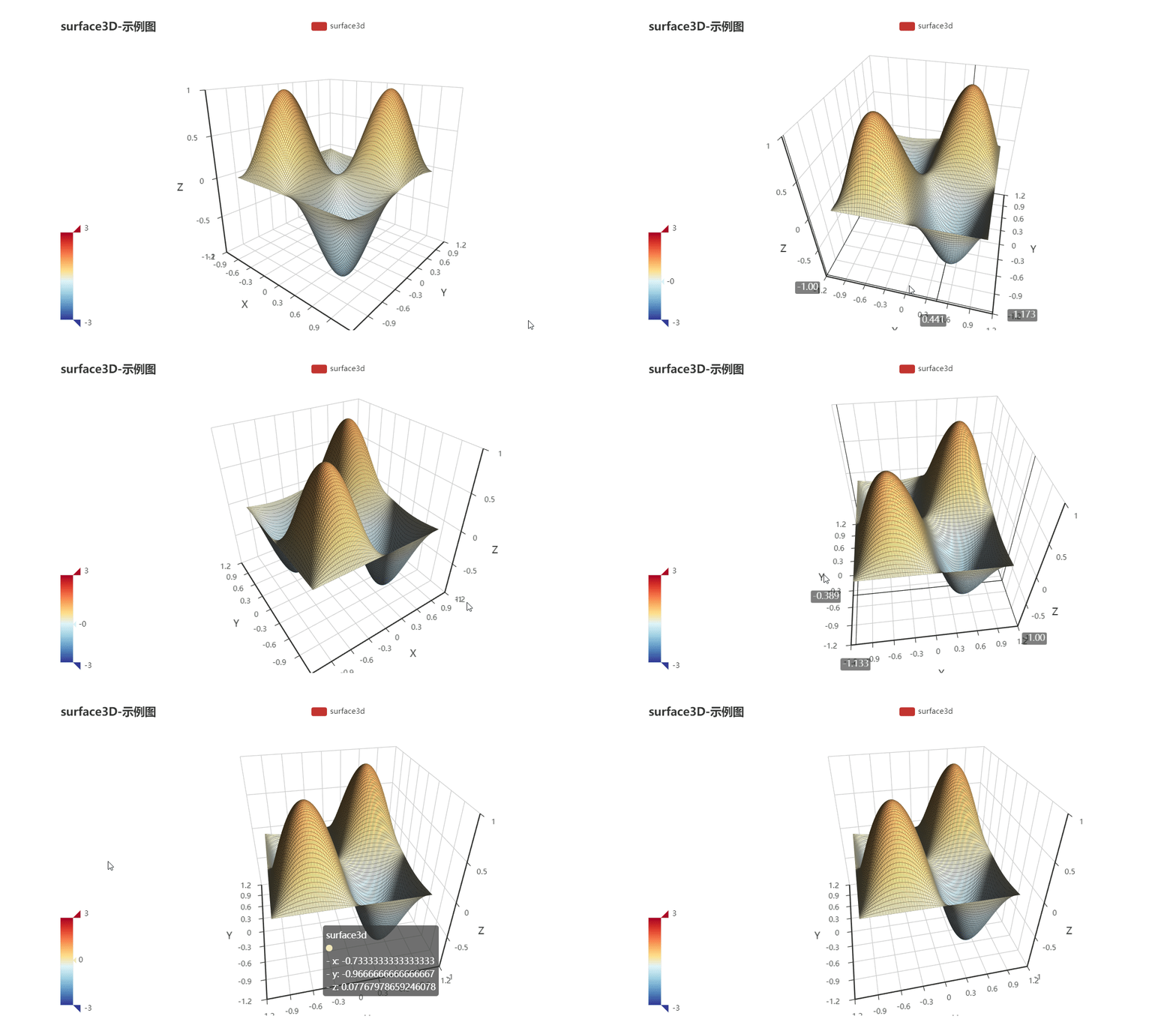
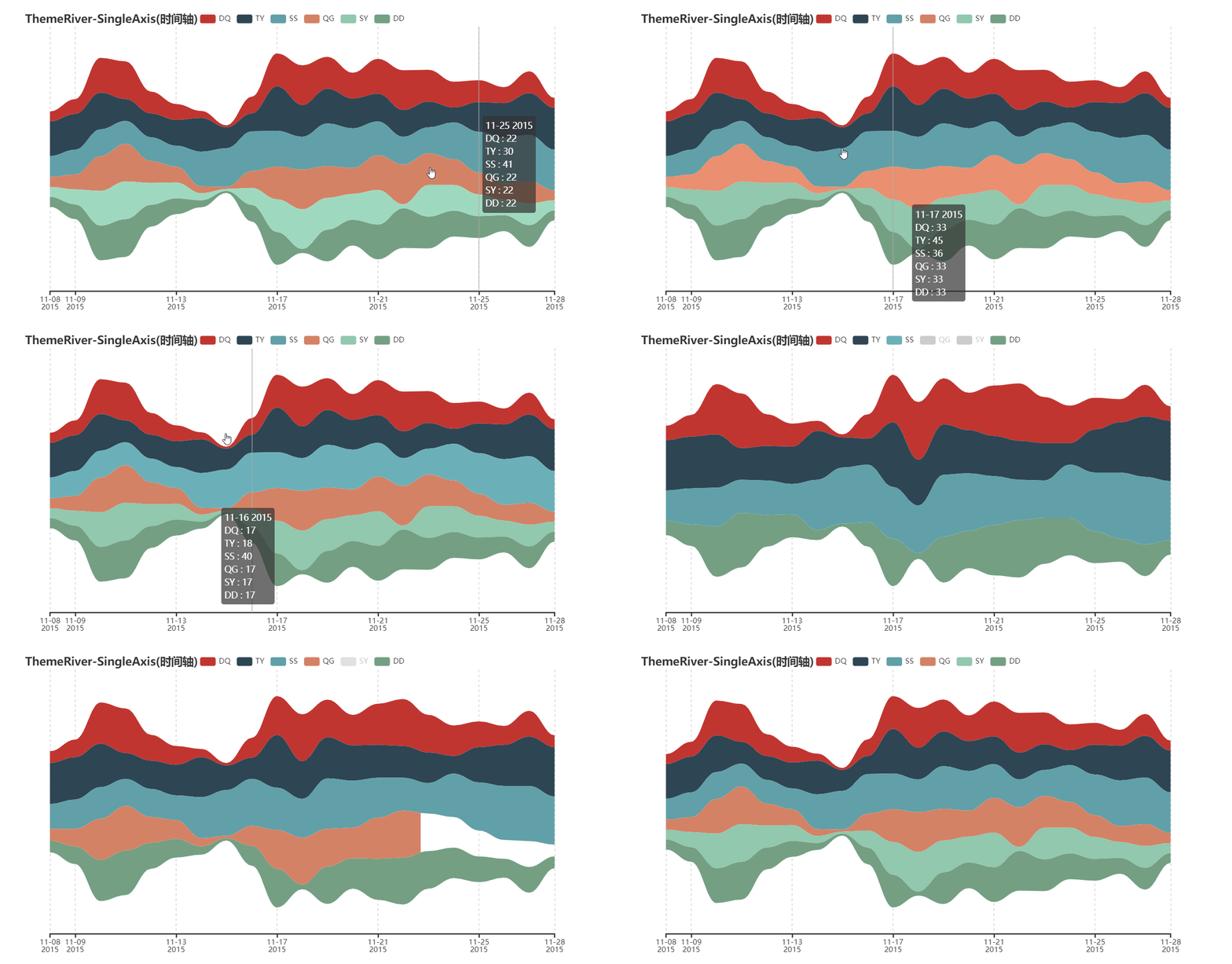
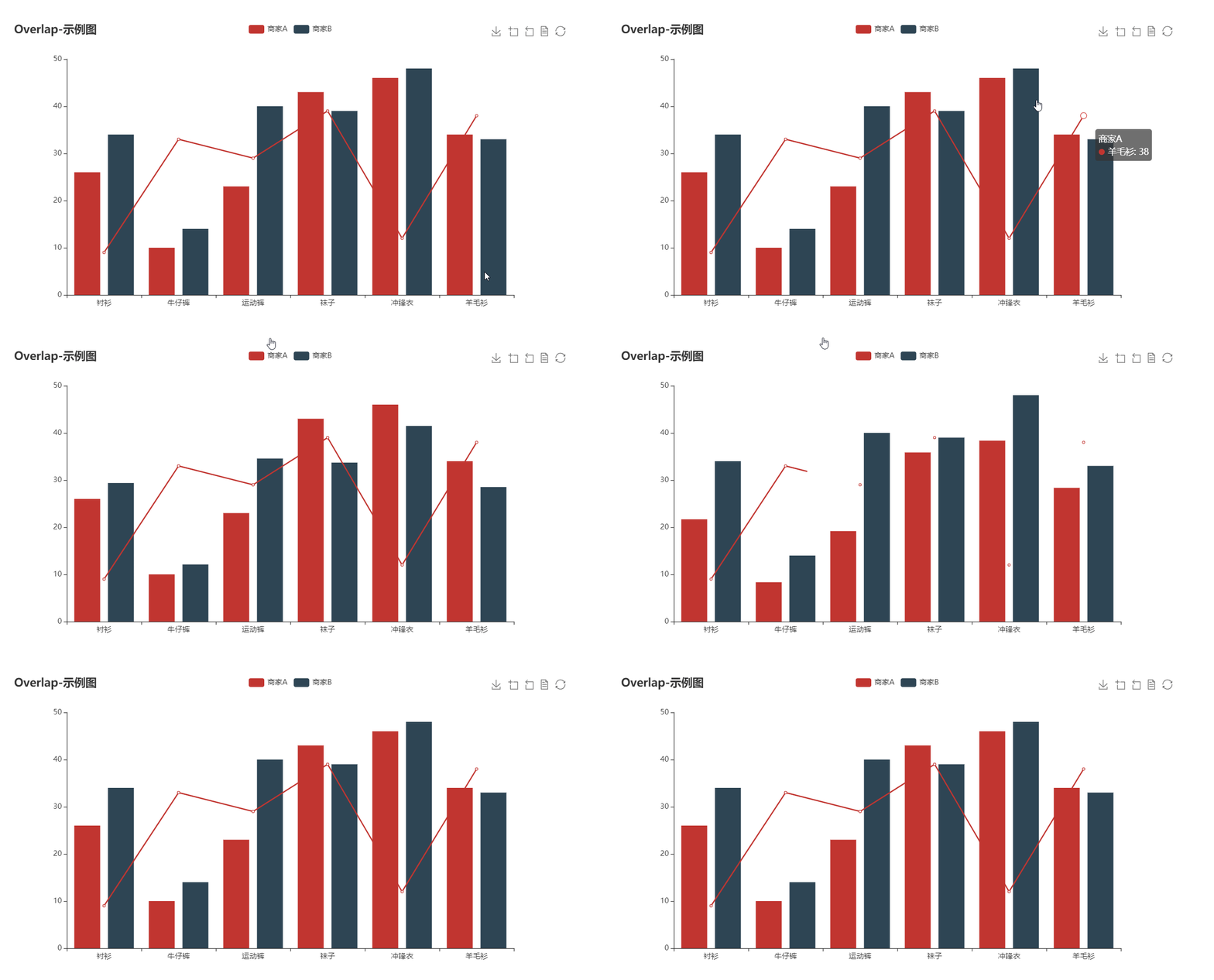
* Support 30 + popular charts
* Suppot data science tools: Jupyter Notebook, JupyterLab, nteract
* Integrate with Flask,Django at ease
* Easy to use and highly configurable
* Detialed documentation and examples.
* More than 400+ geomaps assets for geograpic information processing
## 🔰 Installation
**pip install**
```shell
$ pip install pyecharts
```
**Install from source**
```shell
$ git clone https://github.com/pyecharts/pyecharts.git
$ cd pyecharts
$ pip install -r requirements.txt
$ python setup.py install
```
## 📝 Usage
### Local computer
#### HTML
```python
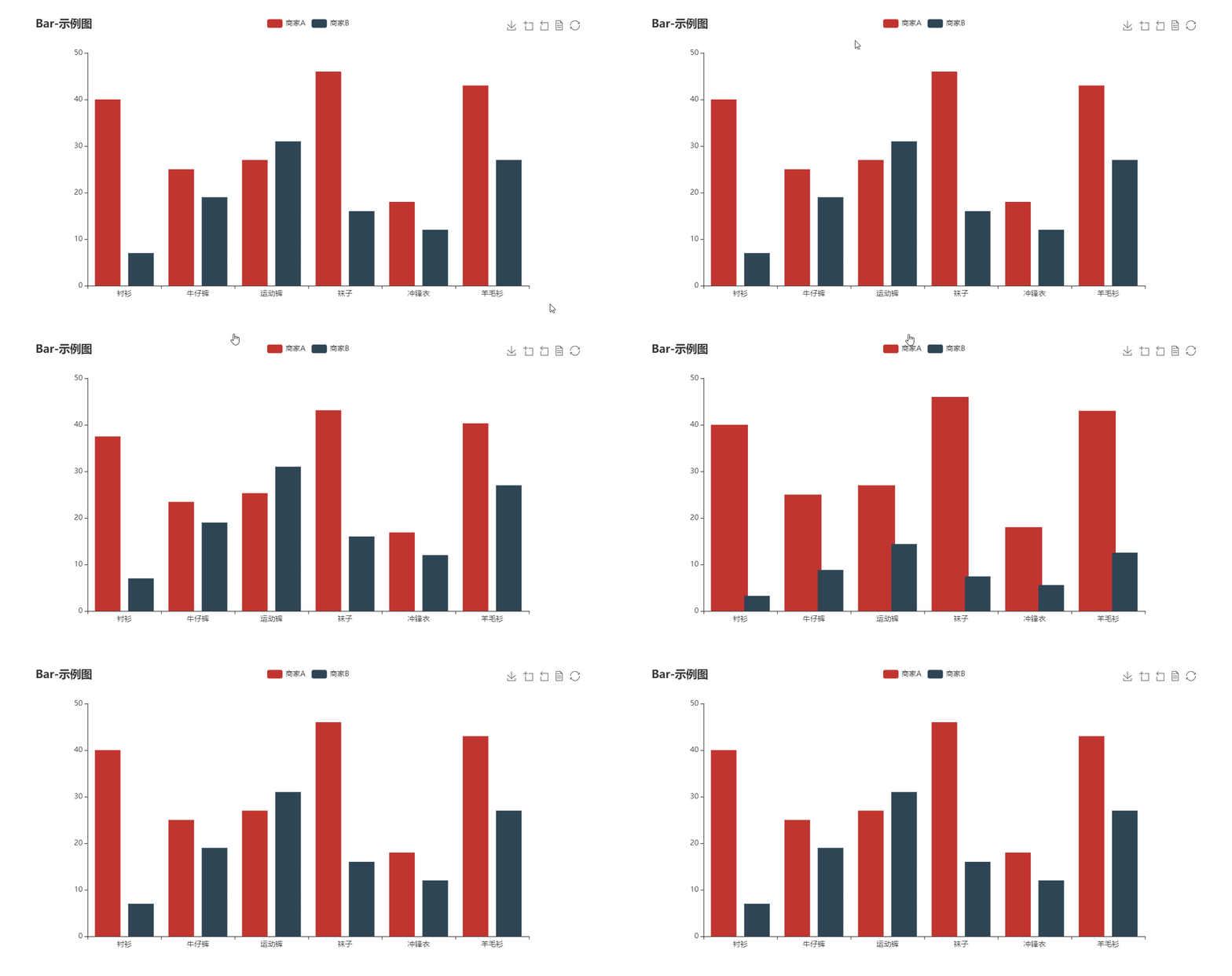
from pyecharts.charts import Bar
from pyecharts import options as opts
bar = (
Bar()
.add_xaxis(["衬衫", "毛衣", "领带", "裤子", "风衣", "高跟鞋", "袜子"])
.add_yaxis("商家A", [114, 55, 27, 101, 125, 27, 105])
.add_yaxis("商家B", [57, 134, 137, 129, 145, 60, 49])
.set_global_opts(title_opts=opts.TitleOpts(title="某商场销售情况"))
)
bar.render()
```

#### image
```python
from pyecharts.render import make_snapshot
# needs to configure selenium
make_snapshot(bar.render(), "bar.png")
```

### Notebook
#### Jupyter Notebook
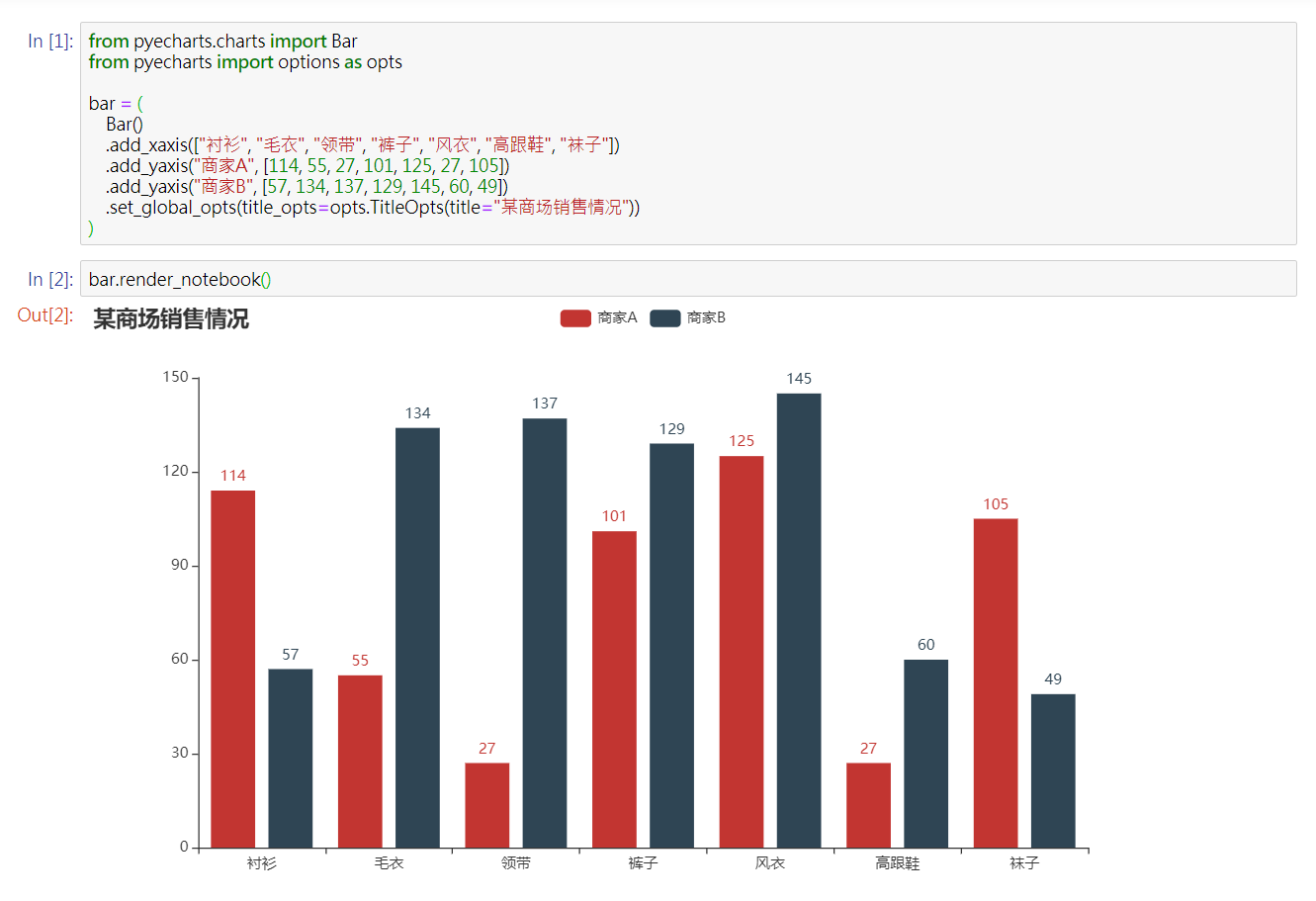
#### JupyterLab

#### Web framework

## 🔖 Demo
For more documentaiton, please visit
* [Chinese documentation](http://pyecharts.org/#/zh-cn/)
* [English Documentation](http://pyecharts.org/#/en-us/)
## ⛏ Software development
### Unit tests
```shell
$ pip install -r test/requirements.txt
$ make
```
### Team development
[Travis CI](https://travis-ci.org/) and [AppVeyor](https://ci.appveyor.com/) is place for continuous integration.
### Coding styles
[flake8](http://flake8.pycqa.org/en/latest/index.html), [Codecov](https://codecov.io/) and [pylint](https://www.pylint.org/) are used
## 😉 Author
pyecharts are co-maintained by:
* [@chenjiandongx](https://github.com/chenjiandongx)
* [@chfw](https://github.com/chfw)
* [@kinegratii](https://github.com/kinegratii)
For more contributors, please visit [pyecharts/graphs/contributors](https://github.com/pyecharts/pyecharts/graphs/contributors)
## 💌 Donation
To develop and maintain pyecharts, it took me a lot of overnights. If you think pyecharts has helped you, please consider buying me a coffee:

 Please also buy the other maintainer a coffee if you think their work helped you too [donation details](http://pyecharts.org/#/zh-cn/donate)
## 📃 License
MIT [©chenjiandongx](https://github.com/chenjiandongx)
Please also buy the other maintainer a coffee if you think their work helped you too [donation details](http://pyecharts.org/#/zh-cn/donate)
## 📃 License
MIT [©chenjiandongx](https://github.com/chenjiandongx)