# lfy **Repository Path**: yuhldr/lfy ## Basic Information - **Project Name**: lfy - **Description**: 翻译软件 ldr-translate 重构版 - **Primary Language**: Unknown - **License**: GPL-3.0 - **Default Branch**: main - **Homepage**: None - **GVP Project**: No ## Statistics - **Stars**: 0 - **Forks**: 0 - **Created**: 2023-11-30 - **Last Updated**: 2025-11-01 ## Categories & Tags **Categories**: Uncategorized **Tags**: None ## README # 兰译 lfy 兰译
[![CHI](https://img.shields.io/badge/CHI-中文-red?style=for-the-badge)](README_ZH.md) [![ENG](https://img.shields.io/badge/ENG-English-blue?style=for-the-badge)](README.md)
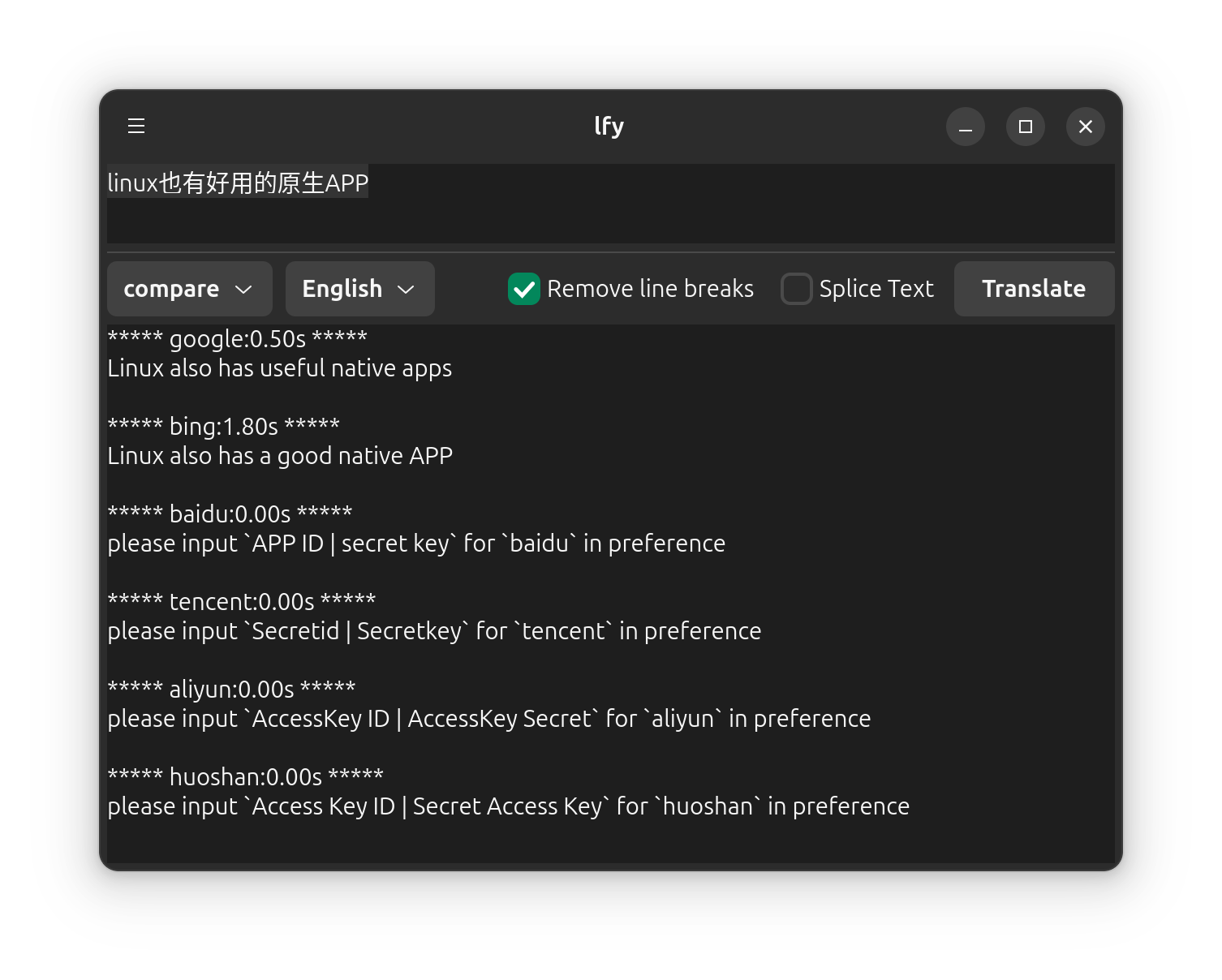
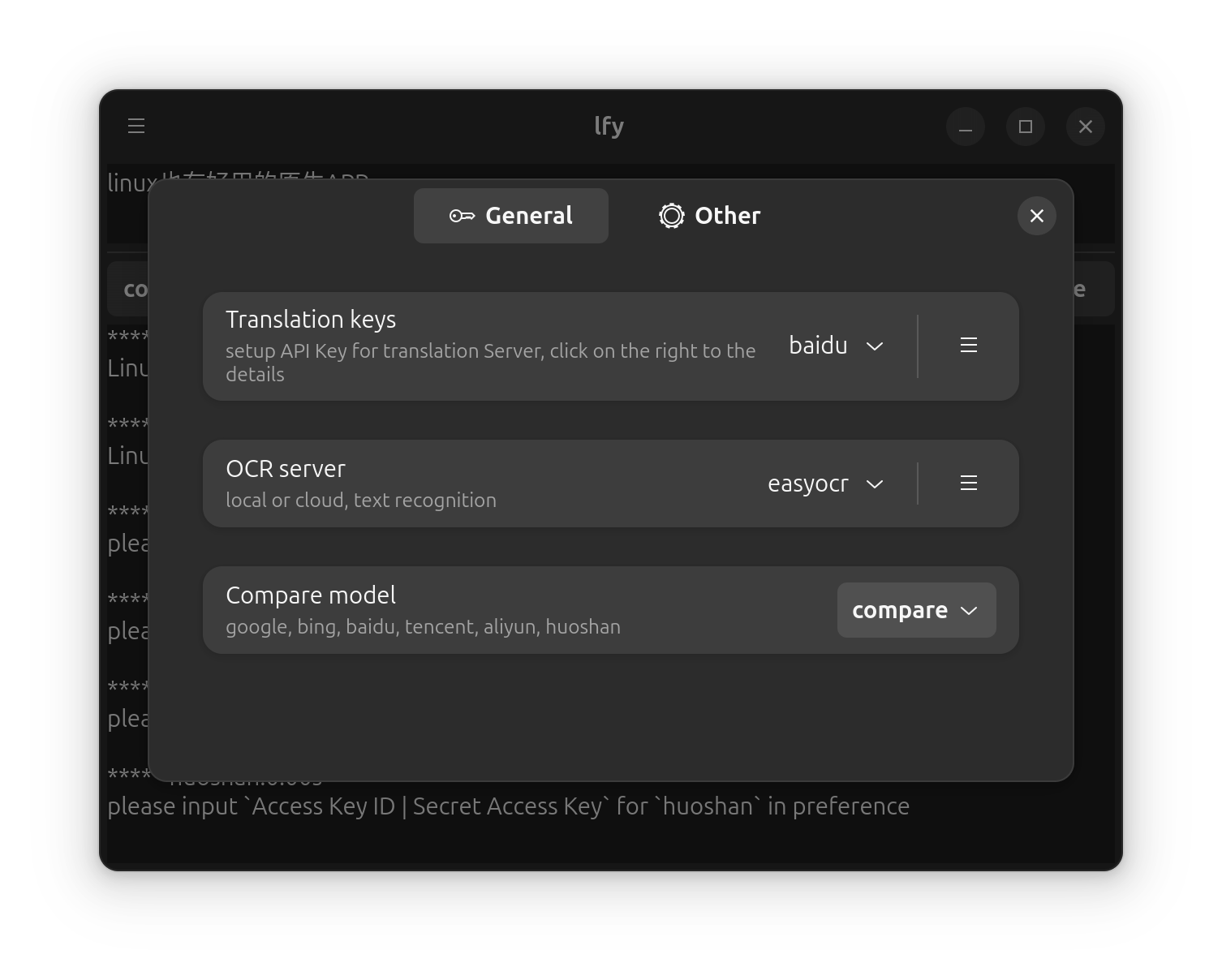
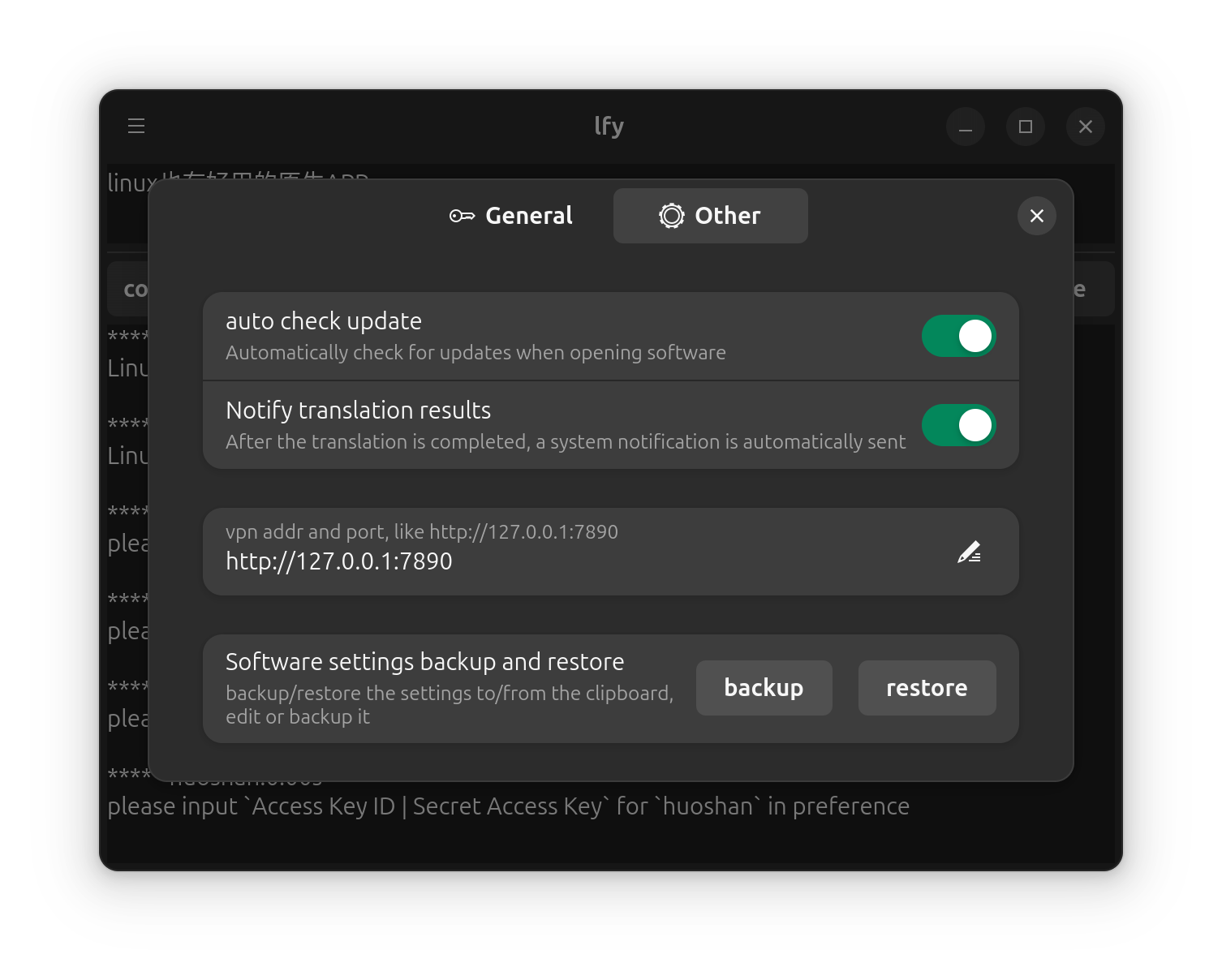
### 🖥️ GTK 版本
首页 设置 设置1
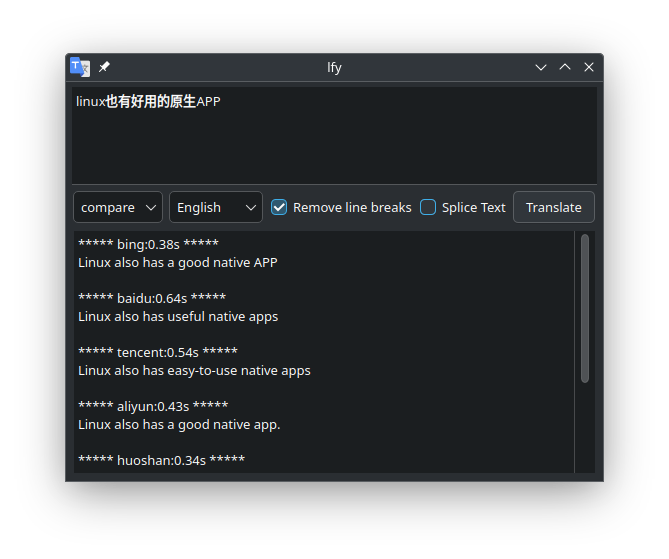
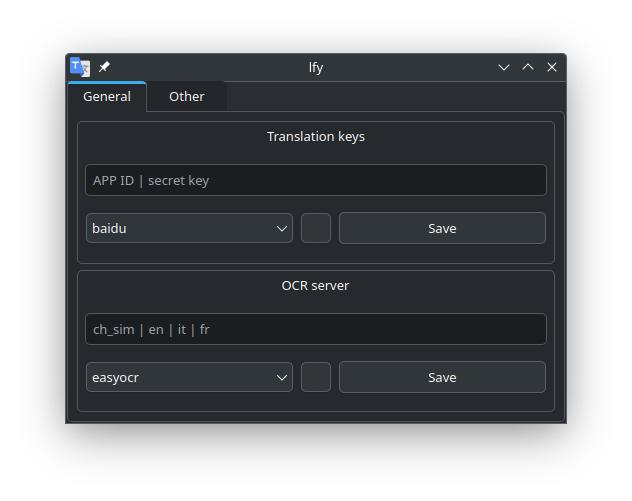
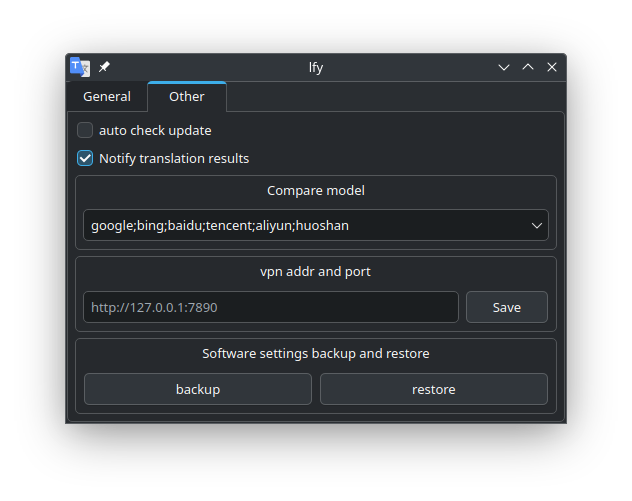
### 🧩 Qt 版本
首页 设置 设置1
--- ## 🚀 安装方式 > 如果你已安装 Python 和 pip,可以通过终端快速安装 Qt 版本: ```bash pip install lfy ``` 运行: ```bash lfy ``` --- ### 📦 也可使用自动编译版本: 🔗 [点击此处下载](https://github.com/ldrfy/lfy/releases/tag/auto): 包含 `rpm`、`deb`、`flatpak`、`archlinux`、`whl` ✅ 已适配系统: - Arch Linux(最新版) - Ubuntu 24.04 - openSUSE Tumbleweed - Fedora 41 🔁 使用 **Flatpak** 可实现全平台支持: [![Download on Flathub](https://flathub.org/assets/badges/flathub-badge-en.png)](https://flathub.org/apps/details/cool.ldr.lfy) --- ### 🏗️ 手动编译 确保已安装必要的依赖项,然后执行: ```bash git clone https://github.com/ldrfy/lfy.git cd lfy # 构建所有支持的格式(aur、deb、rpm、flatpak、pip) make release # 或者只构建特定格式,具体命令请参考 Makefile 中的 `release` # 打包结果将在 dist 文件夹中生成 ls -l dist ``` --- ## 🌐 翻译 > [翻译说明](https://github.com/ldrfy/docs/blob/main/TRANSLATE.md) [![翻译状态](https://hosted.weblate.org/widget/lfy/lfy/multi-auto.svg)](https://hosted.weblate.org/engage/lfy/) ## 📚 文档与社区 - 📘 [软件文档](https://github.com/ldrfy/docs) - 🛠️ [贡献说明](https://github.com/ldrfy/docs/blob/main/CONTRIBUTE.md) - 📝 [更新日志](https://github.com/ldrfy/docs/blob/main/CHANGELOG.md)