# LiteSeg
**Repository Path**: zccyman/LiteSeg
## Basic Information
- **Project Name**: LiteSeg
- **Description**: No description available
- **Primary Language**: Unknown
- **License**: Not specified
- **Default Branch**: master
- **Homepage**: None
- **GVP Project**: No
## Statistics
- **Stars**: 0
- **Forks**: 0
- **Created**: 2021-05-06
- **Last Updated**: 2021-11-24
## Categories & Tags
**Categories**: Uncategorized
**Tags**: None
## README
# LiteSeg
This is the Pytorch implementation of LiteSeg a real time semantic segmenattaion model.
Peper "LiteSeg: A Litewiegth ConvNet for Semantic Segmentation", accpeted in [DICTA 2019](https://arxiv.org/abs/1912.06683).
## Installation
To run the **demo example** you **need only** Pytorch, Numpy, and Pillow dependecies.
**Main Dependencies:**
- Pytorch 0.4.1
- OpenCV 3.4.2
- pyyaml 3.13
- [LightNet](https://gitlab.com/tahaemara/lightnet.git)
Inorder to use this code you must install Anaconda and then apply the following steps:
+ Create the environment from the environment.yml file:
```
conda env create -f environment.yml
```
+ Activate liteseg environment
```
source activate liteseg
```
+ Install [LightNet](https://gitlab.com/tahaemara/lightnet.git) fork to be able to use Darknet weights
```
git clone https://gitlab.com/tahaemara/lightnet.git
cd lightnet/
pip install -r requirements.txt
```
##### Note
> In case of having any problem while installing the dependencies you can igonre the message. Then activate liteseg environment and start to use the code. If any error message appears in a form of *ModuleNotFoundError: No module named 'xxxx'*, you can just search google how to install package xxxx with conda or pip.
## Training
#### Dataset
Before start training, download cityscapes dataset from [here](https://www.cityscapes-dataset.com) after regestering to the site. You need to download fine data (files leftImg8bit_trainvaltest.zip and gtFine_trainvaltest.zip) and coarse data (leftImg8bit_trainextra.zip and gtCoarse.zip).
#### Training paramteres
[training.yaml](https://github.com/tahaemara/LiteSeg/blob/master/config/training.yaml) contains parameters needed for training as:
+ DATASET_FINE, path to fine dataset folder. The folder (cityscapes) must follow this pattern
```
/path/to/cityscapes/leftImg8bit_trainvaltest/leftImg8bit
/train
/val
/test
/path/to/cityscapes/gtFine_trainvaltest/gtFine
/train
/val
/test
```
+ DATASET_COARSE, path to coarse dataset folder. The folder (CityscapesExtra) must follow this pattern
```
/path/to/CityscapesExtra/leftImg8bit
/train
/val
/path/to/CityscapesExtra/gtCoarse/gtCoarse
/train
/val
```
+ PRETRAINED_SHUFFLENET, PRETRAINED_MOBILENET, and PRETRAINED_DarkNET19 parameters define locations of pre-trained backbone networks which can be downloaded from these links [Shufflenet](https://github.com/ericsun99/ShuffleNet-1g8-Pytorch/raw/master/ShuffleNet_1g8_Top1_67.408_Top5_87.258.pth.tar), [Mobilenet](https://github.com/ericsun99/MobileNet-V2-Pytorch/raw/master/mobilenetv2_Top1_71.806_Top2_90.410.pth.tar), and [Darknet19](https://pjreddie.com/media/files/darknet19_448.weights)
#### Start training:
In order to train the network with a specific backbone network and get and replicate the paper result you must train network on coarse data first, and then fine-tune the network with fine data.
+ To train on coarse data set **USING_COARSE to True** and run the training via
``` python train_ms.py --backbone_network darknet ```
+ After that you can fine-tune the network using fine data but first you must set **USING_COARSE to False** and then run the training by passing name of backbone network and the path to the pretrained model file from the previous trainig -coarse- via
``` python train_ms.py --backbone_network darknet --model_path_coarse ./pretrained_models/liteseg-darknet-cityscapes.pth ```
##### Note
You have an option to train network on fine data directley bust after setting **USING_COARSE to False** and commenting lines [107](https://github.com/tahaemara/LiteSeg/blob/b9f2b40cec88d63428fa90ec6d58ef55122974ff/train.py#L107), 108, and 109.
## Results
**Comparing results with other lightweight models:**
| Model | GFLOPS | Class mIOU | Category mIOU |
|----------------------------|--------|------------|---------------|
| SegNet[1] | 286.03 | 56.1% | 79.1% |
| ESPNet[2] | 9.67 | 60.3% | 82.2% |
| ENet[3] | 8.52 | 58.3% | 80.4% |
| ERFNet[4] | 53.48 | 68.0% | 86.5% |
| SkipNet-ShuffleNet[5] | 4.63 | 58.3% | 80.2% |
| SkipNet-MobilenetNet[5] | 13.8 | 61.5% | 82.0% |
| CCC2[6] | 6.29 | 61.9% | nan |
| DSNet[7] | nan | 69.3% | 86.0% |
| LightSeg-MobileNet (ours) | 4.9 | 67.81% | 86.79% |
| LightSeg-ShuffleNet (ours) | 2.75 | 65.17% | 85.39% |
| LightSeg-DarkNet19 (ours) | 103.09 | 70.75% | 88.29% |
**Computational performance (FPS) on Nividia GTX 1080 Ti for the image resultion 360x640 and the full resultion 1024x2048.**
| Network | FPS (360x640) | FPS (1024x2048) | Params(in millions) |
|---------------------------|---------------|-----------------|---------------------|
| ErfNet[4] | 105 | 15 | 2.07 |
| DSNet[7] | 100.5 | - | 0.91 |
| LiteSeg-Darknet (ours) | 98 | 15 | 20.55 |
| ESPNET[2] | 144 | 25 | 0.364 |
| LiteSeg-MobileNet (ours) | 161 | 22 | 4.38 |
| LiteSeg-ShuffleNet (ours) | 133 | 31 | 3.51 |
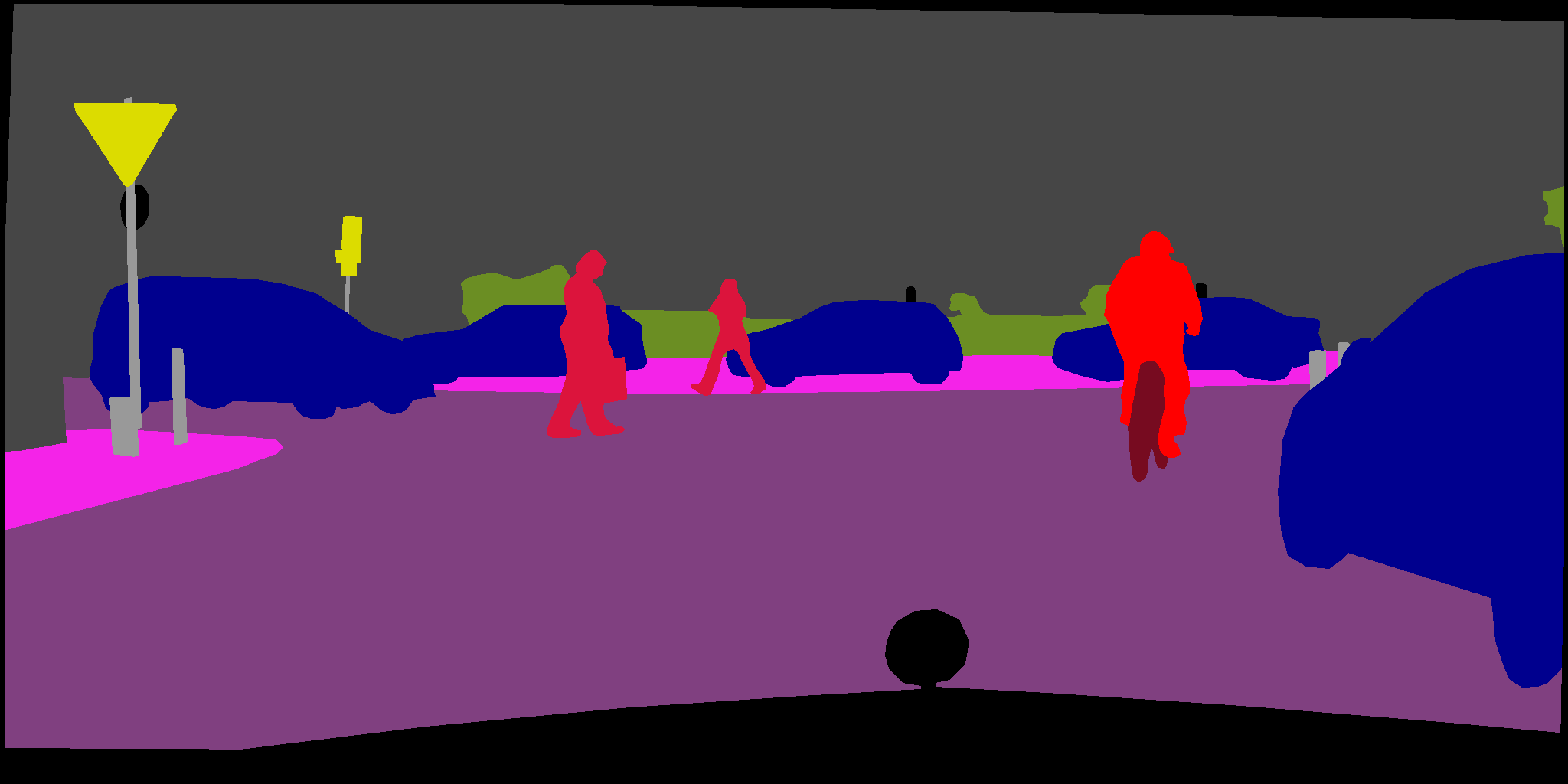
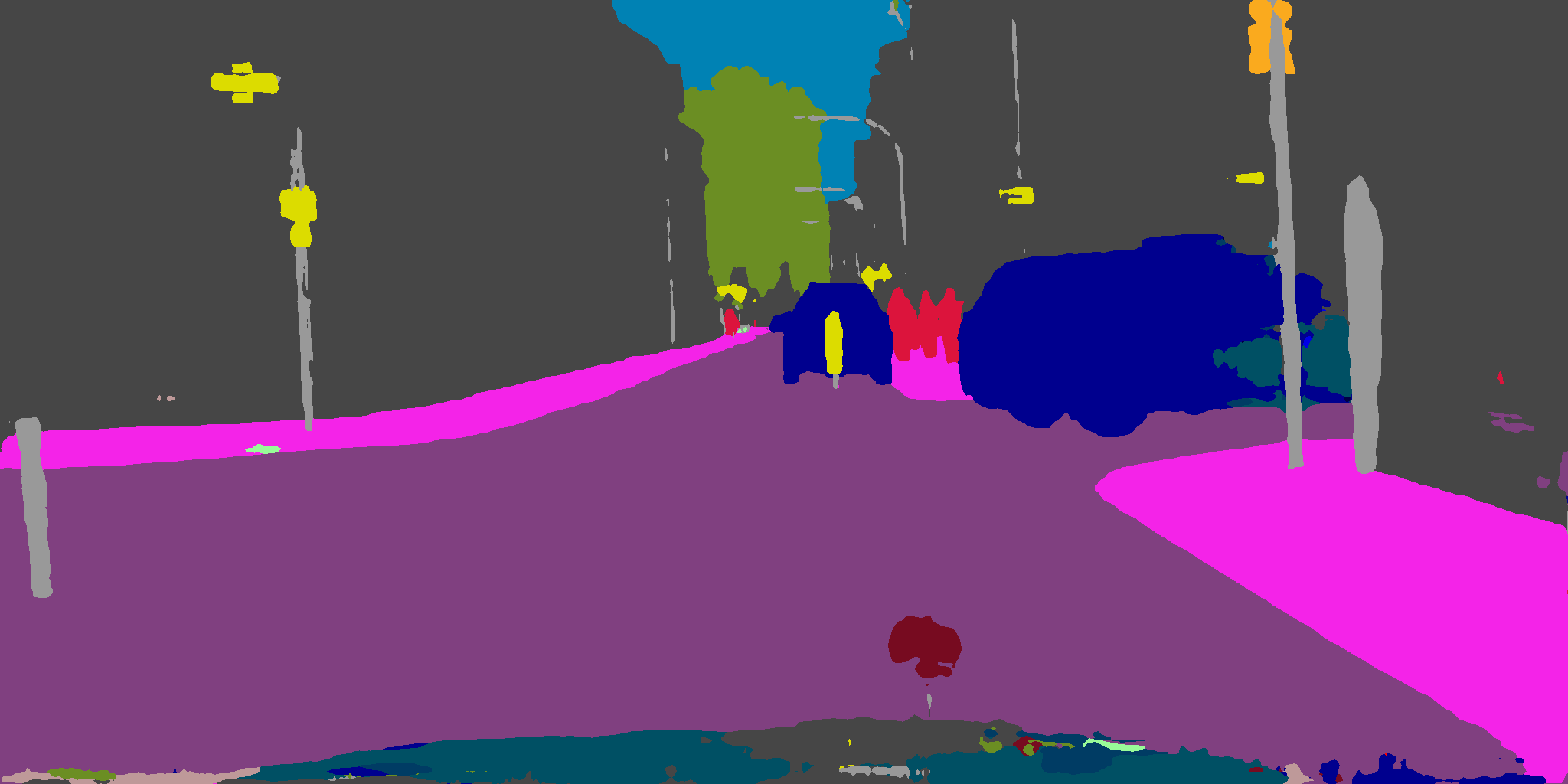
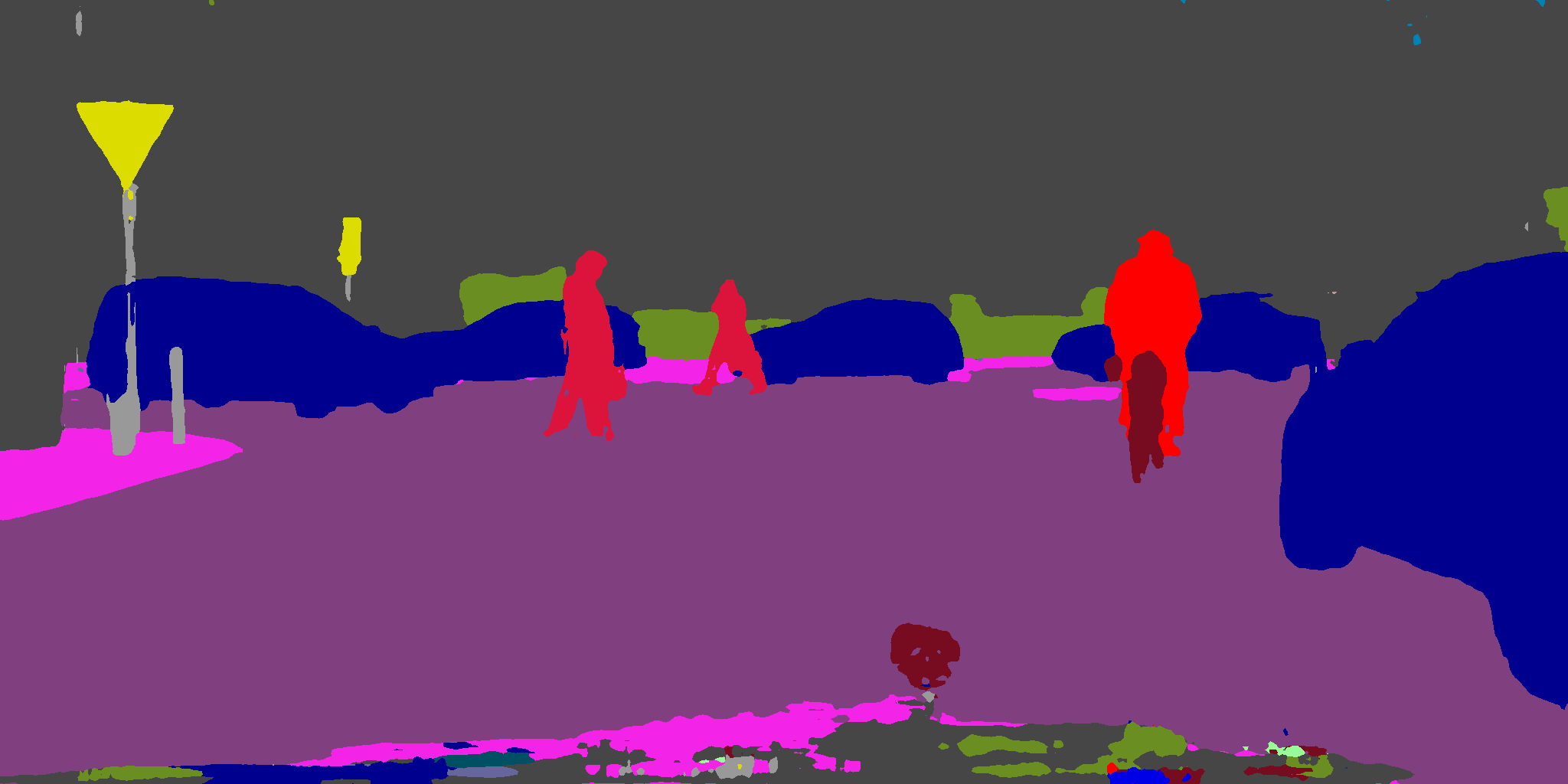
## Samples
| Samples |

|

|
| Ground truth |

|
|
| LiteSeg-Darknet19 |
|
|
| LiteSeg-Mobilenet |

|

|
| LiteSeg-Shufflenet |

|

|
| ErfNet |  |  |
| ESPNET |  |  |
## Citation
```
@INPROCEEDINGS{8945975,
author={T. {Emara} and H. E. A. E. {Munim} and H. M. {Abbas}},
booktitle={2019 Digital Image Computing: Techniques and Applications (DICTA)},
title={LiteSeg: A Novel Lightweight ConvNet for Semantic Segmentation},
year={2019},
pages={1-7},
doi={10.1109/DICTA47822.2019.8945975}, }
```
## References
1. V. Badrinarayanan, A. Kendall, and R. Cipolla, “Segnet: A deep con- volutional encoder-decoder architecture for image segmentation,” IEEE transactions on pattern analysis and machine intelligence, vol. 39, no. 12, pp. 2481–2495, 2017.
2. S. Mehta, M. Rastegari, A. Caspi, L. Shapiro, and H. Hajishirzi, “Espnet: Efficient spatial pyramid of dilated convolutions for semantic segmentation,” in Proceedings of the European Conference on Computer Vision (ECCV), pp. 552–568, 2018.
3. A. Paszke, A. Chaurasia, S. Kim, and E. Culurciello, “Enet: A deep neural network architecture for real-time semantic segmentation,” arXiv preprint arXiv:1606.02147, 2016.
4. E. Romera, J. M. Alvarez, L. M. Bergasa, and R. Arroyo, “Efficient convnet for real-time semantic segmentation,” in 2017 IEEE Intelligent Vehicles Symposium (IV), pp. 1789–1794, IEEE, 2017.
5. M. Siam, M. Gamal, M. Abdel-Razek, S. Yogamani, and M. Jager- sand, “Rtseg: Real-time semantic segmentation comparative study,” in 2018 25th IEEE International Conference on Image Processing (ICIP), pp. 1603–1607, IEEE, 2018.
6. H. Park, Y. Yoo, G. Seo, D. Han, S. Yun, and N. Kwak, “Concentrated- comprehensive convolutions for lightweight semantic segmentation,” arXiv preprint arXiv:1812.04920, 2018.
7. W. Wang and Z. Pan, “Dsnet for real-time driving scene semantic segmentation,” arXiv preprint arXiv:1812.07049, 2018.
### Similar Repositories
- Segmentation models with pretrained backbones PyTorch
- DeepLab v3+ model in PyTorch
## License
This software is released under a creative commons license which allows for personal and research use only. For a commercial license please contact the authors @ [taha@emaraic.com](mailto:taha@emaraic.com). You can view a license summary here: http://creativecommons.org/licenses/by-nc/4.0/