# MusiCoder
**Repository Path**: zymITsky/MusiCoder
## Basic Information
- **Project Name**: MusiCoder
- **Description**: :musical_score:基于深度学习的轻量化音乐质感转换系统
- **Primary Language**: Python
- **License**: Not specified
- **Default Branch**: master
- **Homepage**: None
- **GVP Project**: No
## Statistics
- **Stars**: 1
- **Forks**: 1
- **Created**: 2019-05-31
- **Last Updated**: 2024-12-20
## Categories & Tags
**Categories**: Uncategorized
**Tags**: None
## README

# 基于深度学习的轻量化音乐质感转换系统
[](https://sourceforge.net/projects/musicoder/) [](https://www.codetriage.com/pzoom522/musicoder) [](https://github.com/Pzoom522/Musicoder/wiki) [](https://github.com/Pzoom522/MusiCoder/releases) [](https://github.com/Pzoom522/MusiCoder/issues) [](http://www.buaa.edu.cn/) [](https://github.com/Pzoom522/MusiCoder/blob/master/LICENSE) [](https://996.icu)
## :white_flower:项目简介
### 使用方法
- :wrench:下载发行版,请访问[release](https://github.com/Pzoom522/MusiCoder/releases)或[项目页面](https://sourceforge.net/projects/musicoder/)
- :book:软件说明详见[帮助文档](https://github.com/Pzoom522/MusiCoder/wiki)
- :warning: 在上线一年后,__我们已于2019.04.08正式停服__。您可以自行配置后台进行体验。感谢您的支持!
### 介绍视频

### 功能简介
> 像给照片选取滤镜一样,自由地改变自己喜欢的音乐的风格与流派
- :musical_note:基于深度学习算法,改变歌曲的质感(已经完成封装,可以直接调用);
- :cloud:经过裁剪与优化的模型,可部署在低配置云服务器上,并借助我们的通讯组件与客户端实现相应交互式应用;
- :bulb:轻量级跨平台客户端,资源占用更少,操作逻辑更简,输出时间更短,服务更具想象力。
### 整体架构

---------
## :small_red_triangle_down:MusiCoder-服务器端
### 算法数据流

### 配置及环境要求
#### 基本配置
- Ubuntu 12.04 LTS 及以上
- 内存4G及以上 (推荐)
- Python 3 环境
#### 所需主要依赖
- 科学计算与数据可视化:[matplotlib](https://matplotlib.org/)+[scipy](https://scipy.github.io)(numpy/pylab/etc)
- 图形图像:[PIL.Image](https://pillow.readthedocs.io)
- 音频处理:[librosa](https://librosa.github.io)+[pydub](https://github.com/jiaaro/pydub/)+[ffmpeg](https://ffmpeg.org)(配置为环境变量)
### 模型文件
__请分别解压并放置在 _converter/models_ 下__
[未来感音效](https://github.com/Pzoom522/MusiCoder/blob/master/doc/audio/future_10.mp3?raw=true)|[水流音效](https://github.com/Pzoom522/MusiCoder/blob/master/doc/audio/water_10.mp3?raw=true)|[镭射音效](https://github.com/Pzoom522/MusiCoder/blob/master/doc/audio/laser_10.mp3?raw=true)
:-: | :-: | :-:
[future.ckpt](https://www.dropbox.com/s/6xhg6ipsn0fq7yy/future.ckpt.zip?dl=0)|[water.ckpt](https://www.dropbox.com/s/y2rstqwq21xph99/water.ckpt.zip?dl=0)|[laser.ckpt](https://www.dropbox.com/s/wln82c3c6ibhbfx/laser.ckpt.zip?dl=0)
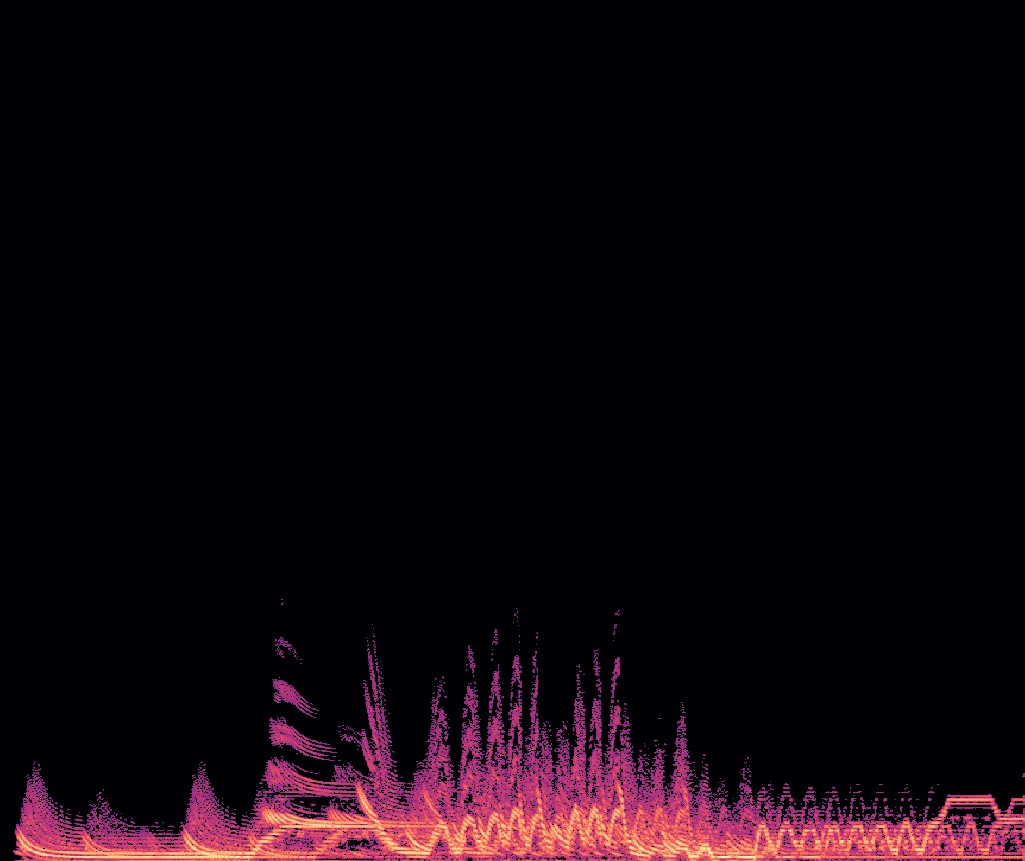
|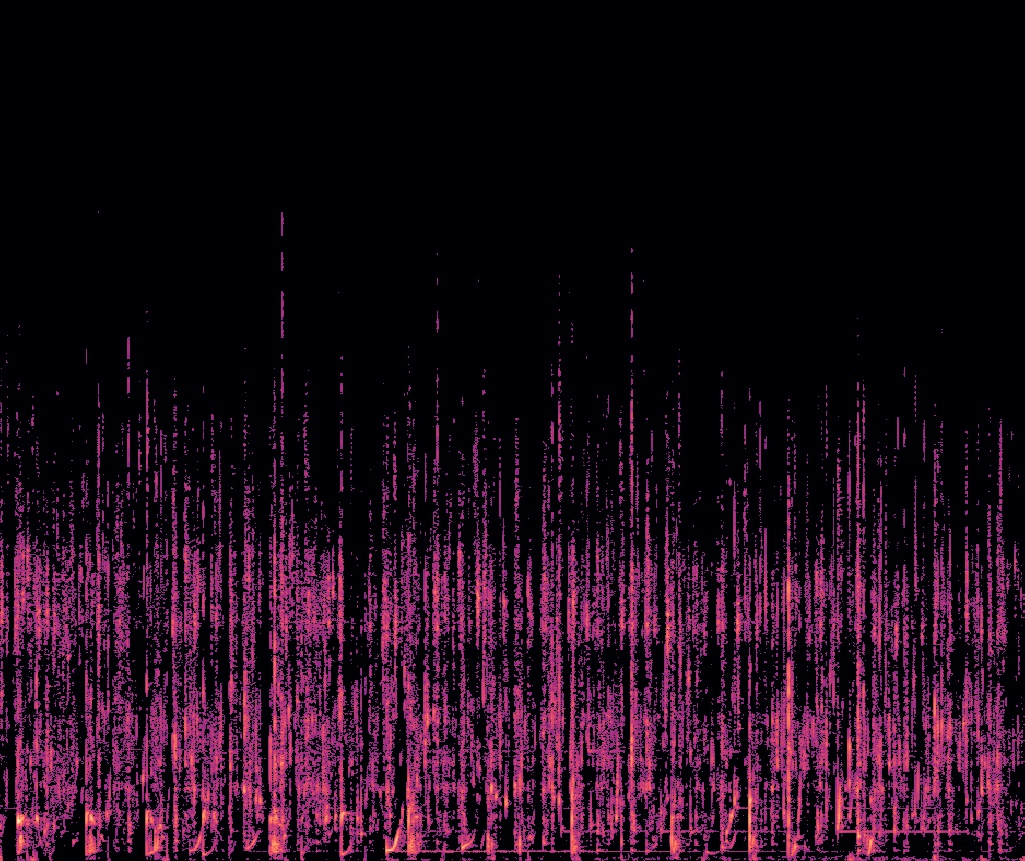| 
### 运行
1. 开放端口 ___[port]___
2. 执行命令,运行程序(后台静默模式)```nohup python3 server.py [port] &```
### 性能预估
在配置为双核Intel® Xeon® CPU E5-26xx v4 CPU和4G内存的设备上,极限负载为同时承受约20个客户端的峰值任务。
在正常连接情况下,服务器端程序应当可以对各类情况做出正确反馈。但是在客户端中途掉线时,可能会导致 ___temp___ 目录下出现残留文件,建议定时进行清除。
## :small_red_triangle:MusiCoder-客户端

### 配置要求
- 较新的Window系统。4G内存及以上。
- 暂无特殊环境要求。如果发现,请在[issue](https://github.com/Pzoom522/MusiCoder/issues)中提出。
### ~~数据传输信息~~
~~此次客户端发行版本所连接的服务器[ip:端口]为[140.143.62.99:2333]~~
~~此服务器性能较差(__双核cup,4G内存__)。如果想部署自己的服务,请针对服务器进行重新配置。具体的调整详见[帮助文档](https://github.com/Pzoom522/MusiCoder/wiki/2.0-Requirements-&-Installation#%E5%AE%89%E8%A3%85%E9%83%A8%E7%BD%B2)~~
### ~~安装及运行说明~~
~~直接启动对应版本的安装包即可安装。安装完成后,联网条件下启动,进行使用。~~
## :link:References
Please cite us and give a :star: if you found this repo useful:
```
@misc{peng2018MusiCoder,
title={A Lightweight Music Texture Transfer System},
author={Xutan Peng and Chen Li and Zhi Cai and Faqiang Shi and Yidan Liu and Jianxin Li},
year={2018},
eprint={1810.01248},
archivePrefix={arXiv}
}
```