
 [](https://huggingface.co/spaces/damo-vilab/I2VGen-XL) [](https://huggingface.co/papers/2311.04145)
[](https://huggingface.co/spaces/damo-vilab/I2VGen-XL/discussions) [](https://youtu.be/XUi0y7dxqEQ)
[](https://huggingface.co/spaces/damo-vilab/I2VGen-XL) [](https://huggingface.co/papers/2311.04145)
[](https://huggingface.co/spaces/damo-vilab/I2VGen-XL/discussions) [](https://youtu.be/XUi0y7dxqEQ)  [](https://replicate.com/cjwbw/i2vgen-xl/)
## 🔥News!!!
- __[2024.06]__ We release the code and models of [InstructVideo](https://instructvideo.github.io/). InstructVideo enables the **LoRA** fine-tuning and inference in VGen. Feel free to use LoRA fine-tuning for other tasks.
- __[2024.04]__ We release the models of [DreamVideo](https://dreamvideo-t2v.github.io) and ModelScopeT2V V1.5!!! ModelScopeT2V V1.5 is further fine-tuned on ModelScopeT2V for 365k iterations with more data.
- __[2024.04]__ We release the code and models of [TF-T2V](https://tf-t2v.github.io)!
- __[2024.04]__ We release the code and models of [VideoLCM](https://tf-t2v.github.io)!
- __[2024.03]__ We release the training and inference code of [DreamVideo](https://dreamvideo-t2v.github.io)!
- __[2024.03]__ We release the code and model of HiGen!!
- __[2024.01]__ The gradio demo of I2VGen-XL has been completed in [HuggingFace](https://huggingface.co/spaces/damo-vilab/I2VGen-XL), thanks to our colleague @[Wenmeng Zhou](https://github.com/wenmengzhou) and @[AK](https://twitter.com/_akhaliq) for the support, and welcome to try it out.
- __[2024.01]__ We support running the gradio app locally, thanks to our colleague @[Wenmeng Zhou](https://github.com/wenmengzhou) for the support and @[AK](https://twitter.com/_akhaliq) for the suggestion, and welcome to have a try.
- __[2024.01]__ Thanks @[Chenxi](https://chenxwh.github.io) for supporting the running of i2vgen-xl on [](https://replicate.com/cjwbw/i2vgen-xl/). Feel free to give it a try.
- __[2024.01]__ The gradio demo of I2VGen-XL has been completed in [Modelscope](https://modelscope.cn/studios/damo/I2VGen-XL/summary), and welcome to try it out.
- __[2023.12]__ We have open-sourced the code and models for [DreamTalk](https://github.com/ali-vilab/dreamtalk), which can produce high-quality talking head videos across diverse speaking styles using diffusion models.
- __[2023.12]__ We release [TF-T2V](https://tf-t2v.github.io) that can scale up existing video generation techniques using text-free videos, significantly enhancing the performance of both [Modelscope-T2V](https://arxiv.org/abs/2308.06571) and [VideoComposer](https://videocomposer.github.io) at the same time.
- __[2023.12]__ We updated the codebase to support higher versions of xformer (0.0.22), torch2.0+, and removed the dependency on flash_attn.
- __[2023.12]__ We release [InstructVideo](https://instructvideo.github.io/) that can accept human feedback signals to improve VLDM
- __[2023.12]__ We release the diffusion based expressive talking head generation [DreamTalk](https://dreamtalk-project.github.io)
- __[2023.12]__ We release the high-efficiency video generation method [VideoLCM](https://arxiv.org/abs/2312.09109)
- __[2023.12]__ We release the code and model of [I2VGen-XL](https://i2vgen-xl.github.io) and the [ModelScope T2V](https://arxiv.org/abs/2308.06571)
- __[2023.12]__ We release the T2V method [HiGen](https://higen-t2v.github.io) and customizing T2V method [DreamVideo](https://dreamvideo-t2v.github.io).
- __[2023.12]__ We write an [introduction document](doc/introduction.pdf) for VGen and compare I2VGen-XL with SVD.
- __[2023.11]__ We release a high-quality I2VGen-XL model, please refer to the [Webpage](https://i2vgen-xl.github.io)
## TODO
- [x] Release the technical papers and webpage of [I2VGen-XL](doc/i2vgen-xl.md)
- [x] Release the code and pretrained models that can generate 1280x720 videos
- [x] Release the code and models of [DreamTalk](https://github.com/ali-vilab/dreamtalk) that can generate expressive talking head
- [ ] Release the code and pretrained models of [HumanDiff]()
- [ ] Release models optimized specifically for the human body and faces
- [ ] Updated version can fully maintain the ID and capture large and accurate motions simultaneously
- [ ] Release other methods and the corresponding models
## Preparation
The main features of VGen are as follows:
- Expandability, allowing for easy management of your own experiments.
- Completeness, encompassing all common components for video generation.
- Excellent performance, featuring powerful pre-trained models in multiple tasks.
### Installation
```
conda create -n vgen python=3.8
conda activate vgen
pip install torch==1.12.0+cu113 torchvision==0.13.0+cu113 torchaudio==0.12.0 --extra-index-url https://download.pytorch.org/whl/cu113
pip install -r requirements.txt -i https://pypi.tuna.tsinghua.edu.cn/simple
```
You also need to ensure that your system has installed the `ffmpeg` command. If it is not installed, you can install it using the following command:
```
sudo apt-get update && apt-get install ffmpeg libsm6 libxext6 -y
```
### Datasets
We have provided a **demo dataset** that includes images and videos, along with their lists in ``data``.
*Please note that the demo images used here are for testing purposes and were not included in the training.*
### Clone the code
```
git clone https://github.com/ali-vilab/VGen.git
cd VGen
```
## Getting Started with VGen
### (1) Train your text-to-video model
Executing the following command to enable distributed training is as easy as that.
```
python train_net.py --cfg configs/t2v_train.yaml
```
In the `t2v_train.yaml` configuration file, you can specify the data, adjust the video-to-image ratio using `frame_lens`, and validate your ideas with different Diffusion settings, and so on.
- Before the training, you can download any of our open-source models for initialization. Our codebase supports custom initialization and `grad_scale` settings, all of which are included in the `Pretrain` item in yaml file.
- During the training, you can view the saved models and intermediate inference results in the `workspace/experiments/t2v_train`directory.
After the training is completed, you can perform inference on the model using the following command.
```
python inference.py --cfg configs/t2v_infer.yaml
```
Then you can find the videos you generated in the `workspace/experiments/test_img_01` directory. For specific configurations such as data, models, seed, etc., please refer to the `t2v_infer.yaml` file.
*If you want to directly load our previously open-sourced [Modelscope T2V model](https://huggingface.co/damo-vilab/modelscope-damo-text-to-video-synthesis/tree/main), please refer to [this link](https://github.com/damo-vilab/i2vgen-xl/issues/31).*
### (2) Run the I2VGen-XL model
(i) Download model and test data:
```
!pip install modelscope
from modelscope.hub.snapshot_download import snapshot_download
model_dir = snapshot_download('damo/I2VGen-XL', cache_dir='models/', revision='v1.0.0')
```
or you can also download it through HuggingFace (https://huggingface.co/damo-vilab/i2vgen-xl):
```
# Make sure you have git-lfs installed (https://git-lfs.com)
git lfs install
git clone https://huggingface.co/damo-vilab/i2vgen-xl
```
(ii) Run the following command:
```
python inference.py --cfg configs/i2vgen_xl_infer.yaml
```
or you can run:
```
python inference.py --cfg configs/i2vgen_xl_infer.yaml test_list_path data/test_list_for_i2vgen.txt test_model models/i2vgen_xl_00854500.pth
```
The `test_list_path` represents the input image path and its corresponding caption. Please refer to the specific format and suggestions within demo file `data/test_list_for_i2vgen.txt`. `test_model` is the path for loading the model. In a few minutes, you can retrieve the high-definition video you wish to create from the `workspace/experiments/test_list_for_i2vgen` directory. At present, we find that the current model performs inadequately on **anime images** and **images with a black background** due to the lack of relevant training data. We are consistently working to optimize it.
(iii) Run the gradio app locally:
```
python gradio_app.py
```
(iv) Run the model on ModelScope and HuggingFace:
- [Modelscope](https://modelscope.cn/studios/damo/I2VGen-XL/summary)
- [HuggingFace](https://huggingface.co/spaces/damo-vilab/I2VGen-XL)
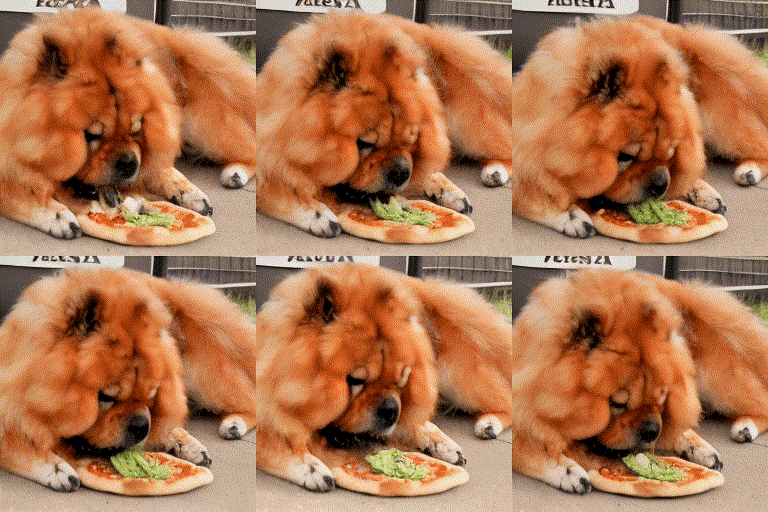
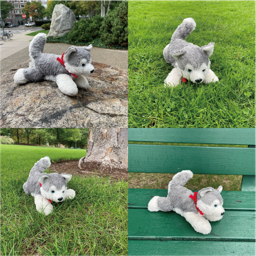
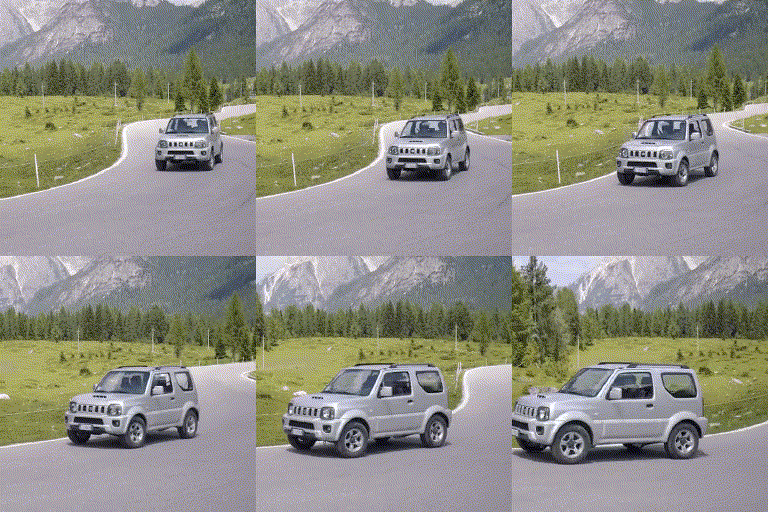
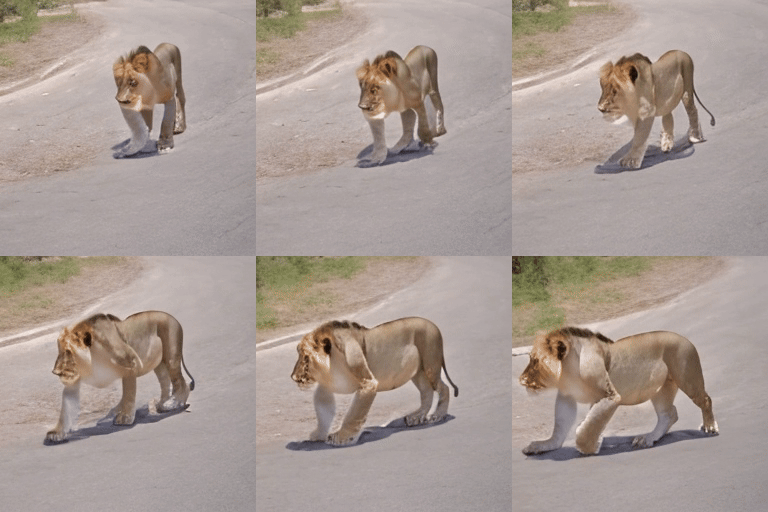
Due to the compression of our video quality in GIF format, please click 'HRER' below to view the original video.
[](https://replicate.com/cjwbw/i2vgen-xl/)
## 🔥News!!!
- __[2024.06]__ We release the code and models of [InstructVideo](https://instructvideo.github.io/). InstructVideo enables the **LoRA** fine-tuning and inference in VGen. Feel free to use LoRA fine-tuning for other tasks.
- __[2024.04]__ We release the models of [DreamVideo](https://dreamvideo-t2v.github.io) and ModelScopeT2V V1.5!!! ModelScopeT2V V1.5 is further fine-tuned on ModelScopeT2V for 365k iterations with more data.
- __[2024.04]__ We release the code and models of [TF-T2V](https://tf-t2v.github.io)!
- __[2024.04]__ We release the code and models of [VideoLCM](https://tf-t2v.github.io)!
- __[2024.03]__ We release the training and inference code of [DreamVideo](https://dreamvideo-t2v.github.io)!
- __[2024.03]__ We release the code and model of HiGen!!
- __[2024.01]__ The gradio demo of I2VGen-XL has been completed in [HuggingFace](https://huggingface.co/spaces/damo-vilab/I2VGen-XL), thanks to our colleague @[Wenmeng Zhou](https://github.com/wenmengzhou) and @[AK](https://twitter.com/_akhaliq) for the support, and welcome to try it out.
- __[2024.01]__ We support running the gradio app locally, thanks to our colleague @[Wenmeng Zhou](https://github.com/wenmengzhou) for the support and @[AK](https://twitter.com/_akhaliq) for the suggestion, and welcome to have a try.
- __[2024.01]__ Thanks @[Chenxi](https://chenxwh.github.io) for supporting the running of i2vgen-xl on [](https://replicate.com/cjwbw/i2vgen-xl/). Feel free to give it a try.
- __[2024.01]__ The gradio demo of I2VGen-XL has been completed in [Modelscope](https://modelscope.cn/studios/damo/I2VGen-XL/summary), and welcome to try it out.
- __[2023.12]__ We have open-sourced the code and models for [DreamTalk](https://github.com/ali-vilab/dreamtalk), which can produce high-quality talking head videos across diverse speaking styles using diffusion models.
- __[2023.12]__ We release [TF-T2V](https://tf-t2v.github.io) that can scale up existing video generation techniques using text-free videos, significantly enhancing the performance of both [Modelscope-T2V](https://arxiv.org/abs/2308.06571) and [VideoComposer](https://videocomposer.github.io) at the same time.
- __[2023.12]__ We updated the codebase to support higher versions of xformer (0.0.22), torch2.0+, and removed the dependency on flash_attn.
- __[2023.12]__ We release [InstructVideo](https://instructvideo.github.io/) that can accept human feedback signals to improve VLDM
- __[2023.12]__ We release the diffusion based expressive talking head generation [DreamTalk](https://dreamtalk-project.github.io)
- __[2023.12]__ We release the high-efficiency video generation method [VideoLCM](https://arxiv.org/abs/2312.09109)
- __[2023.12]__ We release the code and model of [I2VGen-XL](https://i2vgen-xl.github.io) and the [ModelScope T2V](https://arxiv.org/abs/2308.06571)
- __[2023.12]__ We release the T2V method [HiGen](https://higen-t2v.github.io) and customizing T2V method [DreamVideo](https://dreamvideo-t2v.github.io).
- __[2023.12]__ We write an [introduction document](doc/introduction.pdf) for VGen and compare I2VGen-XL with SVD.
- __[2023.11]__ We release a high-quality I2VGen-XL model, please refer to the [Webpage](https://i2vgen-xl.github.io)
## TODO
- [x] Release the technical papers and webpage of [I2VGen-XL](doc/i2vgen-xl.md)
- [x] Release the code and pretrained models that can generate 1280x720 videos
- [x] Release the code and models of [DreamTalk](https://github.com/ali-vilab/dreamtalk) that can generate expressive talking head
- [ ] Release the code and pretrained models of [HumanDiff]()
- [ ] Release models optimized specifically for the human body and faces
- [ ] Updated version can fully maintain the ID and capture large and accurate motions simultaneously
- [ ] Release other methods and the corresponding models
## Preparation
The main features of VGen are as follows:
- Expandability, allowing for easy management of your own experiments.
- Completeness, encompassing all common components for video generation.
- Excellent performance, featuring powerful pre-trained models in multiple tasks.
### Installation
```
conda create -n vgen python=3.8
conda activate vgen
pip install torch==1.12.0+cu113 torchvision==0.13.0+cu113 torchaudio==0.12.0 --extra-index-url https://download.pytorch.org/whl/cu113
pip install -r requirements.txt -i https://pypi.tuna.tsinghua.edu.cn/simple
```
You also need to ensure that your system has installed the `ffmpeg` command. If it is not installed, you can install it using the following command:
```
sudo apt-get update && apt-get install ffmpeg libsm6 libxext6 -y
```
### Datasets
We have provided a **demo dataset** that includes images and videos, along with their lists in ``data``.
*Please note that the demo images used here are for testing purposes and were not included in the training.*
### Clone the code
```
git clone https://github.com/ali-vilab/VGen.git
cd VGen
```
## Getting Started with VGen
### (1) Train your text-to-video model
Executing the following command to enable distributed training is as easy as that.
```
python train_net.py --cfg configs/t2v_train.yaml
```
In the `t2v_train.yaml` configuration file, you can specify the data, adjust the video-to-image ratio using `frame_lens`, and validate your ideas with different Diffusion settings, and so on.
- Before the training, you can download any of our open-source models for initialization. Our codebase supports custom initialization and `grad_scale` settings, all of which are included in the `Pretrain` item in yaml file.
- During the training, you can view the saved models and intermediate inference results in the `workspace/experiments/t2v_train`directory.
After the training is completed, you can perform inference on the model using the following command.
```
python inference.py --cfg configs/t2v_infer.yaml
```
Then you can find the videos you generated in the `workspace/experiments/test_img_01` directory. For specific configurations such as data, models, seed, etc., please refer to the `t2v_infer.yaml` file.
*If you want to directly load our previously open-sourced [Modelscope T2V model](https://huggingface.co/damo-vilab/modelscope-damo-text-to-video-synthesis/tree/main), please refer to [this link](https://github.com/damo-vilab/i2vgen-xl/issues/31).*
### (2) Run the I2VGen-XL model
(i) Download model and test data:
```
!pip install modelscope
from modelscope.hub.snapshot_download import snapshot_download
model_dir = snapshot_download('damo/I2VGen-XL', cache_dir='models/', revision='v1.0.0')
```
or you can also download it through HuggingFace (https://huggingface.co/damo-vilab/i2vgen-xl):
```
# Make sure you have git-lfs installed (https://git-lfs.com)
git lfs install
git clone https://huggingface.co/damo-vilab/i2vgen-xl
```
(ii) Run the following command:
```
python inference.py --cfg configs/i2vgen_xl_infer.yaml
```
or you can run:
```
python inference.py --cfg configs/i2vgen_xl_infer.yaml test_list_path data/test_list_for_i2vgen.txt test_model models/i2vgen_xl_00854500.pth
```
The `test_list_path` represents the input image path and its corresponding caption. Please refer to the specific format and suggestions within demo file `data/test_list_for_i2vgen.txt`. `test_model` is the path for loading the model. In a few minutes, you can retrieve the high-definition video you wish to create from the `workspace/experiments/test_list_for_i2vgen` directory. At present, we find that the current model performs inadequately on **anime images** and **images with a black background** due to the lack of relevant training data. We are consistently working to optimize it.
(iii) Run the gradio app locally:
```
python gradio_app.py
```
(iv) Run the model on ModelScope and HuggingFace:
- [Modelscope](https://modelscope.cn/studios/damo/I2VGen-XL/summary)
- [HuggingFace](https://huggingface.co/spaces/damo-vilab/I2VGen-XL)
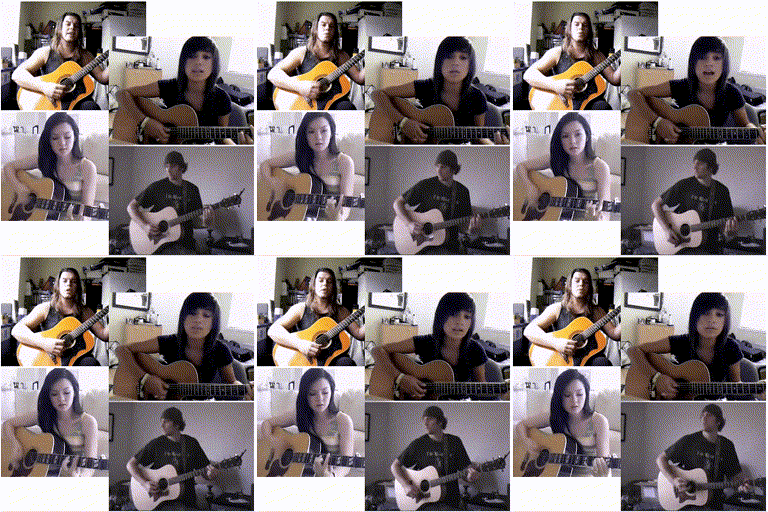
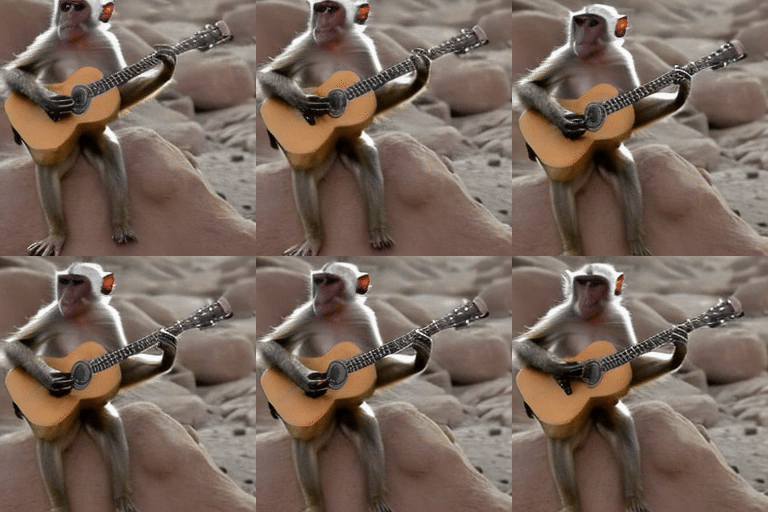
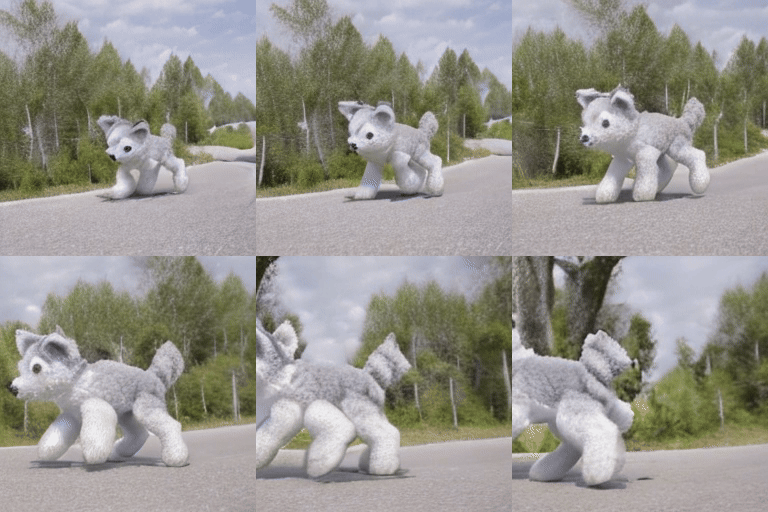
Due to the compression of our video quality in GIF format, please click 'HRER' below to view the original video.
Input Image |
Click HERE to view the generated video. |
Input Image |
Click HERE to view the generated video. |
Input Image |
Click HERE to view the generated video. |
Input Image |
Click HERE to view the generated video. |
Click HERE to view the generated video. |
Click HERE to view the generated video. |

|
|
|

|
|
|
|
|
|
|
|
|
|

|
|
|
|

|
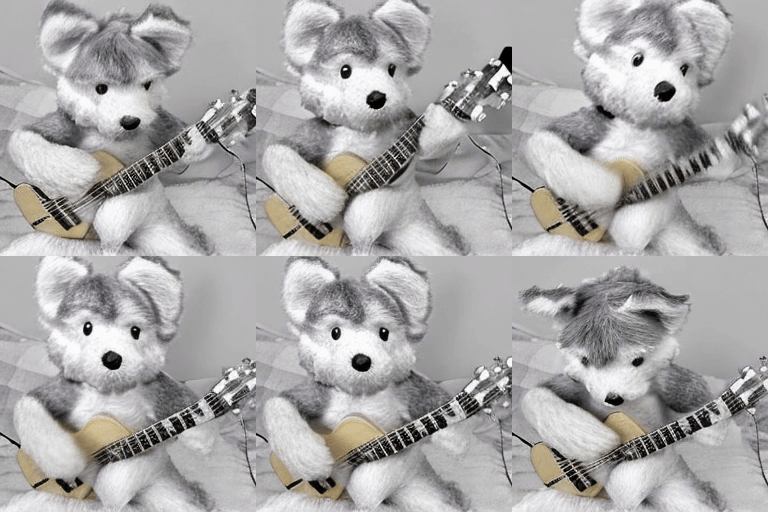
|
Click HERE to view the generated video. |
Click HERE to view the generated video. |
Click HERE to view the generated video. |
Click HERE to view the generated video. |
Click HERE to view the generated video. |
Click HERE to view the generated video. |
Click HERE to view the generated video. |
Click HERE to view the generated video. |